Starlink Mini for RVs and cars: power, mounts and setup
The Mini is small enough to pack and runs on USB-C or 12V power. Here is how to power it on the road and which mount to use, parked or moving.
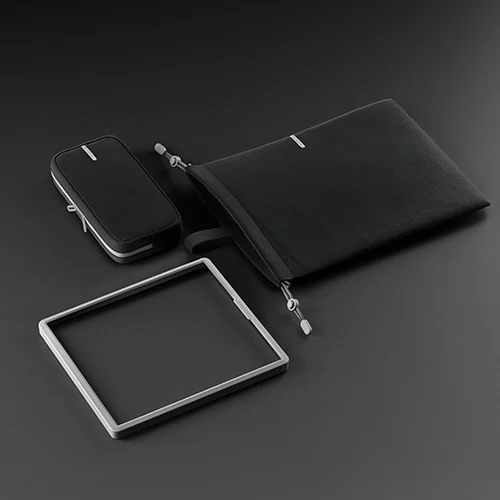
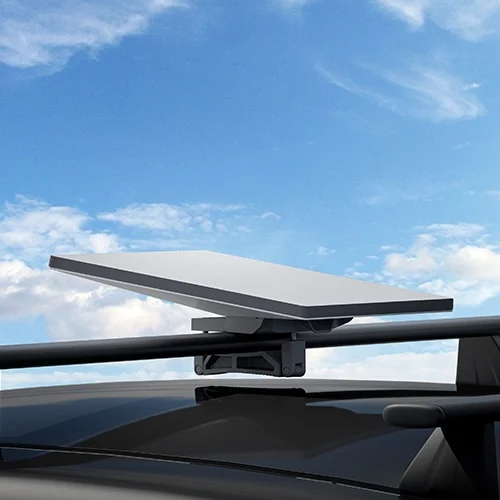
Power the Mini from a 12V socket with the car adapter, from a USB-C PD power bank or charger, or wire it to the vehicle battery with the DC cable. Use the kickstand or a travel setup when parked. If you want internet while driving, use a mobility mount or roof rack mount and check that your plan allows in-motion use.
Powering the Mini
The Mini has no separate power brick, so you have three ways to power it on the road.
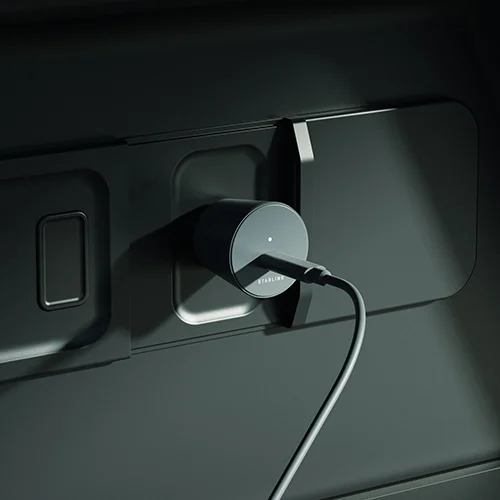
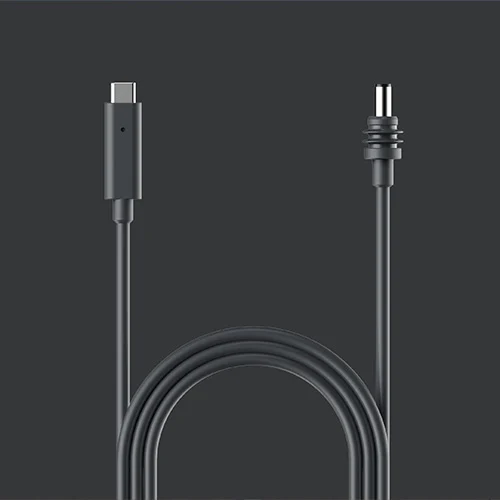
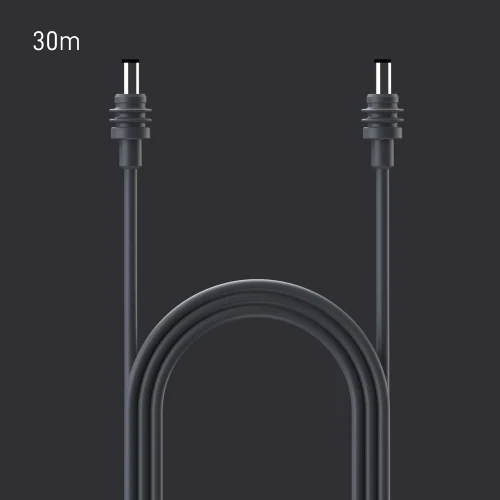
A power bank only helps if it can supply enough wattage over USB-C PD. Check the Mini's power rating in Starlink's specifications against the bank before you rely on it.
Mounting: parked
Parked, most people use the built-in kickstand on a picnic table or the ground. If you set up in a new spot often, the travel kit keeps the pieces together. For a longer stay, a pivot or wall mount lifts the dish above the roofline of the RV.
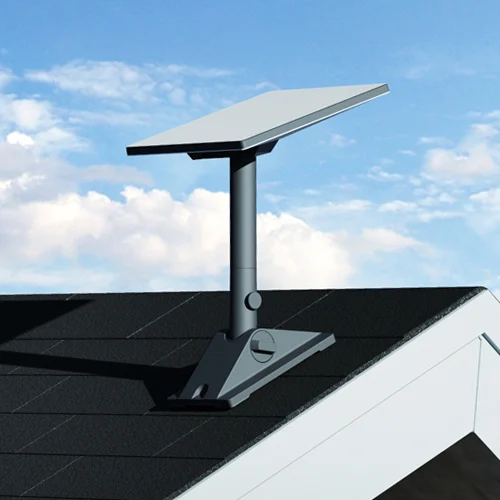
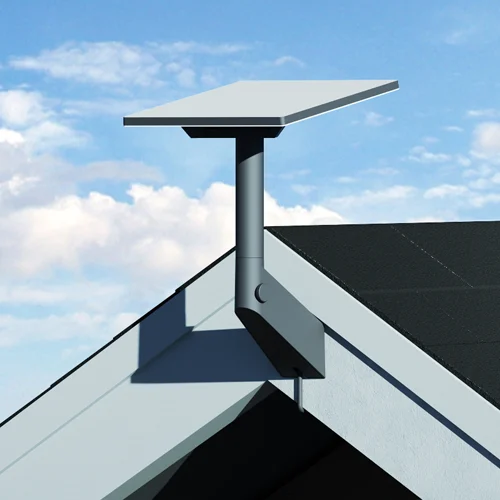
Mounting: while driving
Never drive with the Mini on its kickstand or a loose mount. For use in motion, Starlink sells two vehicle mounts. Your plan also has to allow in-motion use, so check your plan in the Starlink app first.

Cable runs and replacements
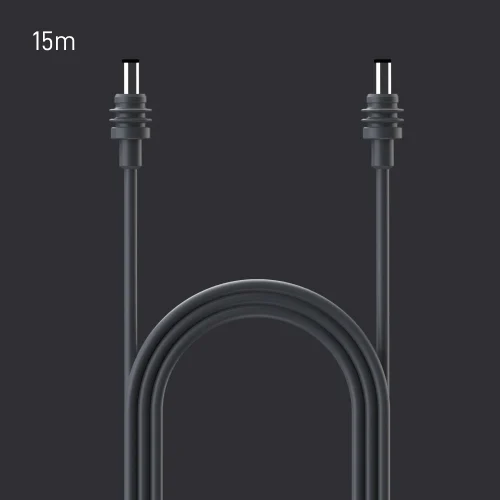
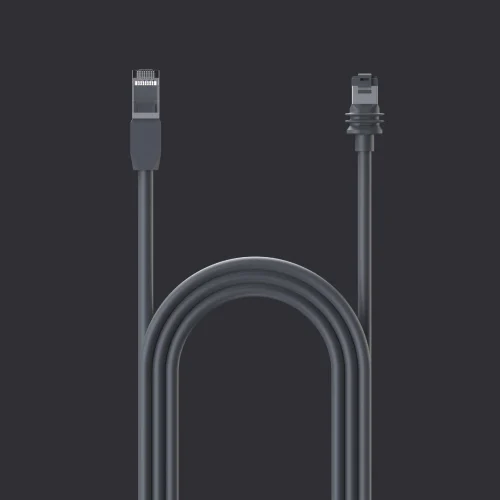
The 15 m Mini cable replaces the one in the box if it is damaged. For a mounted dish, route the cable through an existing roof vent or cable entry where you can. For full Standard, Performance and Enterprise options, see our Starlink accessories guide.
Mini or Standard for an RV?
The Mini is lighter, draws less power and packs into a bag. The Standard kit is faster but needs mains power through its supply or an inverter. Our Starlink review compares the kits and plans, and covers whether the Roam data allowance is enough for travel.
Setting up at a fixed site instead? The Starlink setup guide covers placement and obstruction checks.
Jean founded ShopHighSpeed after trying to find one straight answer about business internet in his own town. He has been a Comcast and Verizon Fios customer, and builds the site’s rankings from the availability data providers file with the FCC rather than from provider marketing.