Which modems work with your provider
Buy the wrong modem and it simply won't activate. Here's what each major cable provider approves, matched to the plan speed you're actually paying for.
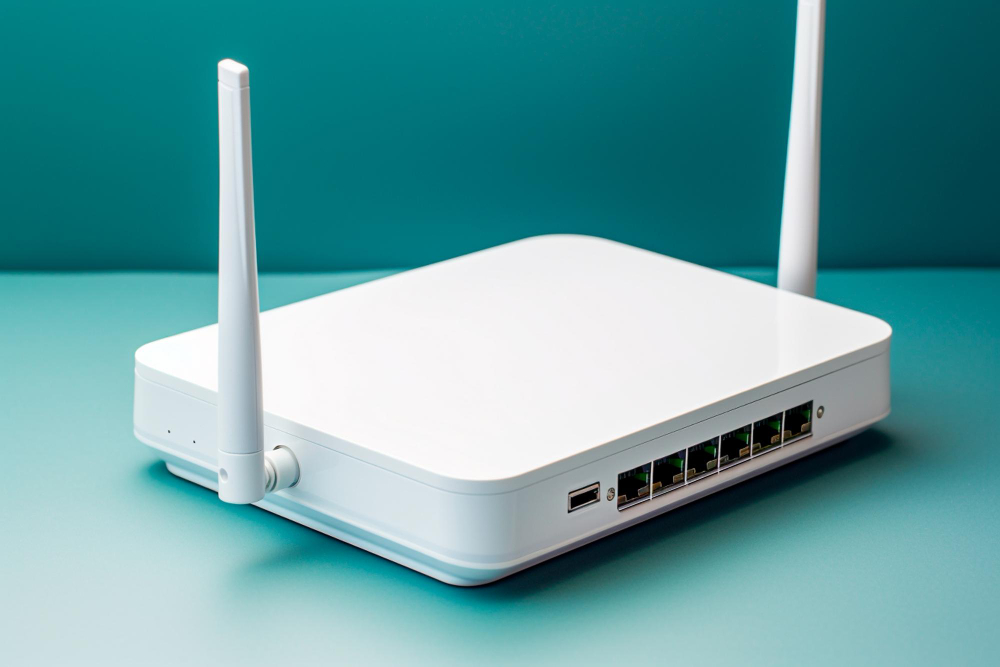
Compatibility comes down to two things: the DOCSIS version and whether your exact model is on your provider's approved list. A DOCSIS 3.1 modem like the Motorola MB8611 is approved across Xfinity, Spectrum and Cox and covers every plan up to a gig — that's the safe default if you don't want to research further.
Why approved lists exist
Cable providers provision your service by talking to your modem directly, so they certify specific models against their network and firmware. This isn't purely bureaucratic: an uncertified modem may connect but fail to get your full provisioned speed, or drop off during a network-side firmware push. If a model isn't on the list, support won't troubleshoot it either.
The lists change, so check yours the day you buy rather than trusting a roundup — including this one. Search your provider's name plus "approved modems" and you'll land on the official page.
Match the DOCSIS version to your plan
This is the part most people get wrong, in both directions — buying a DOCSIS 3.0 modem for a gigabit plan and quietly capping their speed, or buying a multi-gig modem for a 300 Mbps plan and overpaying for headroom they'll never touch.
By provider
Models that clear most lists
These are the units that show up on Xfinity, Spectrum and Cox lists alike, which makes them safe if you might switch providers or move:
Remember that a modem is only half of a rented gateway — you'll need a router too. See our router picks for that side, and the payback math on dropping the rental if you're still deciding.
Before you buy, check two things
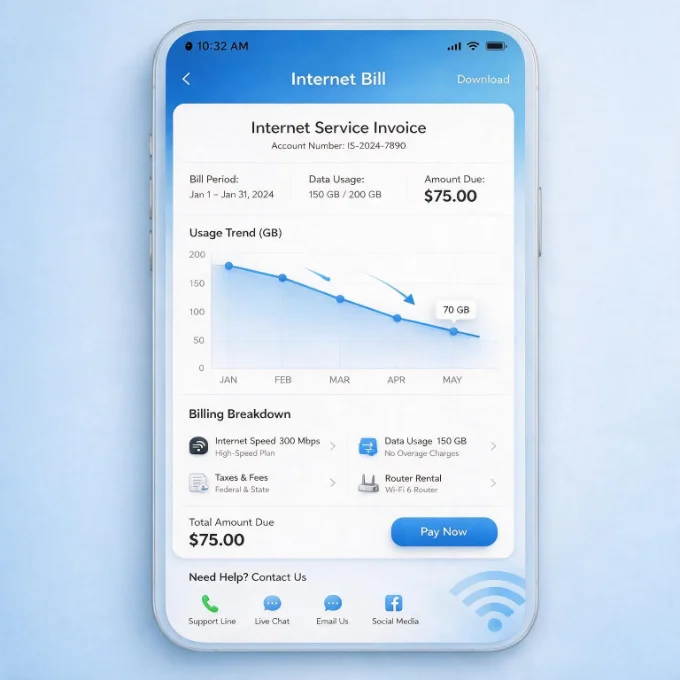
- →Your actual plan speed, from your bill rather than memory — people routinely buy for a tier they no longer have.
- →The exact model number, including any letters. An MB8611 and an MB8600 are different units with different approvals.
- →Whether it's sold as modem-only or a combo unit. Combos are convenient but you replace both halves at once when either ages out.
- →Return window. Buy somewhere you can return it if activation fails — occasionally a listed model still won't provision.
If activation fails
It's usually one of three things: the model isn't actually approved for your tier, the MAC address was entered wrong, or the provider still has the old gateway registered on your line. Have the label photographed before you start — the MAC and serial are both on it — and ask the agent to confirm they're releasing the previous device. If a genuinely approved modem still won't provision after that, return it rather than fighting; occasionally a specific unit is a lemon.
Not sure the fee is even on your bill? Here's how to read every line of it.
Jean founded ShopHighSpeed after trying to find one straight answer about business internet in his own town. He has been a Comcast and Verizon Fios customer, and builds the site’s rankings from the availability data providers file with the FCC rather than from provider marketing.