When a cable beats any Wi-Fi upgrade
The cheapest fix for bad Wi-Fi is often to stop using Wi-Fi for the things that don't need it. What to wire, and how to wire it in a house you can't drill.
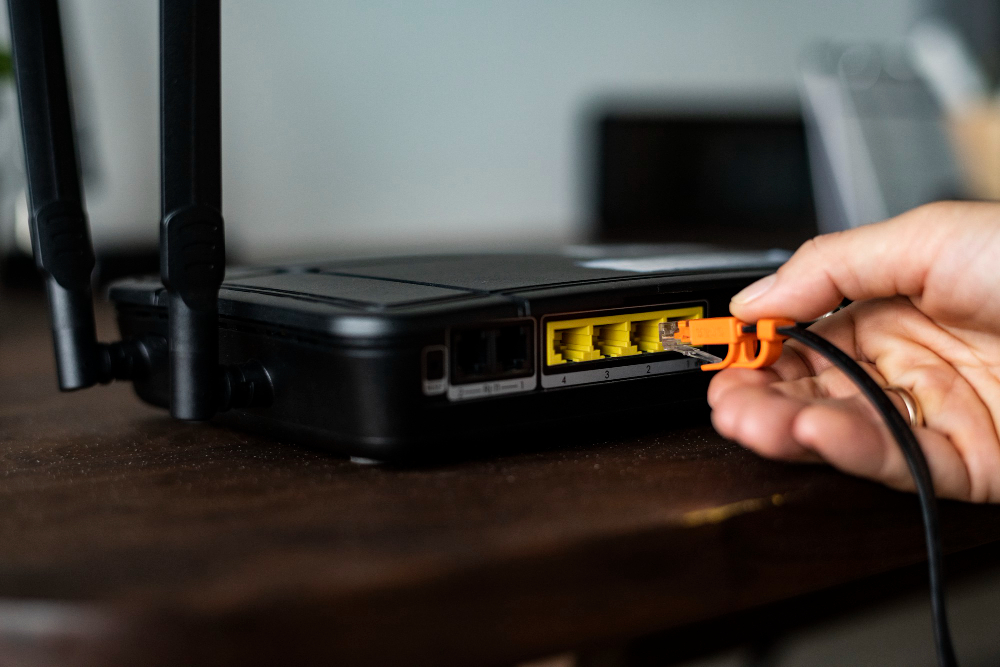
Anything that doesn't move should be wired: desktops, consoles, TVs, and above all mesh nodes. A wired backhaul roughly doubles what a mesh system delivers at the far end of the house, which makes a $15 cable the highest-return networking purchase most people can make.
Why wired still wins
Ethernet gives you the full plan speed, latency in the low single-digit milliseconds, and no interference from neighbours or microwaves. Wi-Fi is a shared medium — every device competes for airtime — so moving your two heaviest devices onto cable also makes Wi-Fi better for everything left on it. You're not just upgrading the wired devices; you're clearing the air.
What to wire, in priority order
- →Mesh nodes. The single highest-value run. A wired backhaul frees the node from relaying over the air and roughly doubles far-end throughput.
- →Desktop workstations. Never move, use the most bandwidth, and benefit most from stable latency.
- →Game consoles. Latency matters more than raw speed, and wired is the only way to make it predictable.
- →The main TV. 4K streams tolerate Wi-Fi, but a wired TV is one fewer heavy device competing at peak evening hours.
- →Anything in the room next to the router. If the cable run is trivial, take the free win.
Wiring a house you can't drill
Renters and older houses have options short of running cable through walls.
Don't overbuy cable
Cat 6 is the sensible default and costs a few dollars more than Cat 5e. Cat 5e still handles gigabit fine over normal household lengths, so if you already own some, use it. Cat 7 and Cat 8 are sold hard online and do nothing useful in a home — they're specified for data-centre runs far longer than anything in your house. Buy Cat 6, buy it slightly longer than you measured, and put the savings elsewhere.
A realistic order of operations
- 1Test wired speed at the modem, so you know what you're actually working with.
- 2Move the router central and high — free, and it fixes more than people expect.
- 3Wire whatever is easy to wire, starting with mesh nodes and the desktop.
- 4Only then buy hardware, and buy for the problem the tests revealed.
Working through the hardware side next? Our mesh vs. extender guide covers what to buy once the easy wins are done, and the router picks cover the units themselves.
Still renting a gateway from your provider? Buying your own pays back in about eight months.
Jean founded ShopHighSpeed after trying to find one straight answer about business internet in his own town. He has been a Comcast and Verizon Fios customer, and builds the site’s rankings from the availability data providers file with the FCC rather than from provider marketing.