Is Wi-Fi 7 worth it yet?
The boxes all say Wi-Fi 7 now, and the premium is real. Here's the short list of homes that actually see a difference — and what the rest should buy.
For most homes, no. Wi-Fi 7 only pays off if you have a multi-gig internet plan, recent devices that speak Wi-Fi 7, and a dense, congested airspace. Everyone else is better served by a well-placed Wi-Fi 6 or 6E system and putting the savings toward coverage instead.
The generations, briefly
Your plan is usually the ceiling
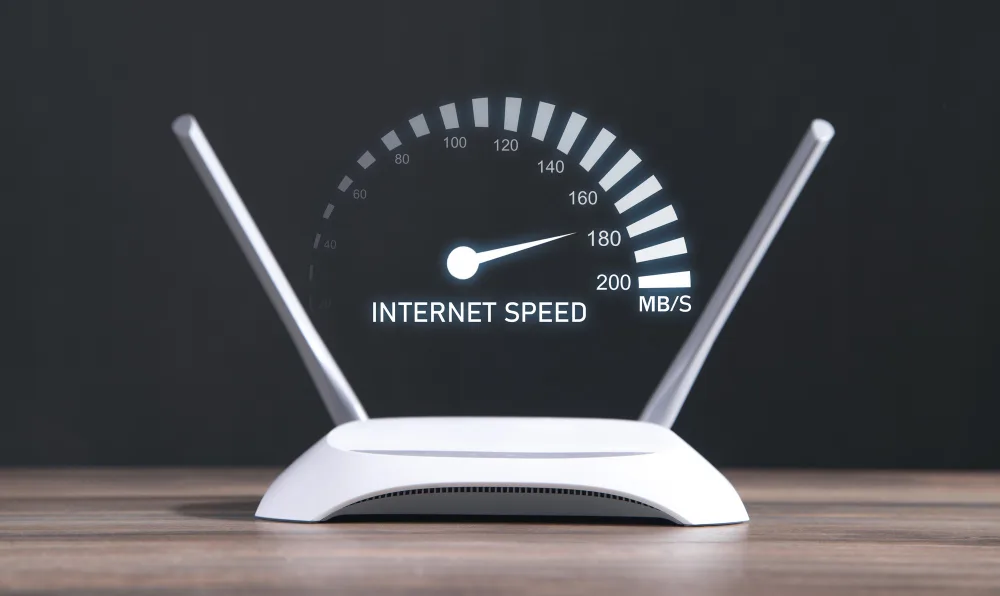
This is the part the marketing skips. Wi-Fi is rarely the bottleneck on a 300 Mbps or 500 Mbps plan — the plan is. A Wi-Fi 7 router on a 500 Mbps connection delivers 500 Mbps, exactly like the Wi-Fi 6 router it replaced, because you can't distribute bandwidth you were never sold.
Work out your actual ceiling before you shop. Our guide to router speed for your plan covers the maths, and the data usage calculator helps if you're unsure what your household really needs.
Who genuinely benefits
- →Multi-gig plans. If you pay for 2 Gbps or more, Wi-Fi 7 plus a 2.5 Gbps port is how you actually see it wirelessly.
- →Very dense buildings. Wi-Fi 7's wider channels and band-hopping cope better where dozens of networks overlap.
- →Wired-backhaul mesh in big homes. The extra headroom helps when nodes carry a lot of traffic between them.
- →VR and high-bitrate local streaming. Latency-sensitive traffic inside the house, not to the internet, is where the new standard shines.
Who should skip it
If your plan is under a gigabit, your devices are more than two years old, or your complaint is dead zones rather than peak speed, Wi-Fi 7 solves nothing you're experiencing. Dead zones are a geometry problem — you fix them with node placement, not a newer standard. Spending the premium on a third mesh node instead of a faster one is almost always the better trade.
There's also the client-device catch: your phone and laptop have to support Wi-Fi 7 to use it. A Wi-Fi 7 router talking to Wi-Fi 6 devices runs at Wi-Fi 6 speeds. Check what you own before you upgrade what broadcasts to it.
What to buy instead
If you're buying new anyway and the price gap is small, take the Wi-Fi 7 unit — it's the version you'll keep for five years. Just don't replace working hardware for it. And if you're on cable and still renting your gateway, dropping the rental saves more per year than any of this hardware costs.
Fixing coverage rather than speed? Mesh, extender or a new router — how to tell which you need.
Jean founded ShopHighSpeed after trying to find one straight answer about business internet in his own town. He has been a Comcast and Verizon Fios customer, and builds the site’s rankings from the availability data providers file with the FCC rather than from provider marketing.