How to set up a mesh Wi-Fi network
Mesh Wi-Fi promises whole-home coverage, but only if the nodes are placed right. Here's how to set one up the way we do in testing.

Put your main node at the modem, then place each satellite about halfway to your dead zones — close enough to still receive a strong signal, not out at the far edge. Use the app to check the link between nodes, and run Ethernet backhaul between them if you can. Still choosing a system? See the best mesh Wi-Fi systems of 2026.
How mesh differs from an extender
Before you set one up, it helps to know why mesh works where older fixes didn't. A traditional Wi-Fi extender creates a second, separate network (often 'MyWiFi_EXT') that your devices don't hand off between smoothly, and it usually halves the speed. A mesh system instead uses several nodes that act as one seamless network under a single name — walk from the living room to the back bedroom and your phone moves to the nearest node automatically, without dropping the call or reconnecting.
That seamless roaming, plus smarter routing between nodes, is what makes mesh the right answer for whole-home coverage. Setting it up well comes down to placement, which is what the rest of this guide covers.
Plan your node placement
A mesh system only works as well as its weakest link between nodes. The goal is a chain where each unit still hears the one before it clearly, then re-broadcasts a fresh strong signal onward. If a node is placed too far out — inside the dead zone it's meant to fix — it receives a weak signal and can only rebroadcast something weaker still.
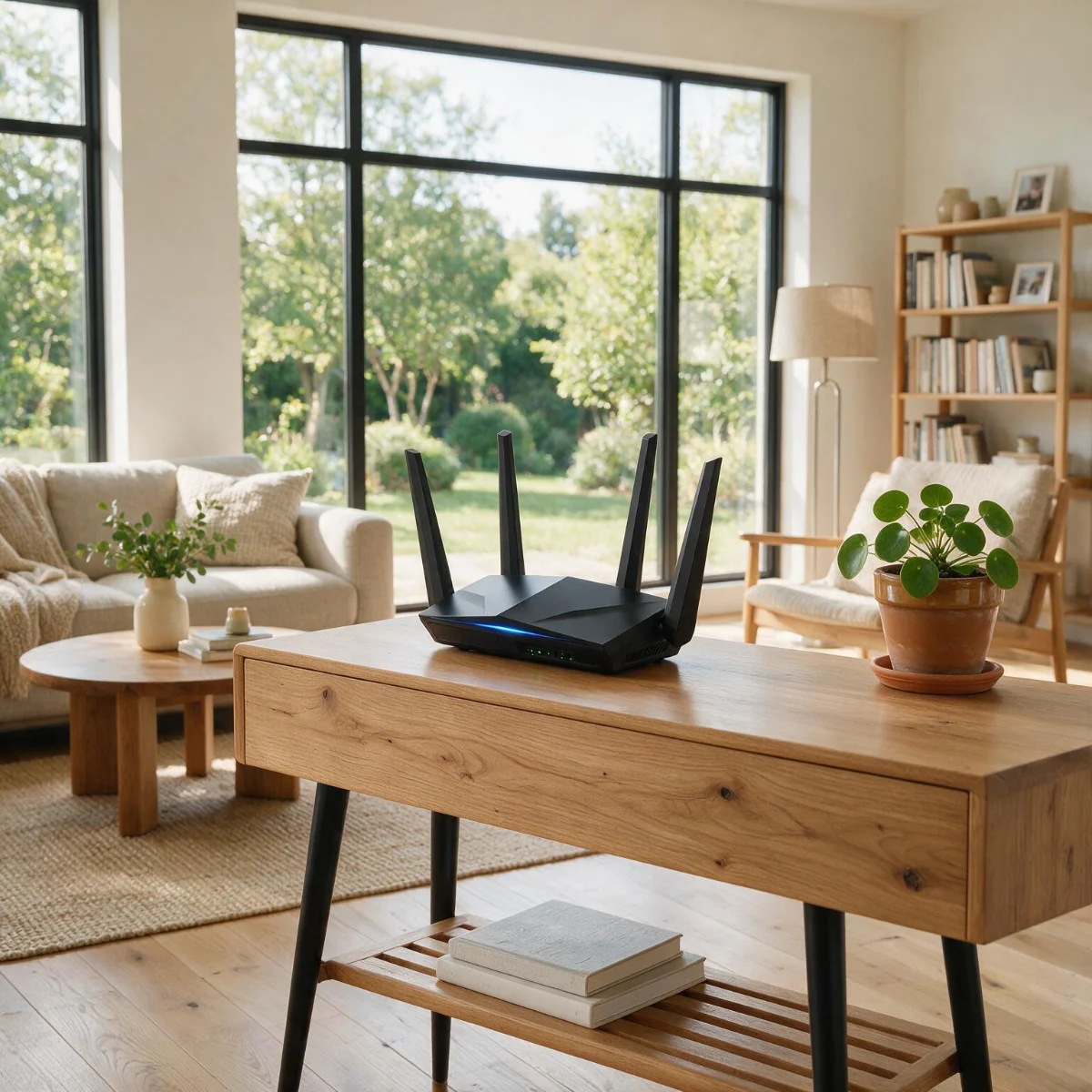
Before plugging anything in, walk your home and note where the signal drops today. Those dead zones are what your satellites need to reach — but the satellites themselves should sit closer to the strong signal, not inside the dead zone. Think of each node as extending the edge of good coverage a bit further, not teleporting it across the house.
Set up the main node
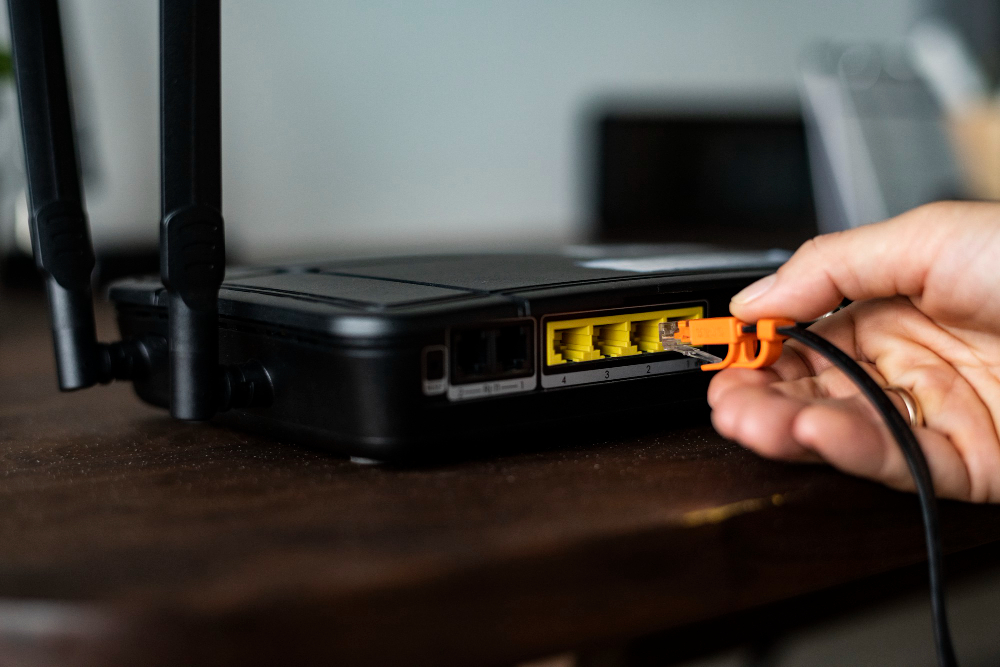
Connect the main node to your modem or gateway with an Ethernet cable and power it on. Install the manufacturer's app, which walks you through naming the network and creating a password. Keep this node central and elevated, just as you would a single router — its position sets the anchor point for everything else.
If your internet comes through an ISP gateway that already broadcasts Wi-Fi, put that gateway into 'bridge' or modem-only mode so you don't run two competing networks. Your mesh app usually detects this and prompts you; running both at once is a common cause of flaky performance after a mesh install.
Add and position the satellites
Add satellites one at a time in the app, positioning and confirming each before moving to the next. As a rule of thumb:
- →Place each satellite roughly halfway between the main node and the dead zone
- →Keep line of sight where possible — fewer walls means a stronger link
- →Avoid tucking a node behind a TV, in a cabinet, or on the floor
- →Use the app's signal indicator to confirm a strong node-to-node connection before finalizing
- →Space nodes evenly rather than clustering them near the router
Use wired backhaul if you can
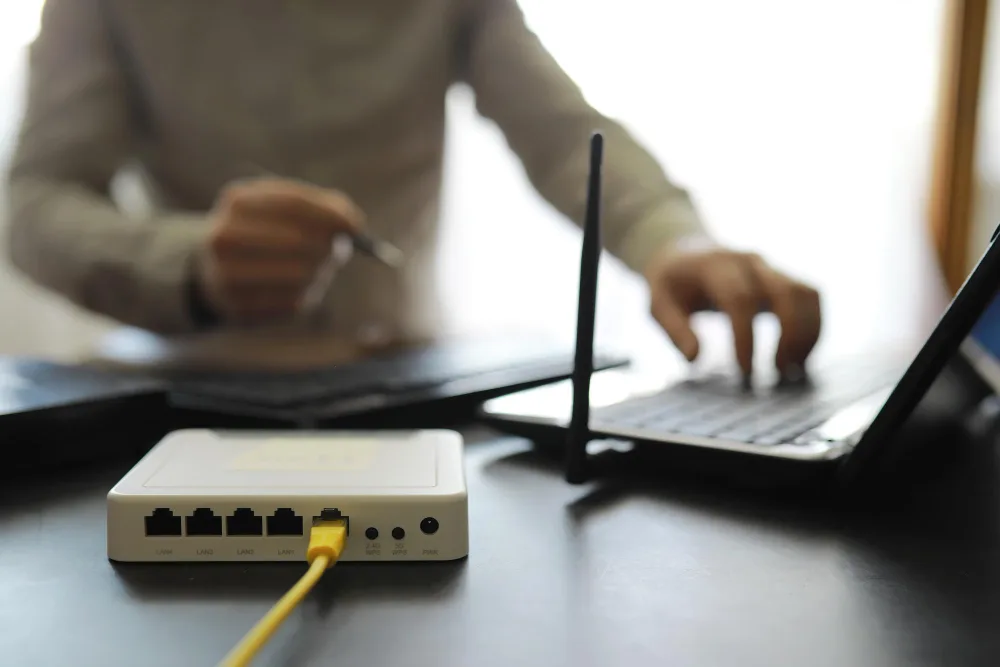
The single biggest upgrade to any mesh system is 'wired backhaul' — running an Ethernet cable between nodes instead of relying on the wireless link. It frees up wireless bandwidth for your actual devices and gives each node a rock-steady, full-speed connection back to the main unit. On a wireless mesh, the nodes have to spend some of their capacity talking to each other; wired backhaul removes that tax entirely.
If you have coax or Ethernet runs in the walls, or can route a cable along a baseboard, it's well worth the effort — it's the difference between good mesh and great mesh. Where wiring genuinely isn't possible, choose a tri-band mesh system, which dedicates one radio band solely to node-to-node communication and is the next best thing to a wire.
Test and fine-tune
Once everything's placed, walk the house with a phone and run a quick speed test in each room, paying attention to the spots that used to drop. If a room is still weak, nudge the nearest satellite a little closer to the main node and retest — small moves make a real difference. Most mesh apps also show each node's connection health, so you can spot a satellite that's straining and reposition it before it becomes a problem. A few minutes of testing now saves a lot of 'why is the Wi-Fi bad in here' later.
Before you buy nodes, try these free ways to boost your Wi-Fi.
Jean founded ShopHighSpeed after trying to find one straight answer about business internet in his own town. He has been a Comcast and Verizon Fios customer, and ranks providers on what they actually deliver, not on what they advertise.