Mesh, extender, or a new router?
Three products promise to fix the same complaint, and they solve genuinely different problems. Diagnose first — the cheapest fix is often free.

If Wi-Fi is weak everywhere, your router is the problem — replace it. If it's strong near the router and dead in specific far rooms, you need mesh. Extenders are the budget patch for one stubborn room and always cost you speed. Try moving your router first; it's free and it fixes more cases than people expect. Decided on mesh? See the best mesh Wi-Fi systems of 2026.
Diagnose before you buy
Run a speed test standing next to your router, then again in the room that frustrates you. What you're comparing is those two numbers against each other, not against the speed on your bill.
Deciding between one router and a mesh system instead? See mesh vs. router.
Try the free fix first
Routers broadcast in all directions, so a router in a corner sends half its signal into your neighbour's house. Move it central and high, off the floor, out of a cabinet, away from the microwave and away from anything with a metal panel. In a lot of homes this alone recovers a room or two — and it costs nothing to test before you spend $200.
What each option actually does
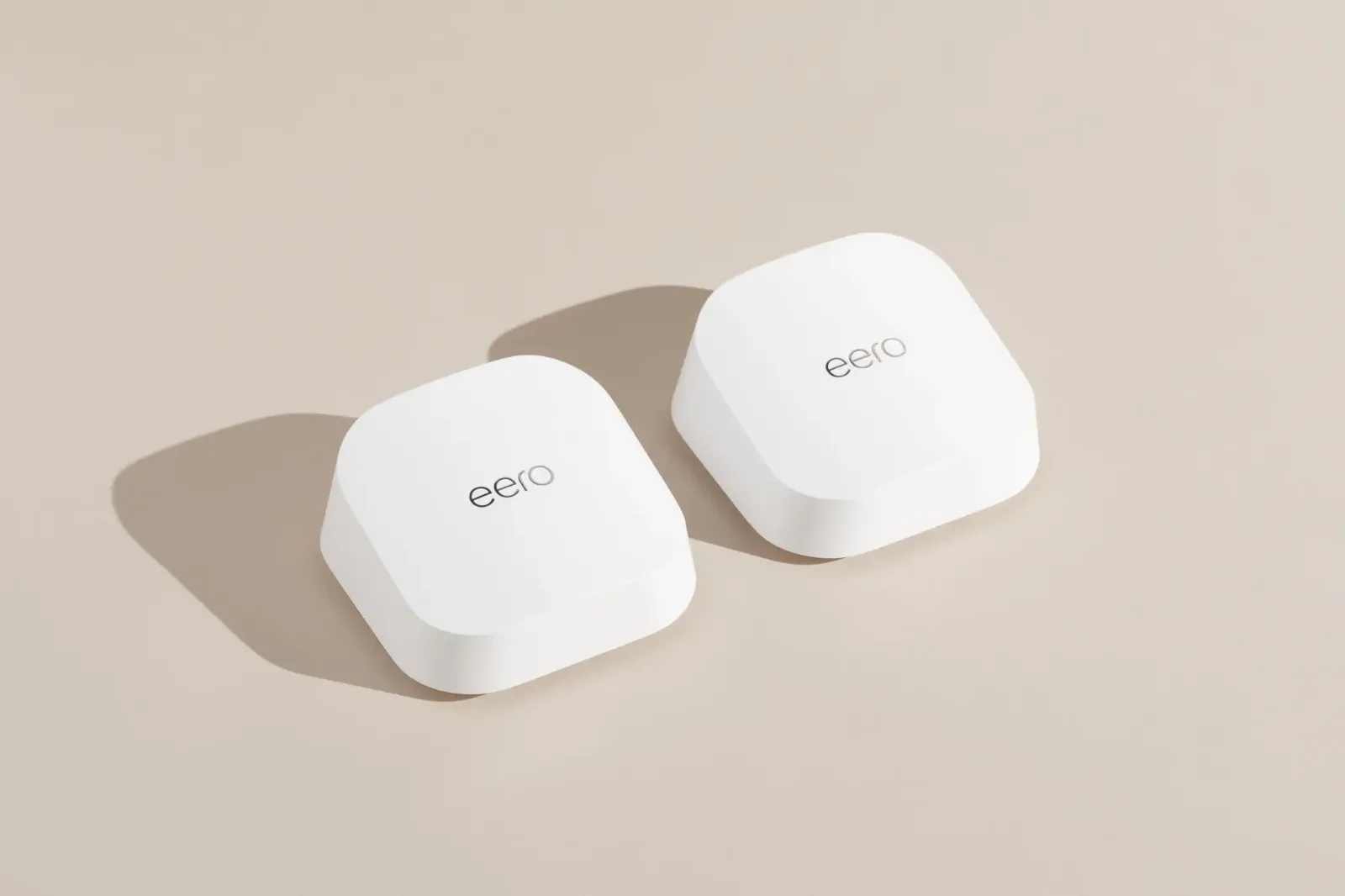
Mesh systems place multiple nodes that broadcast one seamless network and hand your devices off as you move. Extenders rebroadcast an existing signal, typically at half the throughput and often as a separate network name you have to switch to manually. A single new router just does the original job better — more headroom, newer Wi-Fi generation, better range than a five-year-old unit.
The honest hierarchy: a good router covers a compact home for the least money; mesh covers a large or multi-story home properly; an extender is a patch, not an upgrade. Buying mesh for a one-bedroom apartment is money you don't need to spend.
Our picks
Whichever you choose, place the main unit centrally and wire the nodes with Ethernet if your house allows it — a wired backhaul roughly doubles what mesh delivers at the far end. More on that in our guide to when Ethernet beats any Wi-Fi upgrade.
When an extender is the right answer
Extenders get dismissed too readily. If you have one problem room, you don't care about peak speed there, and you want to spend $40 instead of $200, an extender is a sensible purchase. A garage where you listen to podcasts, a patio, a guest room used twice a year — halved throughput is irrelevant when the alternative is nothing.
What extenders shouldn't be asked to do is carry a home office, a 4K TV or a gaming setup. If real work happens in that room, run Ethernet or add a mesh node.
Not sure how many rooms are weak? test your Wi-Fi room by room first; the results tell you whether one extender or a mesh system is the better fix.
Don't overbuy on coverage
- →Match node count to floor area — two nodes for most homes under 2,500 sq ft, three for larger or multi-story.
- →Check the WAN port speed against your plan, or a multi-gig plan will bottleneck at the router.
- →Skip subscription-gated features — basic parental controls and guest networks shouldn't cost monthly.
- →Ignore the headline speed rating. Those numbers are the sum of every band and no single device ever sees them.
Questions
Is mesh better than a Wi-Fi extender?
For whole-home coverage, yes. Mesh broadcasts one seamless network across multiple nodes at full speed, while an extender rebroadcasts an existing signal at roughly half the throughput. Extenders are best for a single low-demand room.
Do I need mesh in an apartment?
Usually not. Under about 1,500 sq ft on one floor, a single good router placed centrally covers everything for less money.
Wondering whether the newest standard is worth paying for? We ran the numbers on Wi-Fi 7.
Sources (1)
- Retailer and manufacturer product pages, prices checked Oct 2026
Prices and offers change often; confirm at your address before you order. How we research
Jean founded ShopHighSpeed after trying to find one straight answer about business internet in his own town. He has been a Comcast and Verizon Fios customer, and ranks providers on what they actually deliver, not on what they advertise.