The best Wi-Fi routers of 2026
Picks by budget, plan speed and home size, plus when you need mesh instead of a single router.
For most homes up to about 2,500 sq ft, the TP-Link Archer BE9700 (about $190–250) is the router to buy: Wi-Fi 7, strong range and multi-gig ports. On a plan of 300 Mbps or less, the Archer AX21 does the job for under $50. If your house is bigger or has several floors, skip single routers and get mesh; see the best router for a large house.
Some links on this page are affiliate links: We may earn a commission if you sign up or buy, at no cost to you. It never affects our rankings. For more information, see our Advertiser disclosure.
Our picks at a glance
| Pick | Best for | Wi-Fi | Fastest port | Price |
|---|---|---|---|---|
| TP-Link Archer BE9700 | Most homes | 7 | 10 Gbps | About $190–250 |
| TP-Link Archer AX21 | Budget, plans to 300 Mbps | 6 | 1 Gbps | Under $50 |
| TP-Link Deco X55 (3-pack) | Big or multi-floor homes | 6 | 1 Gbps | About $150–190 |
| eero Max 7 | Multi-gig plans | 7 | 10 Gbps | About $600 (2-pack) |
| ASUS ROG GT-BE19000AI | Gaming | 7 | 10 Gbps | Check price |
| GL.iNet Flint 2 | VPN and power users | 6 | 2.5 Gbps | Check price |
| ASUS ZenWiFi BT8 | Mesh without TP-Link | 7 | 10 Gbps | Check price |
Prices checked Oct 2026. Port speeds are the fastest wired port on the main unit.
The picks
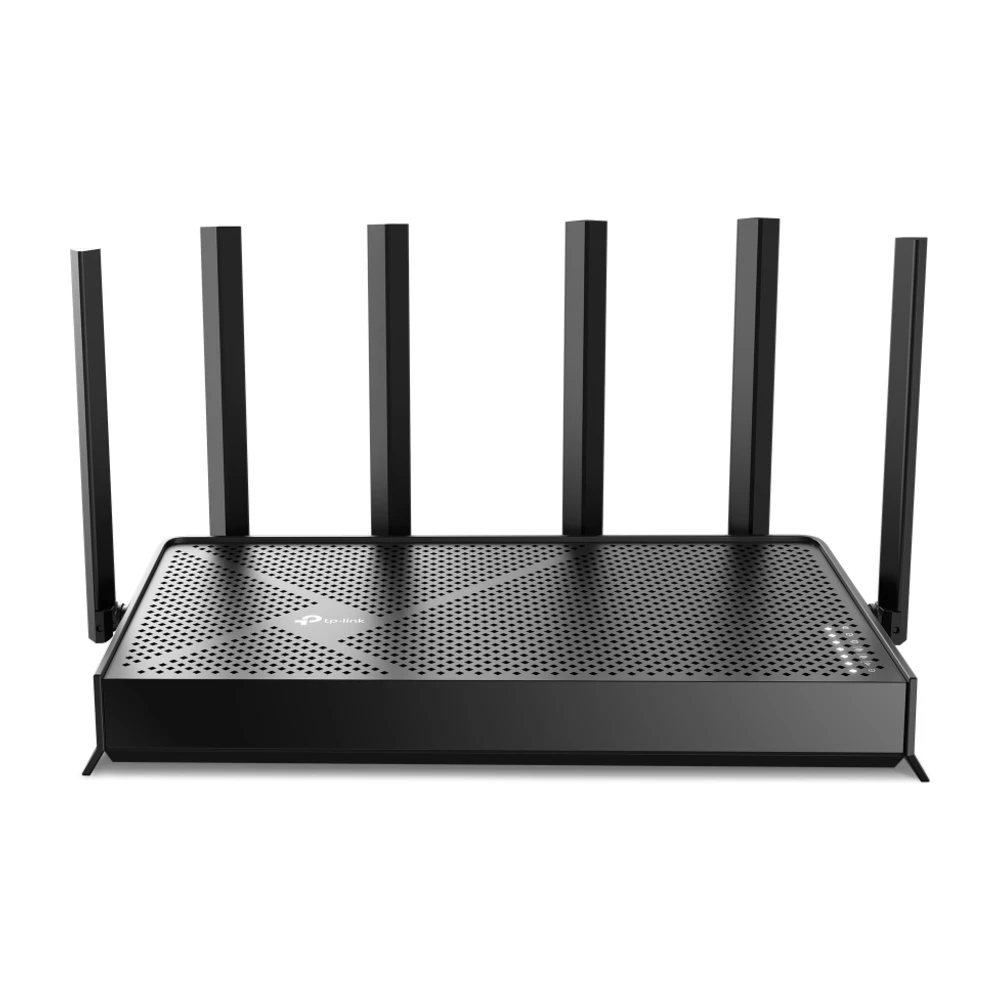
TP-Link Archer BE9700
Strong range for homes up to about 2,500 sq ft, enough capacity for several 4K TVs and video calls at once, and a 10 Gbps port so it won’t hold back a multi-gig plan later.
Skip it if: your home has several floors or the router can’t sit near the middle; get mesh instead.
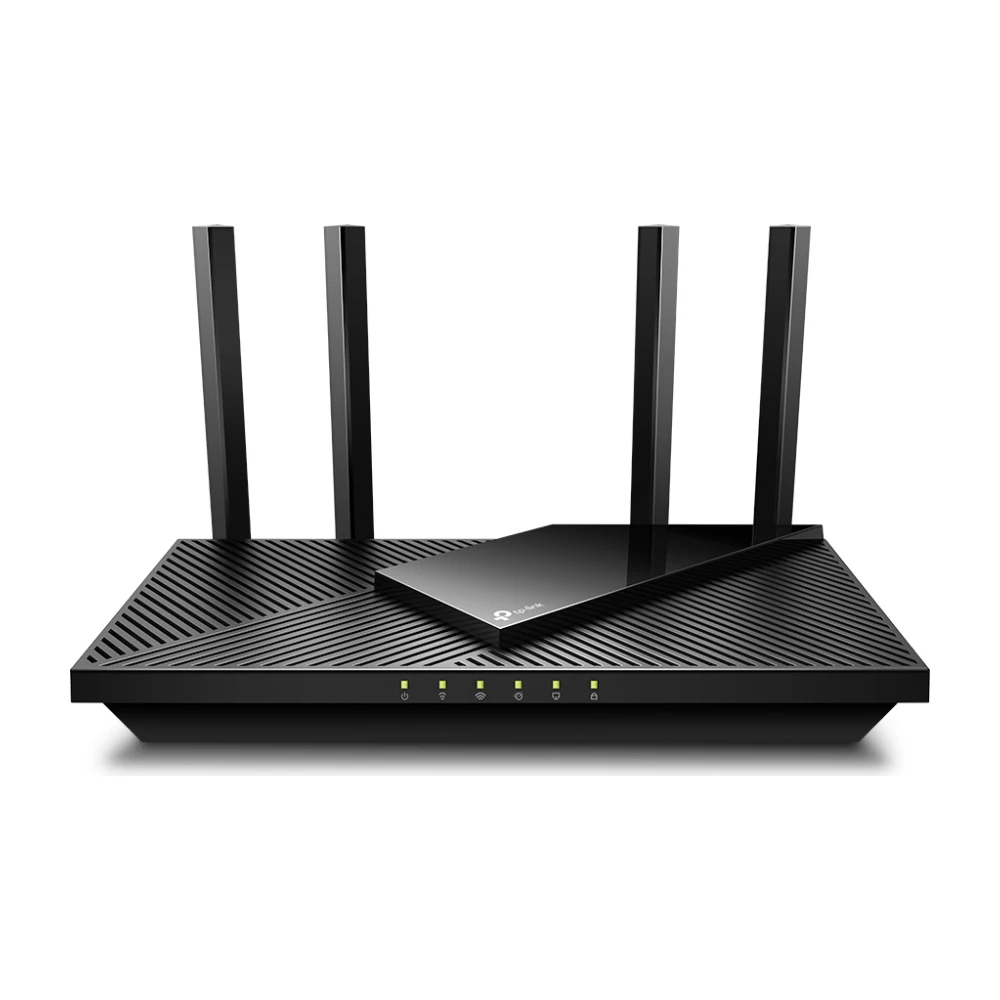
TP-Link Archer AX21
Covers an apartment or small home and keeps up with plans to about 300 Mbps. A big step up from an old Wi-Fi 5 router or a rented gateway.
Skip it if: your plan is 500 Mbps or faster.
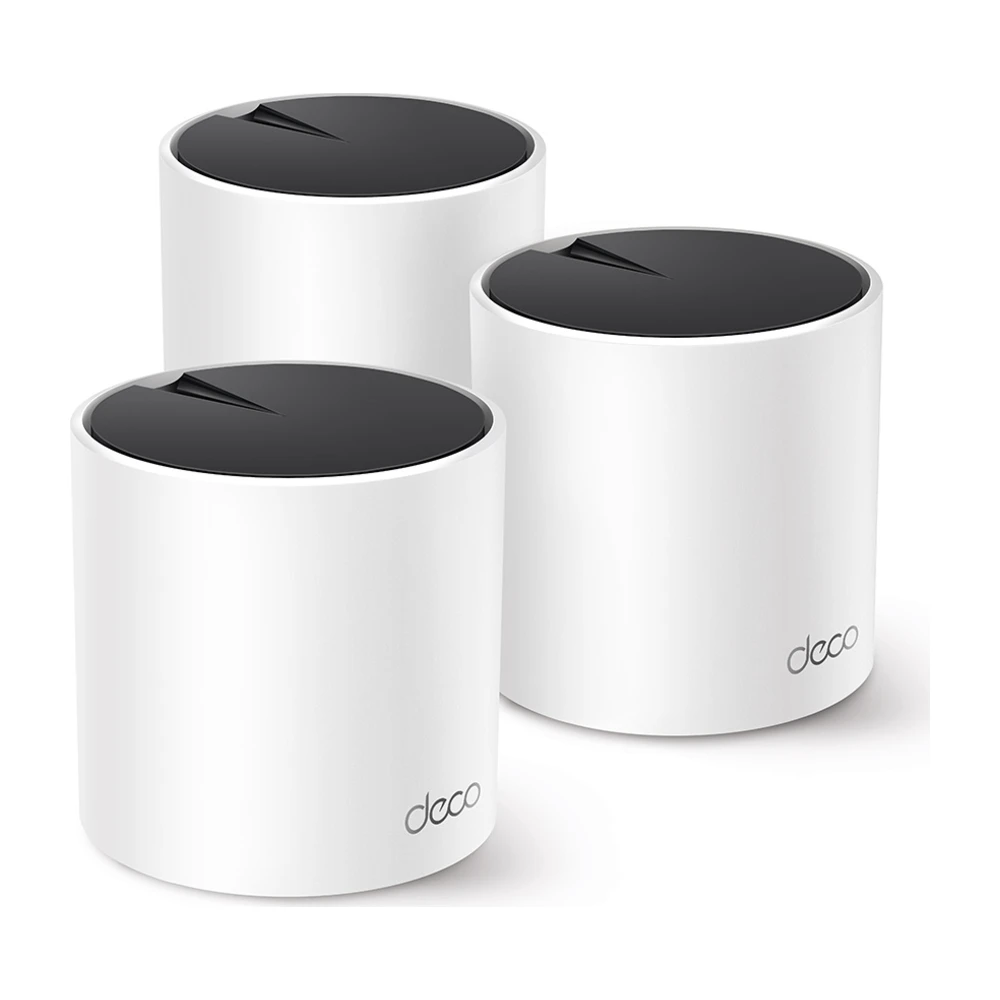
TP-Link Deco X55 (3-pack)
Three units cover up to about 6,500 sq ft in open layouts, for the price of one premium router. The simplest fix for dead zones upstairs.
Skip it if: you have a plan faster than 1 Gig.
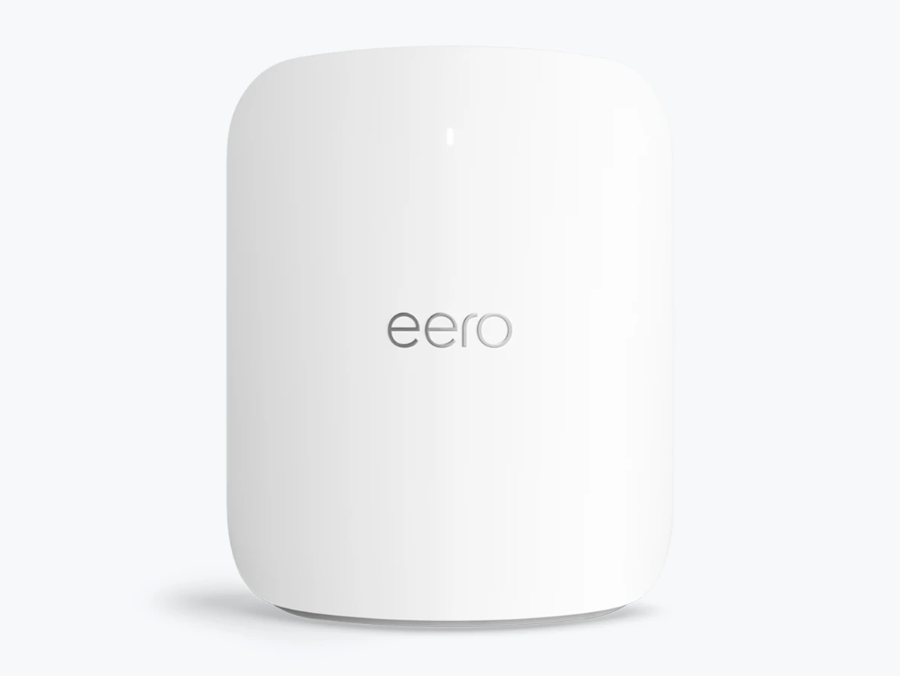
eero Max 7
The pick for 2 Gig and faster fiber plans, with two 10 Gbps ports per unit and the easiest app of any system here.
Skip it if: your plan is 1 Gig or less; you’d be paying for speed you can’t use.
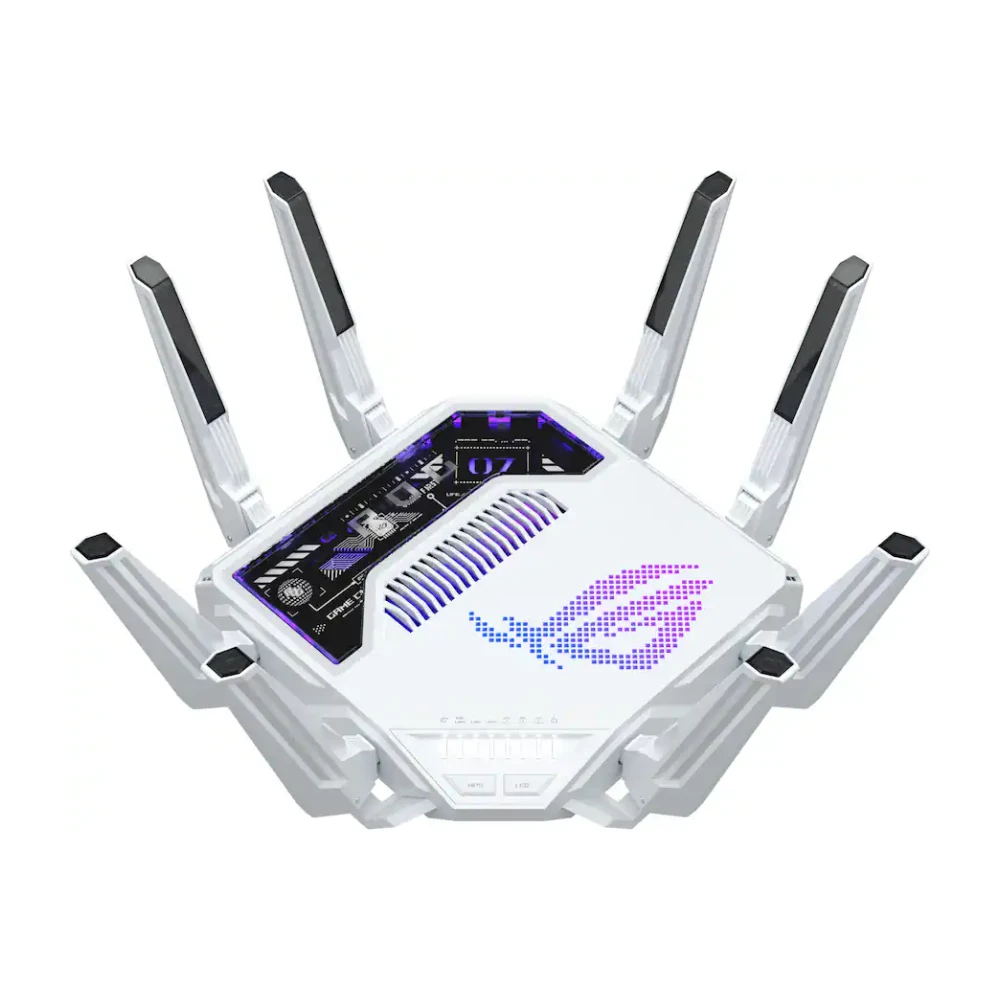
ASUS ROG Rapture GT-BE19000AI
Game-traffic prioritization, a dedicated gaming port and detailed controls for players who want them.
Skip it if: you mostly stream and browse; the Archer BE9700 costs far less.
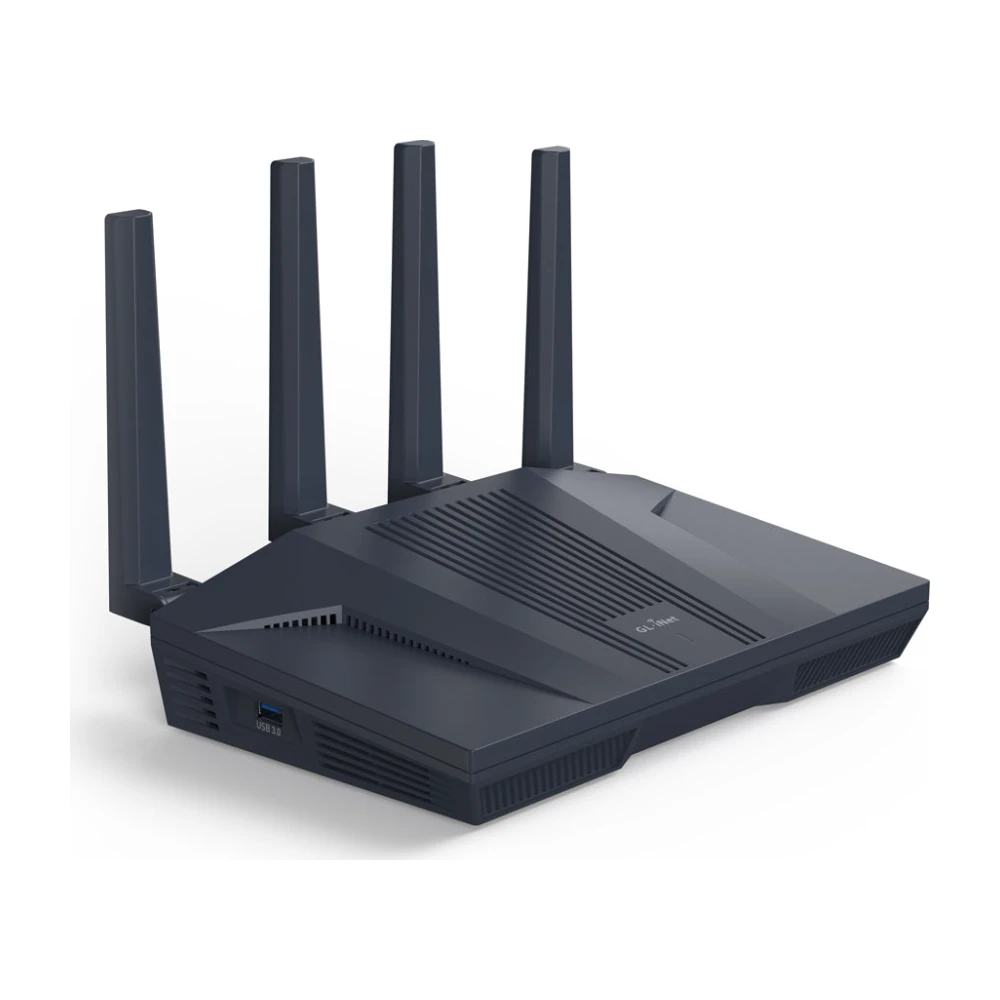
GL.iNet Flint 2
Runs OpenWrt, with fast built-in VPN support and deep settings. A favorite for people who want full control of their network.
Skip it if: you want a simple app setup.
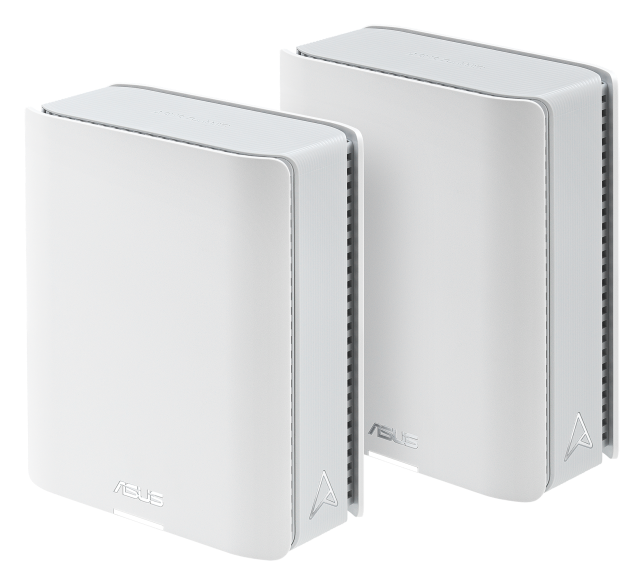
ASUS ZenWiFi BT8
Wi-Fi 7 mesh with no subscription for security features, for buyers who’d rather avoid TP-Link.
Skip it if: budget matters more than brand; the Deco X55 costs much less.
Also considered
Router or mesh?
A single router covers most apartments and one-floor homes up to about 2,500 sq ft if it sits near the middle. Above that, or with two or more floors, brick or plaster walls, mesh puts a unit in each area on one network. Our mesh vs. router guide has a five-minute test, and the best router for a large house covers 3,000 sq ft and up.
- One router: apartments, condos and one-floor homes where the router can sit centrally.
- Mesh: two or more floors, over about 2,500 sq ft, thick walls, or a router stuck in a corner by the cable outlet. See the best mesh Wi-Fi systems.
- Extender: one weak room and a tight budget. See mesh, extender or a new router.
Wi-Fi 6, 6E and 7: what the numbers mean
| Version | Bands | What it adds | Who needs it |
|---|---|---|---|
| Wi-Fi 6 | 2.4 and 5 GHz | Handles many devices at once far better than Wi-Fi 5 | Plans up to about 1 Gig; the value pick |
| Wi-Fi 6E | Adds 6 GHz | A clean, uncrowded band with short range | Dense apartment buildings with crowded channels |
| Wi-Fi 7 | 2.4, 5 and 6 GHz | Wider channels and multi-link operation for higher, steadier speeds | Multi-gig plans, or buying for the next five years |
Your devices need the same version to benefit. A Wi-Fi 7 router still works with older phones and laptops, but they connect at their own, slower standard. The 6 GHz band is fast but doesn’t travel far through walls, so it helps most in the same room or one room away. More in is Wi-Fi 7 worth it.
Match the router to your plan
| Your plan | Wi-Fi version | Ports to look for |
|---|---|---|
| Up to 300 Mbps | Wi-Fi 6 | Gigabit is plenty |
| 500 Mbps to 1 Gig | Wi-Fi 6 or 7 | Gigabit WAN; 2.5 Gbps helps near 1 Gig |
| 2 Gig and up | Wi-Fi 7 | 2.5 Gbps or 10 Gbps WAN and LAN |
More detail in what router speed you need.
Features that matter more than the speed rating
Numbers like “BE9700” add up the theoretical maximum of every band. No single device gets close. These matter more:
- WAN port speed. A 1 Gbps WAN port caps you at about 940 Mbps. On a plan faster than 1 Gig, you need 2.5 Gbps or 10 Gbps.
- Enough Ethernet ports. TVs, consoles and desktops are faster and steadier on a cable. Count what you’d plug in.
- Security updates. Buy from a maker that still ships firmware updates for the model, and turn on automatic updates.
- The app and what it charges for. Setup, guest networks and basic parental controls should be free. See the subscriptions table below.
- Room to grow. Systems like Deco, eero and ASUS AiMesh let you add a mesh unit later if coverage falls short.
Router subscriptions: what’s free and what isn’t
| Brand | Free | Paid add-on |
|---|---|---|
| eero | Setup, guest network, basic controls | eero Plus (about $10/mo or $100/yr): ad blocking, advanced security and parental controls |
| TP-Link Deco and Archer | Setup, guest network, basic HomeShield | HomeShield Pro (about $6/mo): extra security and parental controls |
| ASUS | AiProtection security and parental controls included | None required |
| GL.iNet | Everything, including VPN client and server | None required |
Subscription prices checked Oct 2026; makers change these often.
Using your own router with your provider
| Provider | How to add your router |
|---|---|
| Xfinity, Spectrum, Cox, Optimum | Buy an approved modem and plug your router into it, or put the provider’s gateway in bridge mode. |
| AT&T Fiber | The gateway stays. Turn on IP Passthrough and connect your router to it. |
| Verizon Fios | Your router can replace Verizon’s if the fiber box has an Ethernet connection. Fios TV boxes may still need Verizon’s router. See Fios routers and extenders. |
| T-Mobile, Verizon 5G Home | The 5G gateway stays. Plug your router into its Ethernet port and turn off the gateway’s Wi-Fi if the app allows. |
Setting it up: placement checklist
- Put the router in the middle of the home, up high, in the open. Not in a cabinet, a closet or behind the TV.
- Keep it a few feet from microwaves, cordless phone bases and large metal or mirrored surfaces.
- Use one network name for all bands and let the router steer devices.
- Update the firmware during setup, then turn on automatic updates.
- Set a WPA3 (or WPA2/WPA3) password and a separate guest network.
- Plug in anything that doesn’t move: TVs, consoles, desktops.
For the full list, see how to secure your home Wi-Fi.
When a new router won’t help
Run a speed test on a computer plugged into the router. If the wired result is already low, the problem is your plan or your provider, and a new router won’t fix it. If wired is fast but Wi-Fi is slow in some rooms, the router or its placement is the problem. Test your Wi-Fi room by room to see where it drops off, and see why your internet is slow for other causes.
Should you replace your provider’s router?
If you rent a gateway for $10–15 a month, your own router usually pays for itself within a year or two. Fiber and 5G gateways often can’t be removed, but you can put them in bridge mode or passthrough and add your own router. See the modem rental payback math.
When to buy
Routers and mesh kits drop the most around Black Friday and Prime Day. If you can wait a few weeks, check our Black Friday router and mesh deals for the prices to beat. If your router has died, buy now; these picks are rarely far above their sale price.
How we picked
Picks are based on specs, maker documentation and published testing, noted where used, and on price checks in October 2026. TP-Link appears often because it leads on price; read are TP-Link routers safe if that concerns you.
Questions
What is the best Wi-Fi router in 2026?
For most homes, the TP-Link Archer BE9700. It’s Wi-Fi 7 with strong range and multi-gig ports for about $190–250. In big or multi-floor homes, mesh like the Deco X55 covers more.
Do I need a Wi-Fi 7 router?
Only if your plan is faster than 1 Gig or you’re buying for the next five years. On plans up to 500 Mbps, Wi-Fi 6 is plenty.
Is mesh better than a router?
For homes over about 2,500 sq ft or with several floors, yes. In an apartment or small home, one router is cheaper and just as fast.
How often should I replace my router?
Every four to five years, or sooner if you upgrade to a faster plan your router can’t carry or the maker stops releasing security updates.
Can I use my own router with Xfinity or Spectrum?
Yes. Plug your router into an approved modem, or put the provider’s gateway in bridge mode. You stop paying the gateway rental if you also own the modem.
Can I use my own router with T-Mobile or AT&T Fiber?
Yes, but their gateway stays. Connect your router to the gateway’s Ethernet port. On AT&T Fiber, turn on IP Passthrough.
Are TP-Link routers safe?
They get regular firmware updates and remain on sale in the U.S. as of October 2026. Our TP-Link guide covers the FCC review and alternatives if you’d rather avoid the brand.
Does a more expensive router mean faster internet?
Not beyond your plan speed. A router can’t make your plan faster; it can only deliver more of it to more rooms and devices.
- Manufacturer spec sheets and product pages for each router, checked Oct 2026
- Retailer and manufacturer product pages, prices checked Oct 2026
- Published third-party testing, noted where used
- FCC actions on TP-Link, as covered in our TP-Link guide
Prices and offers change often; confirm at your address before you order. How we research
Jean founded ShopHighSpeed after trying to find one straight answer about business internet in his own town. He has been a Comcast and Verizon Fios customer, and ranks providers on what they actually deliver, not on what they advertise.