How to boost your Wi-Fi signal
Most weak Wi-Fi is a placement problem, not a plan problem. Start with the free fixes, then the upgrades that actually help.
Most Wi-Fi problems come down to placement and old hardware, not your plan. Move the router to a central, open spot, keep it off the floor and away from other electronics, switch to the 5 GHz band up close, and add a mesh system if a single router can't cover your home.
Start with placement
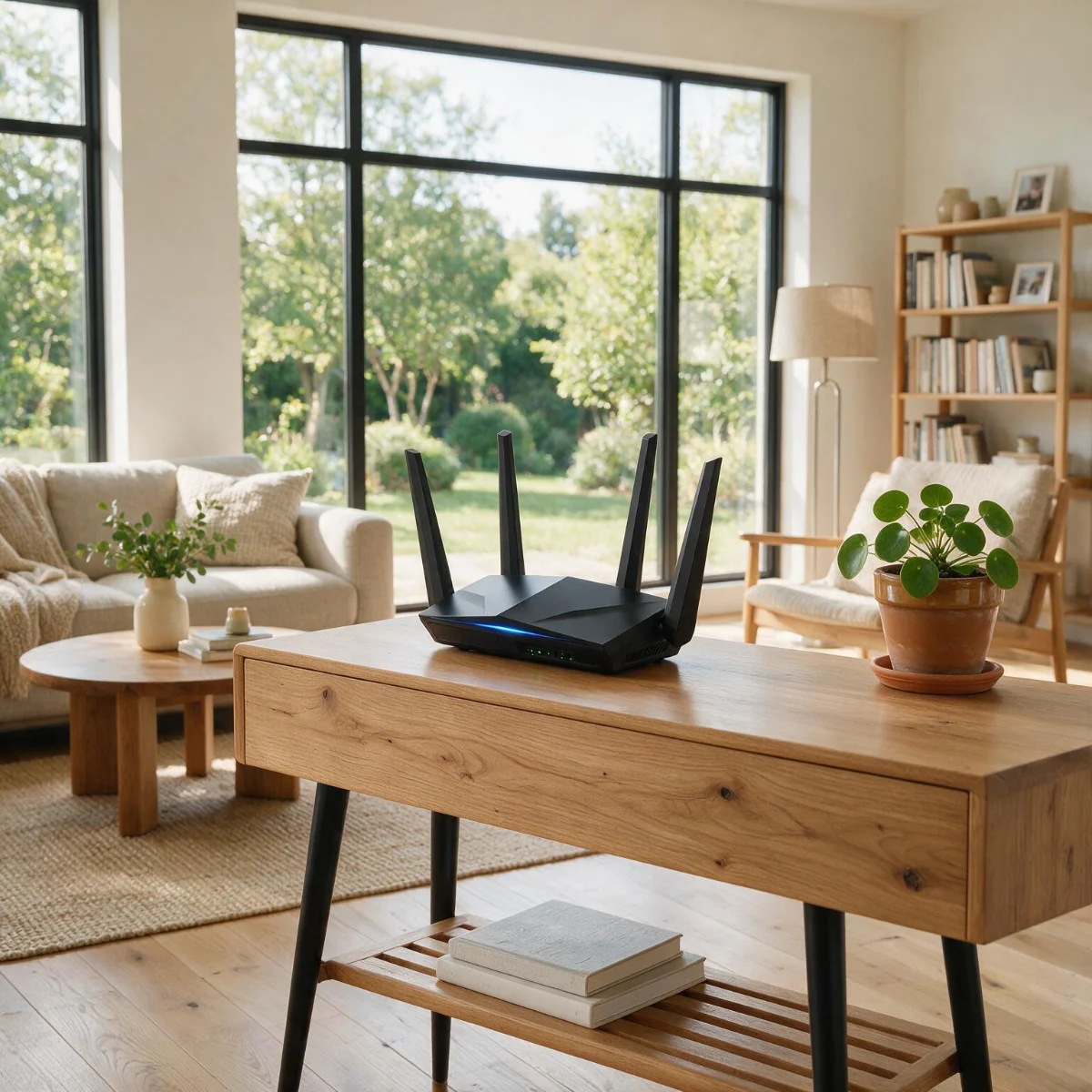
Where your router sits matters more than almost anything else, and it's free to fix. Put it in a central, open location — not a closet, not on the floor, not tucked behind the TV. Wi-Fi radiates outward and slightly downward, so a router on a high, central shelf covers far more of the house than one shoved in a corner or a basement.
If moving the router doesn’t fix dead zones, the next step is usually mesh: see mesh vs. router and the best router for a large house.
Keep it away from the things that eat the signal: microwaves, cordless phones, baby monitors, large metal objects, aquariums, and thick masonry walls all absorb or scramble Wi-Fi. If your router has external antennas, point some vertically and some horizontally to spread coverage across floors. Just moving the router to a better spot often does more than any setting you can change.
Understand your two bands
Most routers broadcast on two bands, and using them right is the difference between fast and frustrating. The 5 GHz band is much faster but doesn't travel as far or through walls as well — use it for devices near the router, like a TV or a desk setup. The 2.4 GHz band is slower but reaches farther and penetrates walls better — use it for distant rooms and low-bandwidth smart-home gadgets.
Many modern routers combine both under one network name and steer devices automatically, which is fine. But if a device far from the router keeps struggling, manually connecting it to the 2.4 GHz band can restore a stable connection even at the cost of peak speed.
Quick fixes that cost nothing
Before spending anything, work through these — each takes a minute and any one of them can be the fix:
- →Reboot the router — it clears congestion and reassigns channels
- →Use the 5 GHz band for nearby devices; keep 2.4 GHz for range
- →Update the router firmware for speed and security fixes
- →Remove or disconnect old devices hogging the network
- →Change the Wi-Fi channel if you live somewhere crowded like an apartment
- →Reposition or re-angle the router's antennas
When to upgrade hardware
If your router is more than four or five years old, no amount of tweaking will match what a modern one delivers — Wi-Fi standards have improved dramatically in that time. Look for a Wi-Fi 6 or newer router, which handles more devices at once and delivers faster, steadier speeds, especially in a busy home. This is often the single best upgrade you can make, and a good router will outlast several years of the connection behind it.
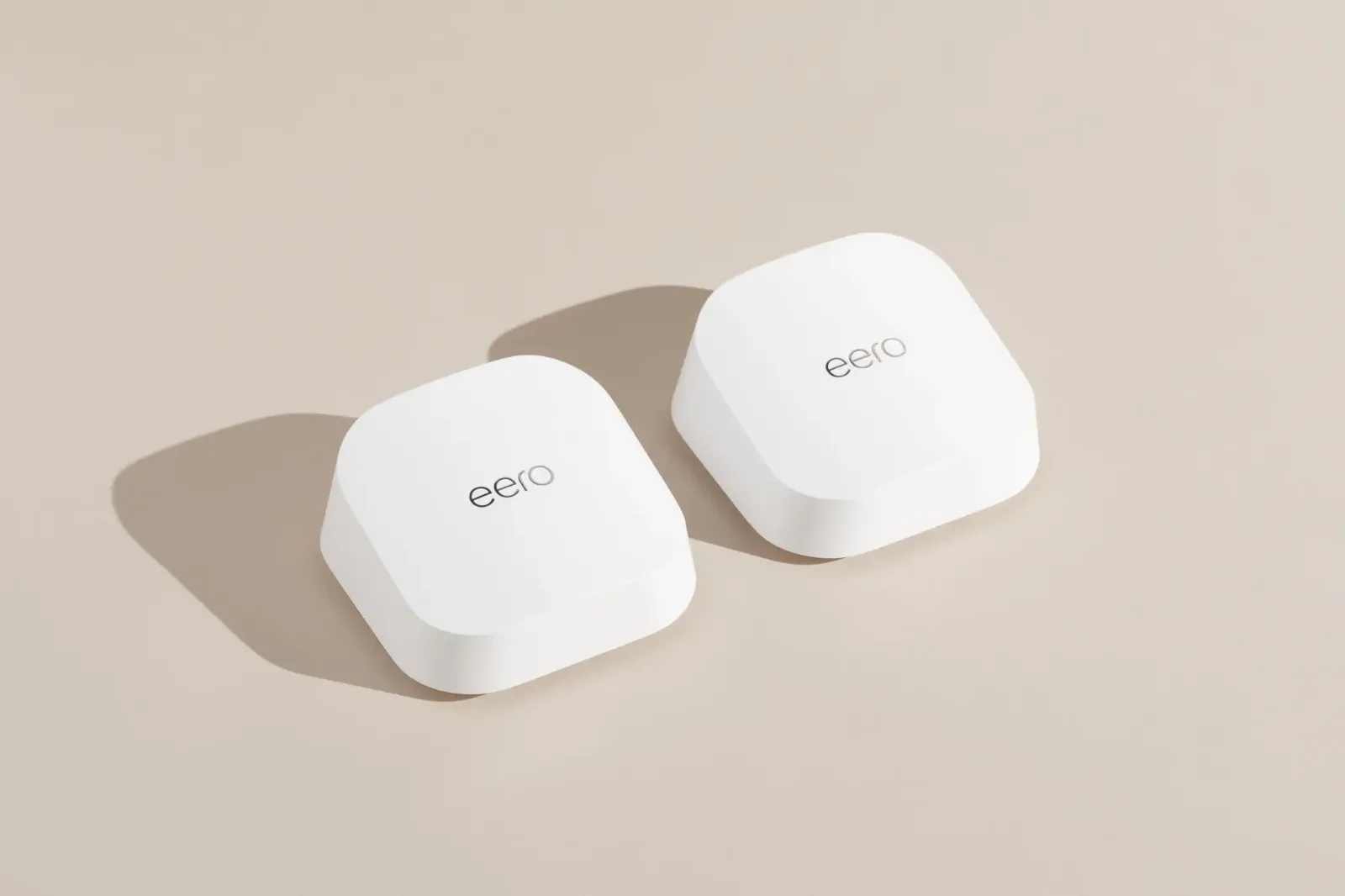
For homes over about 2,000 sq ft, or with multiple floors and thick walls, a mesh system beats a single router every time. Instead of one box straining to reach the far bedroom, mesh places several nodes around the house that hand your devices off seamlessly as you move — one network, strong everywhere, no dead spots at the edges.
Still have a dead zone?
If one room stubbornly refuses to connect even after you've optimized placement, a mesh node placed roughly halfway between the router and that room usually solves it. The node relays the signal the rest of the way, filling the gap.
Where you can manage it, wired backhaul — running an Ethernet cable to the node instead of letting it relay wirelessly — is the gold standard. It gives each node a full-speed connection back to the router and eliminates the performance loss that wireless relaying can cause. It's more effort to run the cable, but the result is the most reliable whole-home Wi-Fi you can build.
Covering a large or multi-floor home? Here's how to set up a mesh Wi-Fi network.
Before and after any fix, test your Wi-Fi room by room so you can see what actually improved.
Jean founded ShopHighSpeed after trying to find one straight answer about business internet in his own town. He has been a Comcast and Verizon Fios customer, and ranks providers on what they actually deliver, not on what they advertise.