What internet speed you need to stream live sports (and why it buffers)
Live sports buffer more than movies because there's no room to preload. Here's how much speed you need and how to stop the spinning wheel.
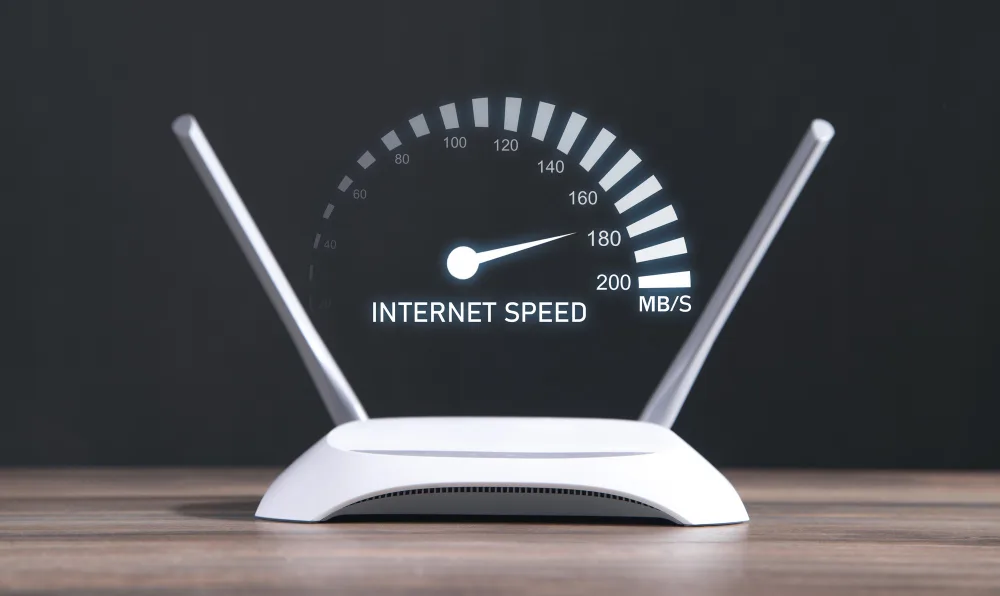
Plan on about 10 Mbps per HD stream and 25 Mbps per 4K stream, with headroom for everyone else in the house. If live games buffer on a fast plan, the cause is usually Wi-Fi signal, evening congestion or too many devices, not your plan's speed.
How much speed you need
Why live sports buffer when movies don't
- Less preloading: a live stream stays close to real time, so short dips show up as buffering.
- Everyone watches at once: big games add load to your provider's network and the streaming service.
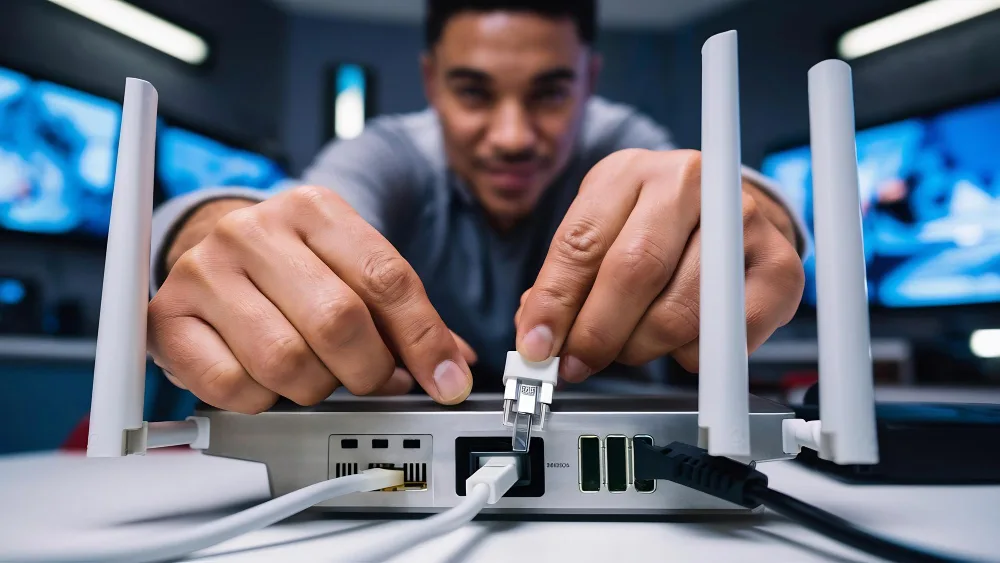
- Wi-Fi, not the plan: a TV far from the router may get a fraction of your plan's speed.
- Deprioritized plans: some 5G and satellite plans slow down at busy times, including Starlink's 100 and 200 Mbps plans.
Fix it before kickoff
- Connect the TV or streaming stick to the router with an Ethernet cable if you can.
- Move the router or add a mesh point near the TV.
- Pause big downloads, game updates and cloud backups during the game.
- Restart the streaming device and app before the game starts.
- Lower the stream to HD if 4K keeps buffering.
- Run a speed test on the TV itself, not your phone next to the router.
When to upgrade
If wired speed tests are well below your plan in the evening, the issue is your provider. Fiber holds up best at peak times; see the best fiber providers. For other slowdowns, see why your internet is slow and what internet speed you need.
Which streaming services need the most
- 4K streams: the biggest demand. Only a few games and services broadcast in 4K; check your app.
- Live TV services (YouTube TV, Hulu + Live TV, Sling, Fubo) use a steady stream; several TVs at once add up fast.
- Multiview: watching several games on one screen can use as much as a 4K stream.
- Sports apps on phones use less, but count every device in the house.
Where to place Wi-Fi for game day
- Put the router or a mesh point in the same room as the main TV, at shoulder height and out of a cabinet.
- Keep it away from microwaves, fish tanks and thick walls.
- Use the 5 GHz band or a wired mesh backhaul for the main TV.
- If your provider's gateway is in a far corner, a mesh system often fixes buffering; see stop renting your modem for equipment options.
If you're on 5G or satellite
Some 5G home and satellite plans are deprioritized when the network is busy, which can happen during big games. Testing during a game in your first 30 days is the best way to know.
Fubo streams live NFL, college football and other sports channels over your home internet. Plan on about 10 Mbps per TV for HD, or 25 Mbps for 4K.
Questions
What internet speed do I need for live sports in 4K?
About 25 Mbps for one 4K stream, plus enough for everyone else using the internet at the same time.
Why does my live game buffer but Netflix doesn't?
Live streams can't preload much, so brief slowdowns cause buffering. Weak Wi-Fi, evening congestion and other devices are the usual causes.
Is 100 Mbps enough to stream football?
Yes for one or two HD streams with light use elsewhere. For a 4K stream plus other people online, aim for 200–300 Mbps.
Jean founded ShopHighSpeed after trying to find one straight answer about business internet in his own town. He has been a Comcast and Verizon Fios customer, and ranks providers on what they actually deliver, not on what they advertise.