Stop renting your modem
That $15 equipment line on your bill never ends and never buys you anything. Here's the payback math, what to buy for your plan, and the cases where renting still wins.
If you're on cable and paying a monthly equipment fee, buy your own modem. A $120 DOCSIS 3.1 modem pays for itself in about eight months and saves roughly $180 a year after that. If you're on fiber or 5G home internet, skip this — the provider's gateway is mandatory and usually included.
- Xfinity's gateway rents for about $15/mo, but newer Xfinity plans include WiFi equipment. Check your plan before buying.
Find the fee on your bill first
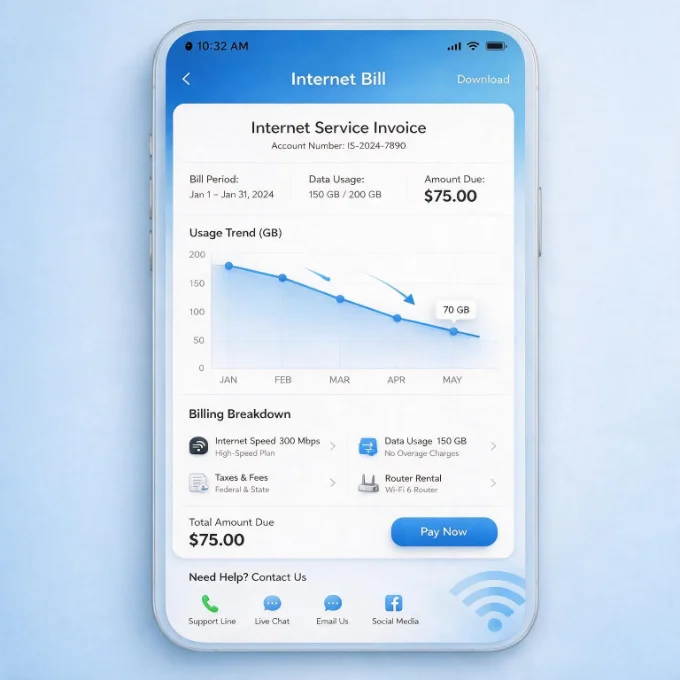
Equipment rental almost never appears as the word "rental." Look for a line called Gateway, Equipment, Wi-Fi service, xFi Complete, Internet Equipment Fee or something similarly bland, usually sitting between the plan price and the taxes. It's typically $10 to $15 a month. Some providers fold it into the advertised price and call it included, which is genuinely fine — if you can't find a separate line, you have nothing to cancel.
What makes this fee different from every other charge on the bill is that it never ends and never converts to ownership. Three years in, you've paid more than four times what the hardware costs and you still own nothing. Our guide to reading your bill walks through the other lines worth challenging.
The payback math
Buying is a fixed cost against a fee that compounds. At a typical $15/mo:
Even at the low end of $10/mo, a $120 modem clears break-even inside a year. The only version of this math that doesn't work is if you move somewhere your modem isn't compatible before it pays off — worth thinking about if you're renting a place year to year.
Buy the right one for your plan
Two numbers decide this: the DOCSIS version and your plan speed. DOCSIS 3.1 is the current standard and handles gigabit plans; DOCSIS 3.0 is older and fine only for plans under about 400 Mbps. Buying a modem rated well above your plan doesn't make your internet faster — it just costs more. Check your ISP's approved-device list before you buy, since a modem that isn't on it won't activate — we list what each provider approves.
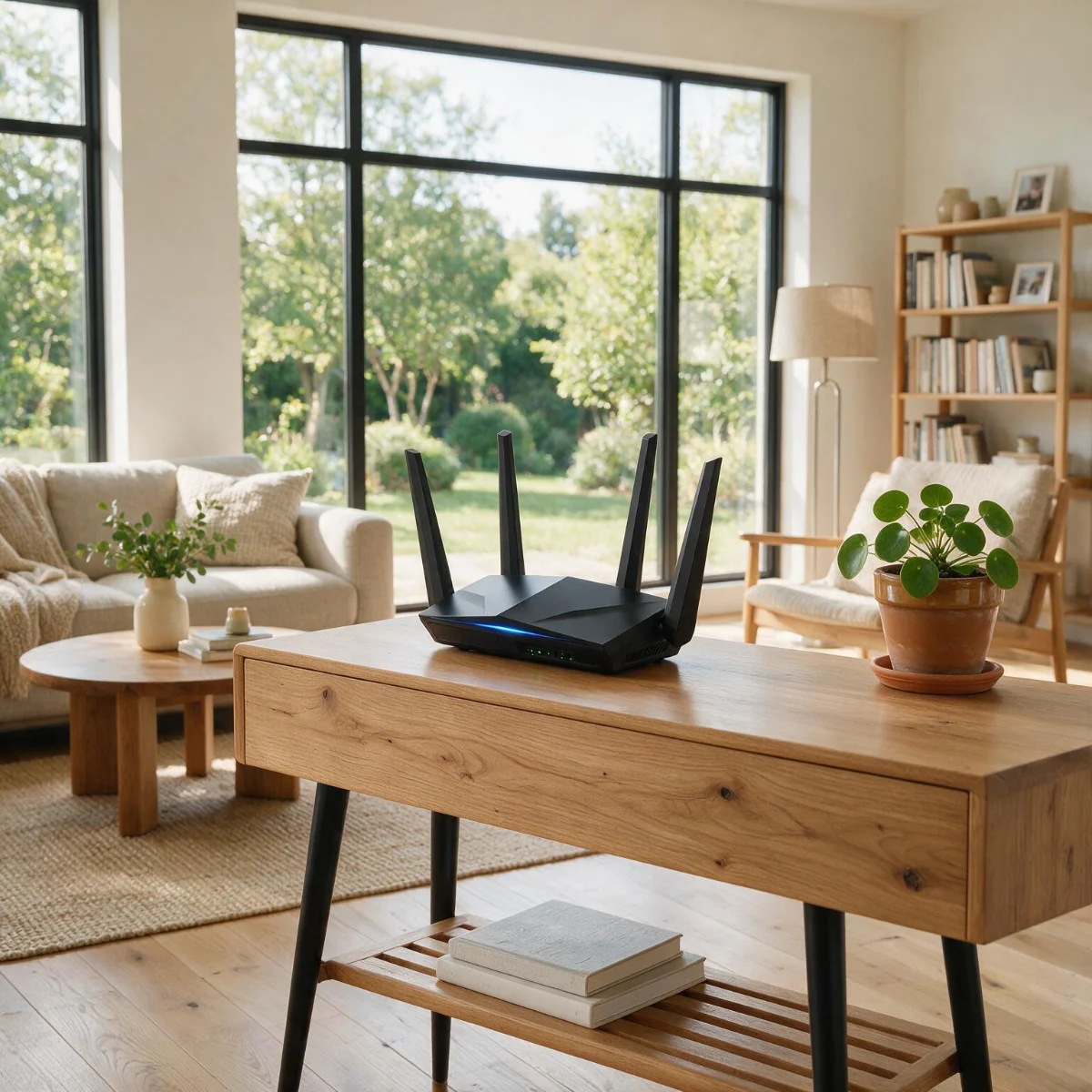
A modem and a router are two different jobs — the modem brings the internet into the house, the router spreads it around. Rented gateways combine both, so if you're replacing one you need a router too. Our router picks cover that side.
What each provider allows
The answer depends far more on your connection type than on the brand:
How to make the switch
Budget about half an hour. The order matters — activate before you return anything:
- 1Confirm your modem is on your ISP's approved list for your speed tier.
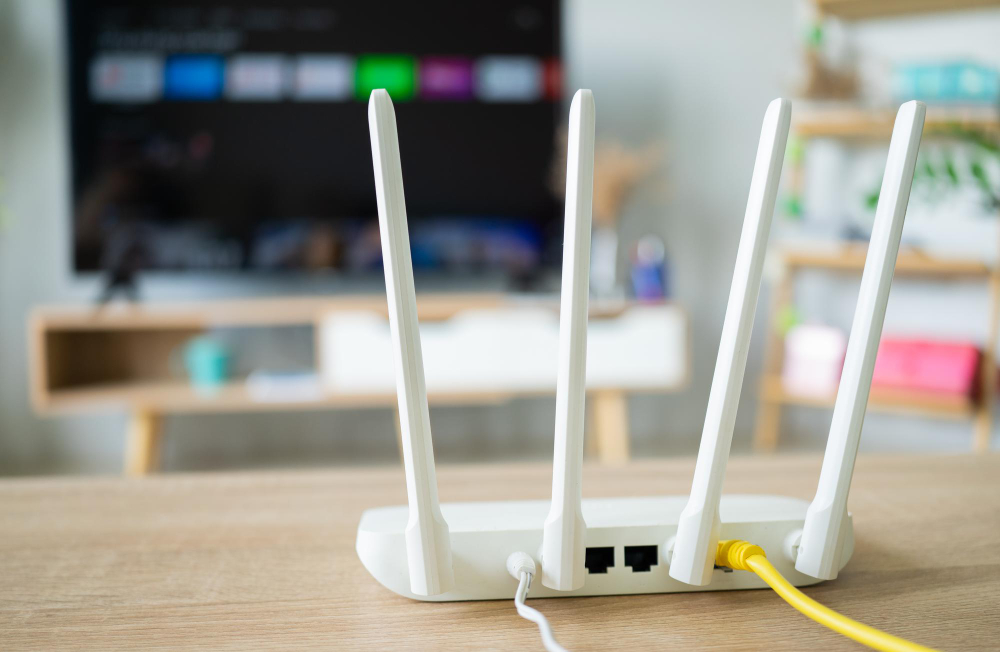
- 2Swap the coax cable over, then activate through the ISP's app or a call — you'll need the modem's MAC address, printed on the label.
- 3Run a speed test on a wired connection to confirm you're getting your plan's rated speed.
- 4Return the old gateway in person and keep the receipt. Unreturned-equipment charges are the single most common way this goes wrong.
- 5Check next month's bill to confirm the fee is actually gone, and call if it isn't.
When renting is the right call
Buying isn't automatically correct. Renting makes sense if you move often, if your provider bundles the gateway into the plan price at no separate charge, or if you're on a promo that waives the fee outright. It's also the easier life if you'd rather one company be responsible when something breaks — an owned modem that dies at year four is yours to replace. And on fiber or 5G home internet, there's no decision to make: the provider's gateway is part of the service. But if you're on cable, paying a separate fee, and staying put, buying is one of the few bill changes that pays back in under a year and keeps paying every year after.
Cutting costs across the board? See the cheapest internet plans in 2026.
Cancelling and returning a rented modem? How to cancel internet service covers return windows for each provider.
Jean founded ShopHighSpeed after trying to find one straight answer about business internet in his own town. He has been a Comcast and Verizon Fios customer, and ranks providers on what they actually deliver, not on what they advertise.
Equipment fees by provider (Oct 2026)
Return fees if you leave
Related guides
- Plan pages and Broadband Facts labels from Xfinity, Comcast Business, Verizon Business Internet, Verizon Fios, checked Oct 2026
- Retailer and manufacturer product pages, prices checked Oct 2026
- CableLabs DOCSIS specifications
Prices and offers change often; confirm at your address before you order. How we research
Questions
Is it worth buying my own modem?
Usually, if you're on cable and paying a rental fee. At $15/mo, a $150 modem pays for itself in about 10 months. Check first whether your plan already includes equipment.
Can I use my own router with fiber?
Usually yes, behind the provider's gateway or fiber terminal. There's no modem to replace on fiber, and most fiber plans include the gateway.
How much does renting a modem cost per year?
Most cable ISPs charge $10 to $15 a month for equipment, which is $120 to $180 a year, every year, with no end date and no ownership at the end.
Will buying my own modem slow my internet down?
No, as long as you buy a modem rated for your plan speed and approved by your ISP. A DOCSIS 3.1 modem handles gigabit cable plans, and many owned modems outperform older rented gateways.
Can my ISP refuse to let me use my own modem?
Cable ISPs must let you attach an approved modem, and each publishes an approved-device list. Fiber and 5G home internet are different: those services require the provider's own gateway, so there is nothing to replace.