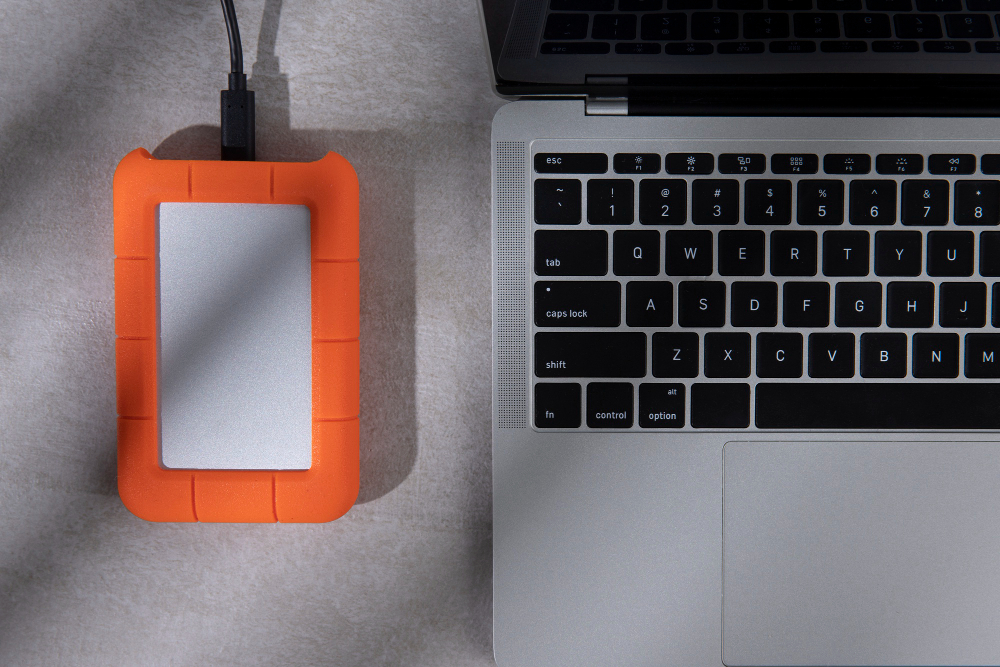
Tech checklist for opening a small business
Nine things to set up before opening day, in the order to do them. Internet comes first because it takes the longest.
Order business internet several weeks ahead, add a backup line if payments depend on it, and keep payment terminals on their own Wi-Fi network. Then set up phones, point of sale, your domain and email, banking, security and surge protection.
Some links in this checklist are affiliate links: ShopHighSpeed may earn a commission at no cost to you. It never affects our recommendations.
- 1
Order internet first
Do it before you sign the lease if you can. Ask the landlord which providers already serve the building: if fiber has never been run there, installation can take weeks. Get a business plan, not a home plan, if you need a static IP, an uptime guarantee or support that comes out the same day. See the best business internet and business vs. residential internet.
- 2
Add a backup line
If card payments or bookings stop when the internet does, add a second connection on a different network: a 5G backup gateway behind cable or fiber, or Starlink where nothing else reaches. A router with automatic failover switches over for you. See business internet failover and T-Mobile's $20 backup plan.
- 3
Pick a phone system
Most new businesses use internet calling (VoIP) instead of a landline. Keep your number portable, and check that your internet has enough upload for every call at once. See internet for business VoIP.
- 4
Set up Wi-Fi with separate networks
Put staff, guests and payment terminals or cameras on separate networks, so a customer on the guest Wi-Fi can't reach your point of sale. Many business plans now include a managed mesh system; check before you buy one.
- 5
Point of sale and payments
Choose a point-of-sale system that works offline and syncs when the connection returns. Shopify POS and Square both do, and they also run an online store if you sell online.
- 6
- 7
- 8
Security basics
Use a password manager and turn on two-factor sign-in for email, banking and payments. Back up files automatically to the cloud. Change the router's default admin password on day one. See do you need a VPN.
- 9
Power
Plug the modem, router and point of sale into a surge protector. A small battery backup (UPS) keeps them running through short outages, so card payments continue on the backup line.
Outside the big metro areas, a wireless business line is often the fastest way to get online, or to keep a backup running when the main line drops.
Most new businesses use VoIP instead of a landline. Ooma Office keeps your number and works from desk phones, computers and the mobile app.
Questions
What internet do I need when starting a business?
For most small offices and shops, a business cable or fiber plan of 300 Mbps to 1 Gig is enough. Get faster uploads (fiber) if you send large files or make many video calls at once, and add a 5G backup line if payments stop when the internet does.
How far ahead should I order business internet?
Several weeks before you open, and before you sign the lease if you can. If the building already has service, installation can take days; if a provider has to run new fiber, it can take weeks.
Do I need business internet or can I use a home plan?
A home plan can work for a home-based business. Business plans add static IPs, faster repair and sometimes uptime guarantees, and home plans may not allow commercial use at a storefront.
- Plan pages and Broadband Facts labels from T-Mobile Business Internet, checked Oct 2026
Prices and offers change often; confirm at your address before you order. How we research
Jean founded ShopHighSpeed after trying to find one straight answer about business internet in his own town. He has been a Comcast and Verizon Fios customer, and ranks providers on what they actually deliver, not on what they advertise.
Keep reading