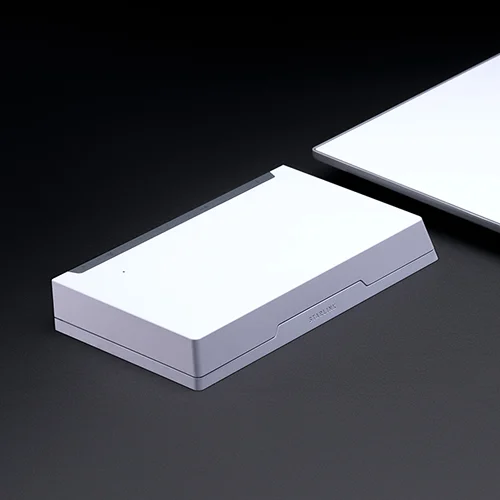
Starlink accessories: mounts, cables and adapters (2026) | ShopHighSpeed
Guides · Buying guide

Starlink accessories: which mount, cable and adapter you need

Starlink sells separate accessories for each of its four kits, and most do not fit across kits. Find your dish first, then pick the mount and cable for where it will go.

Jean Gilles · Founder & editor
Published Oct 27, 2026 · Updated Oct 27, 2026 · 6 min read
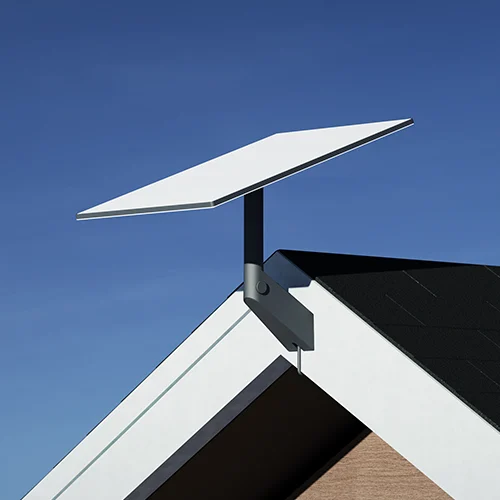
A Starlink dish on a wall mount at the gable end of a house.
The short answer

Most homes need nothing extra: the kickstand and the included cable are enough if the dish has a clear view of the sky. Buy a mount when trees or buildings block the view from the ground, and a longer cable when the router has to sit more than 15 m from the dish. Every accessory below is kit-specific, so check which dish you have before you order.

Some links are affiliate links — if you buy, we may earn a commission at no cost to you. It never affects our rankings. How we make money.

Starlink's shop sorts accessories by kit: Standard, Mini, Performance and Enterprise. A Standard mount will not hold a Mini, and a Mini cable will not plug into a Standard dish. If you are not sure which kit you have, the Starlink review shows each one, and the model name is on the dish label and in the Starlink app.

Before you buy any mount, run the obstruction check in the Starlink app from the spot you have in mind. Prices change often and vary by region, so we link to Starlink's shop rather than listing them here. Authorized retailers such as Best Buy carry the most common mounts and cables.

Standard kit: mounts
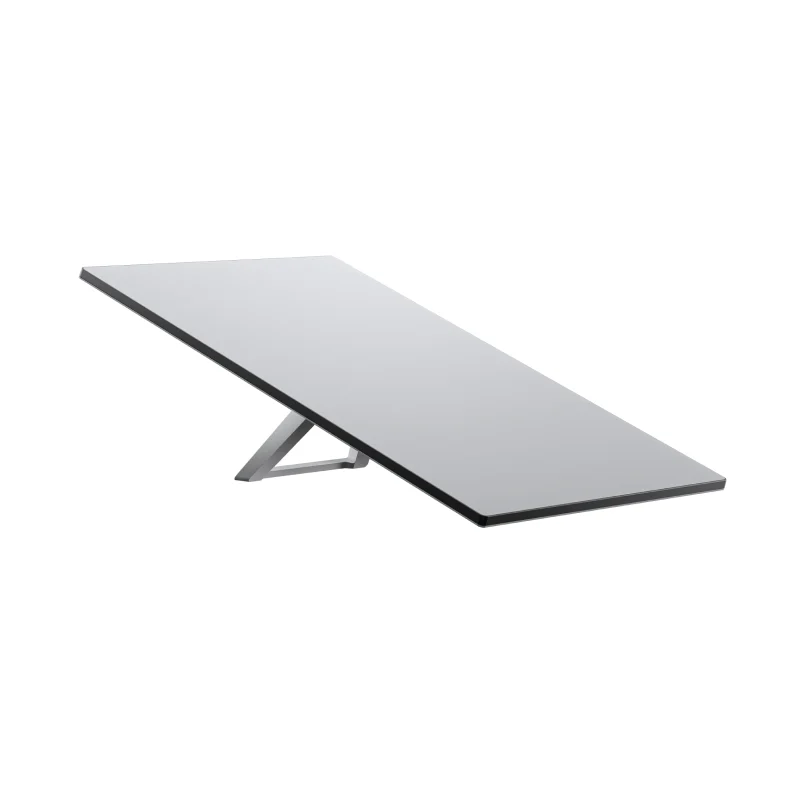
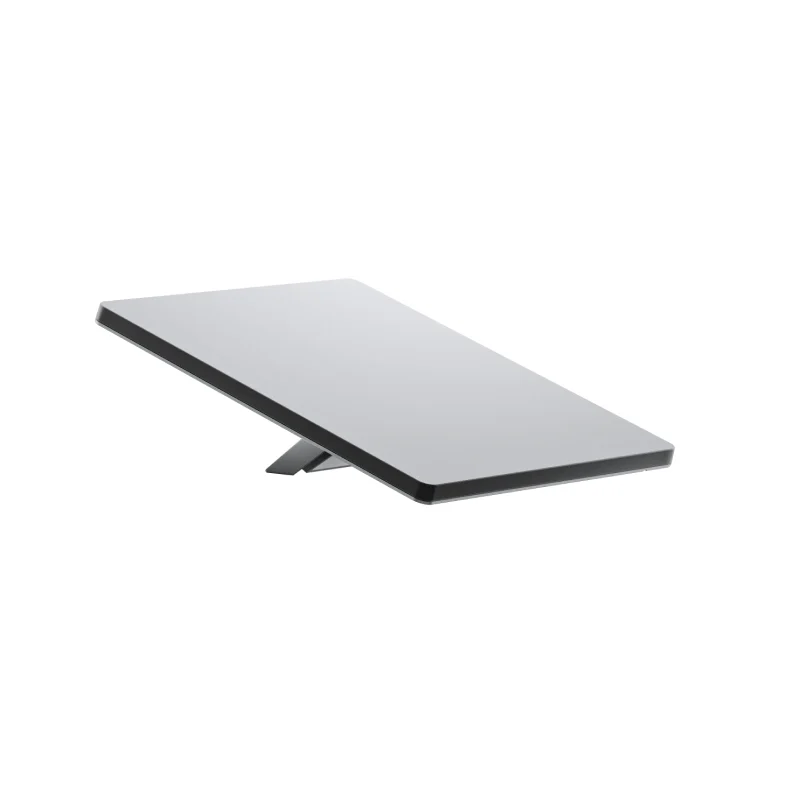
Starlink Standard kit dish on kickstand

The Standard kit ships with a kickstand for ground use. These mounts lift it clear of obstructions or fix it to a building or vehicle.
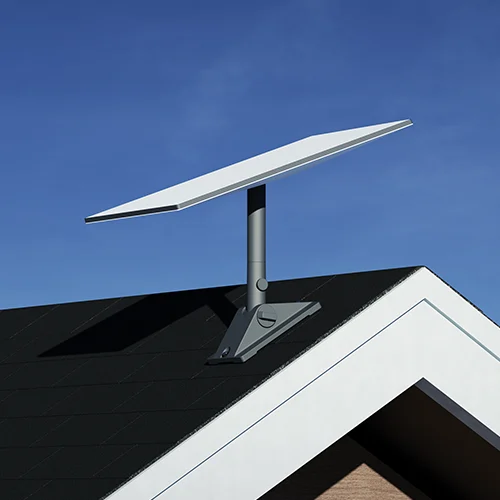
Starlink Pivot mount
Pivot mount
Sloped shingle roofs. Screws through the roof deck, so it needs sealing.
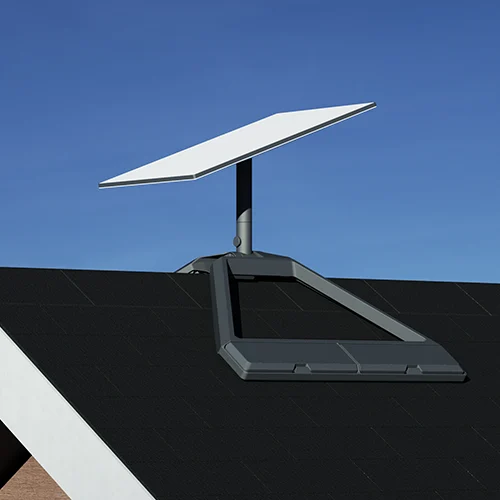
Starlink Ridgeline mount
Ridgeline mount
Sits over the roof ridge with ballast. No drilling.
Starlink Wall mount
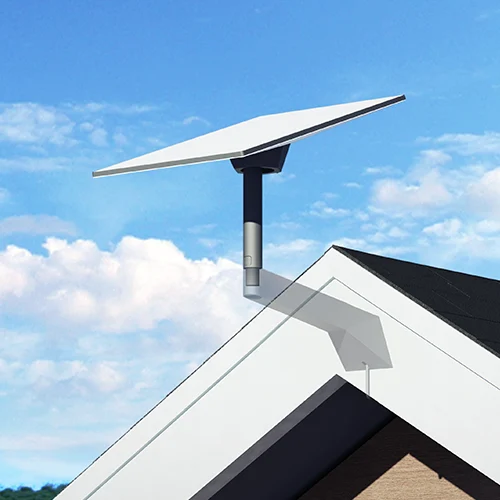
Wall mount
Fascia, gable ends and exterior walls.
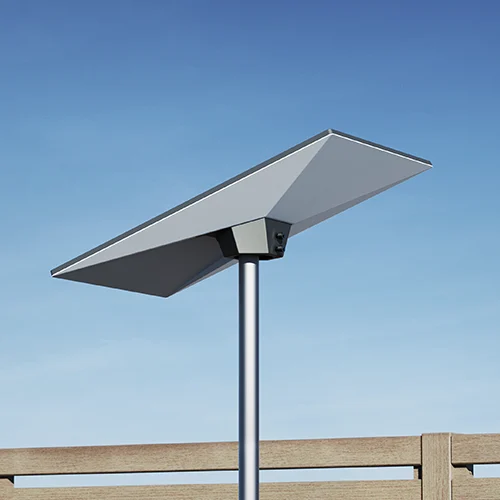
Starlink Pipe adapter
Pipe adapter
Fits the dish onto an existing pole or mast.
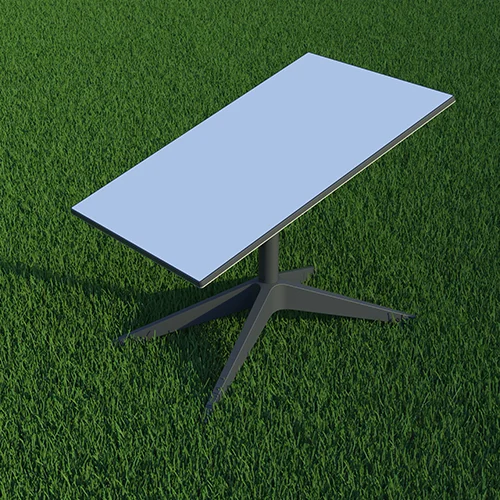
Starlink X-frame base
X-frame base
Freestanding ground stand for yards and flat roofs.
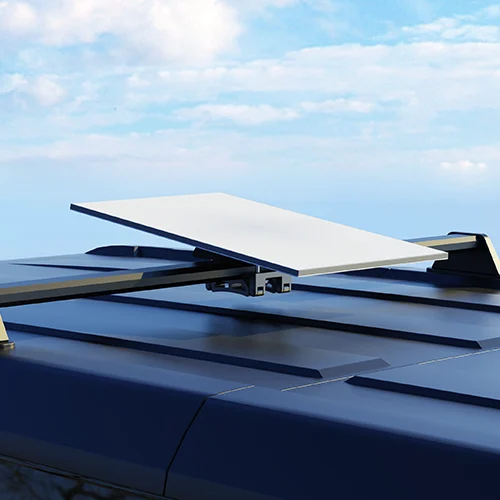
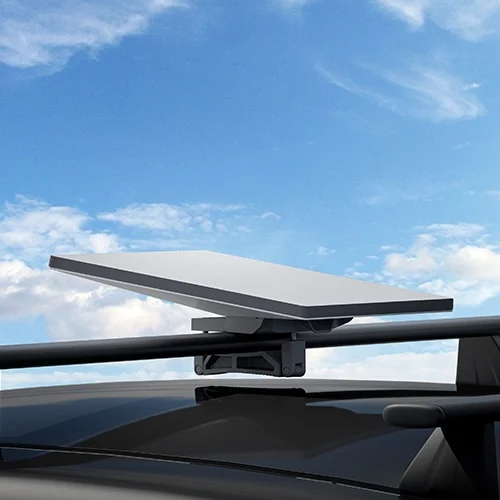
Starlink Roof rack mount
Roof rack mount
Removable mount for vehicle roof racks.
Starlink Mobility mount
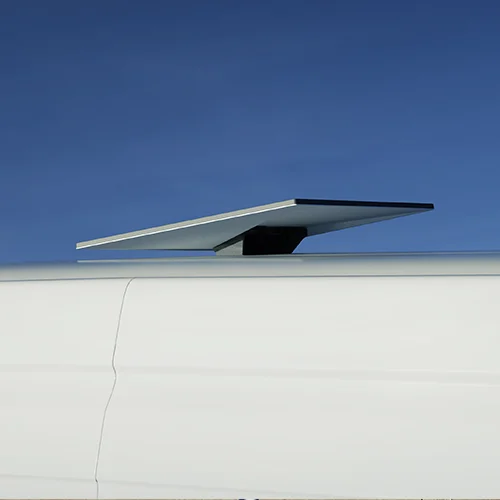
Mobility mount
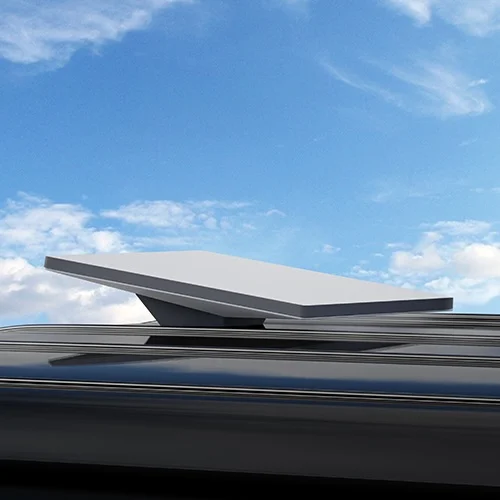
Permanent mount for RVs, trucks and boats.
Starlink Actuated mount adapter
Actuated mount adapter
Lets the Standard dish use mounts made for the older actuated dish.

Standard kit: cables and router

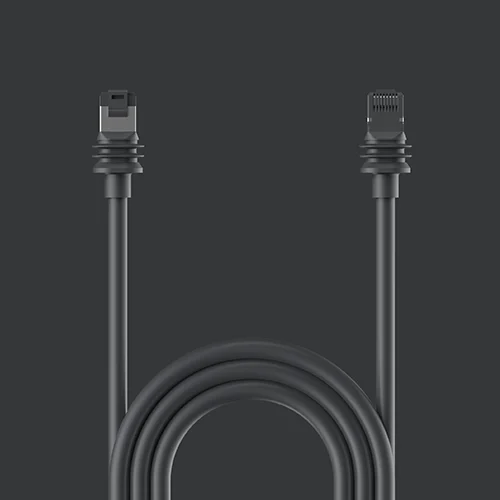
The kit includes a 15 m cable. The 45 m cable is for routers that need to sit farther inside. Routing kits seal the hole where the cable enters the house. For coverage in far rooms, see how to set up mesh Wi-Fi.
Starlink 15 m cable
15 m cable
Replacement for the cable in the box.
Starlink 45 m cable
45 m cable
For long runs from roof to router.
Starlink Cable routing kit
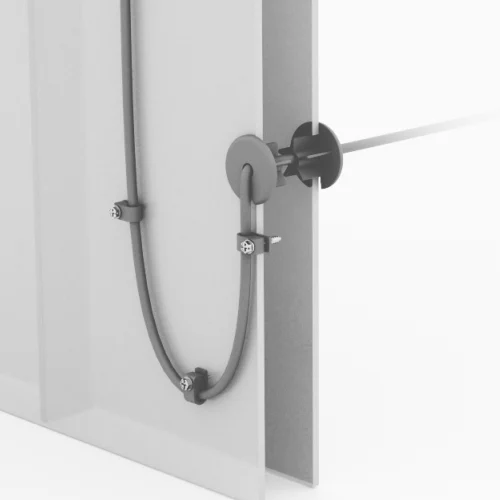
Cable routing kit
Seals the entry through wood or siding.
Starlink Masonry routing kit
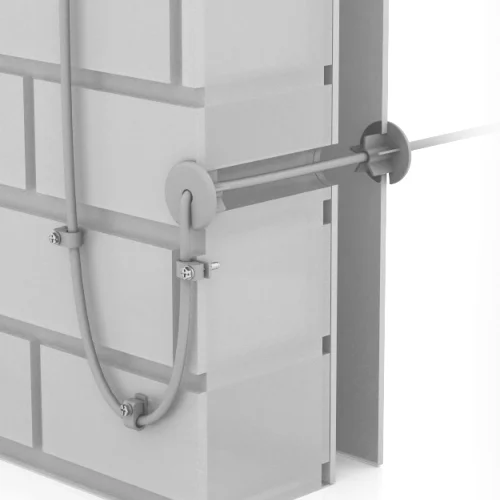
Masonry routing kit
Same job for brick, stone and concrete.
Starlink Router mount
Router mount
Holds the router on a wall.
Starlink Router
Router
Replacement or additional Gen 3 router.

Starlink Mini

Starlink Mini

The Mini has a built-in router and runs on USB-C or DC power, so its accessories are mostly about power and travel. We cover these in more detail in our Starlink Mini guide for RVs and cars.
Starlink Mini pivot mount
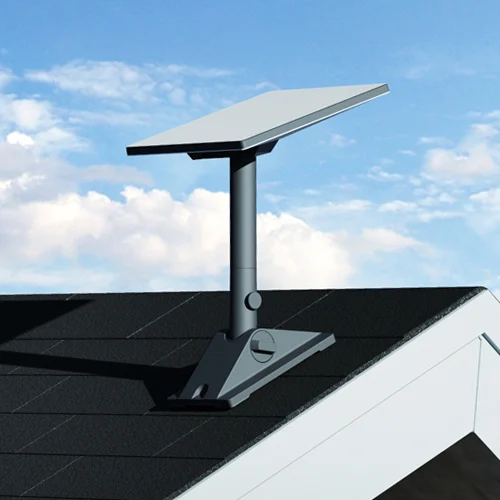
Mini pivot mount
Roof or wall mount sized for the Mini.
Starlink Mini wall mount
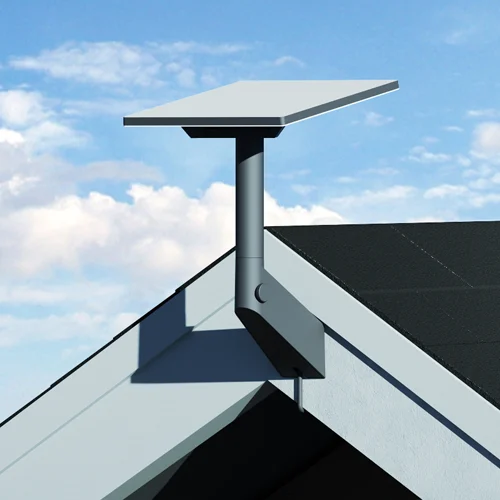
Mini wall mount
Fixed mount for walls and posts.
Starlink Mini roof rack mount
Mini roof rack mount
Removable mount for vehicle racks.
Starlink Mini mobility mount
Mini mobility mount
Permanent mount for vehicles and boats.
Starlink Mini travel kit
Mini travel kit
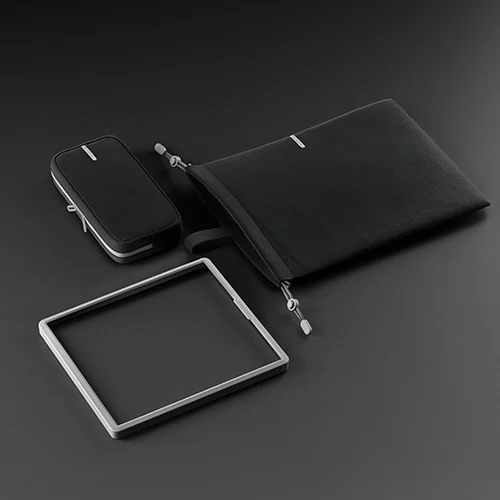
For setting the Mini up in a new spot often.
Starlink Mini car adapter
Mini car adapter
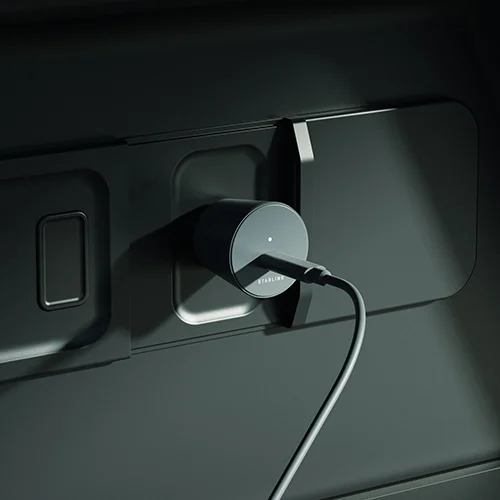
Powers the Mini from a 12V socket.
Starlink USB-C cable
USB-C cable
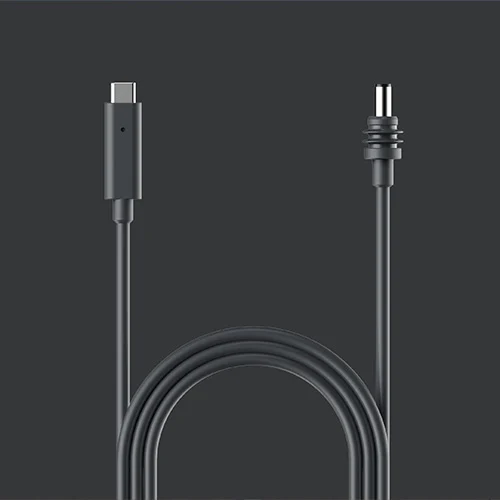
Power from a USB-C PD source.
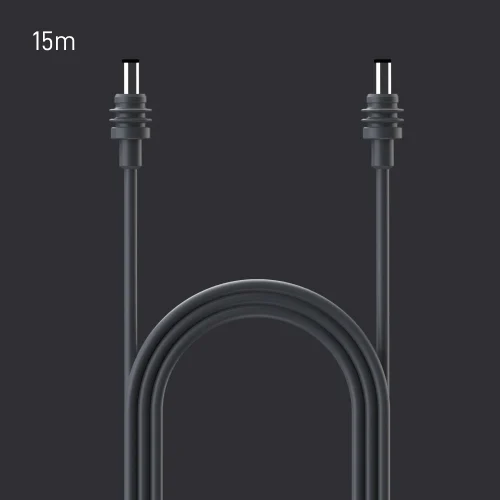
Starlink DC cable, 15 m
DC cable, 15 m
Wires the Mini to a 12V or 24V battery.
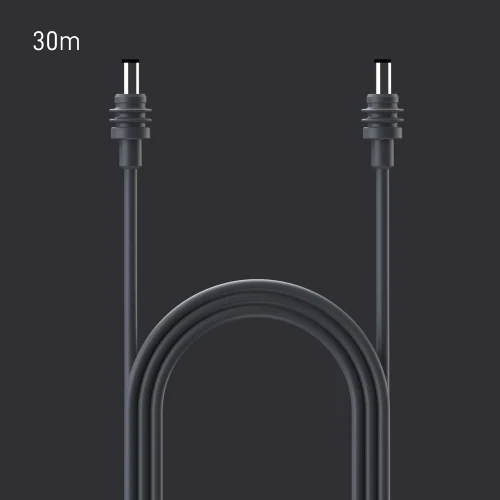
Starlink DC cable, 30 m
DC cable, 30 m
Longer DC run.
Starlink Mini cable, 15 m
Mini cable, 15 m
Replacement Mini power cable.

More on the dish itself in our Starlink Mini guide.

Performance (Gen 3)
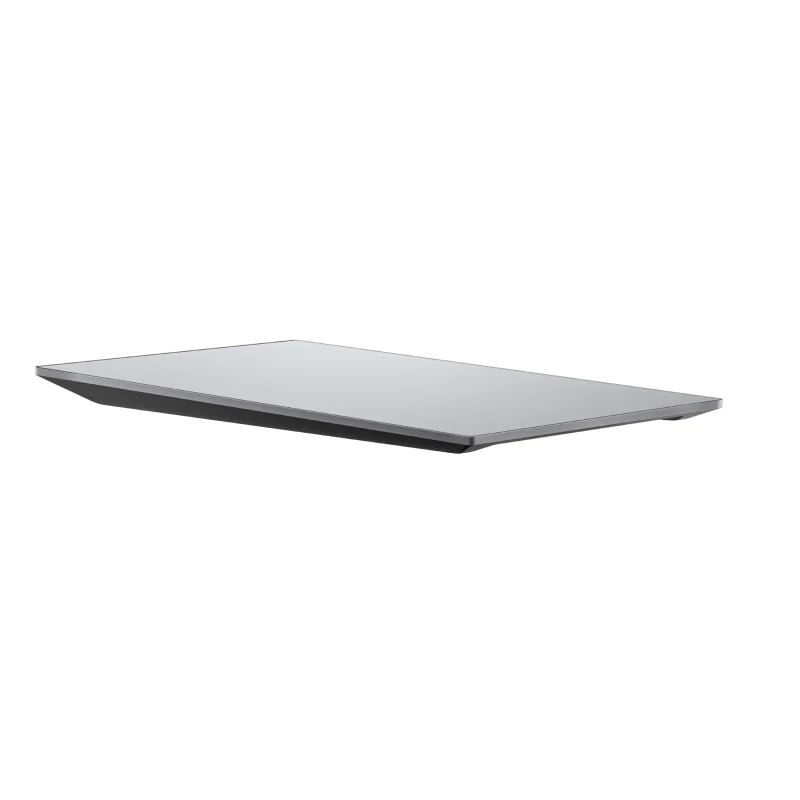
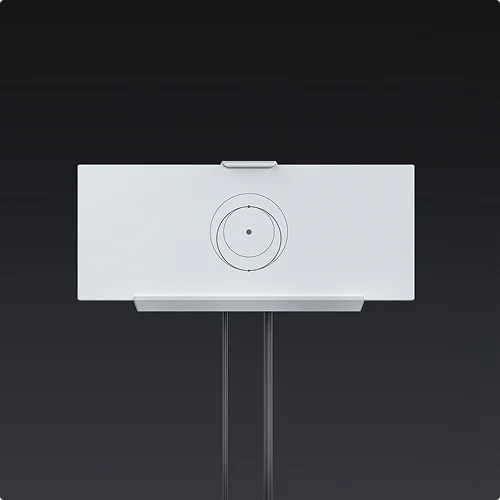
Starlink Performance dish

The Performance kit is built for permanent and business installs. Its mounts and cables are not interchangeable with the Standard kit.
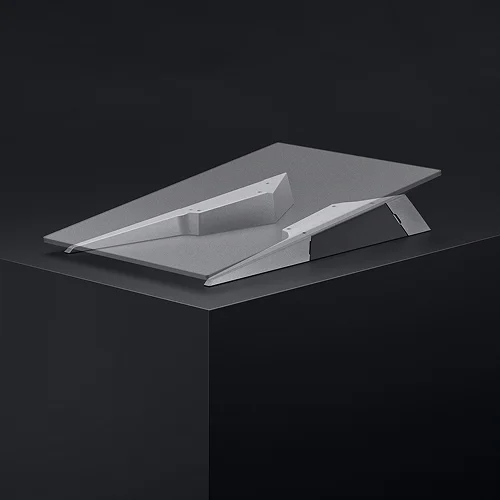
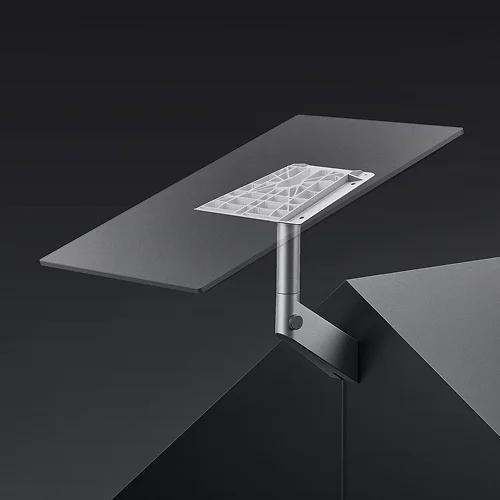
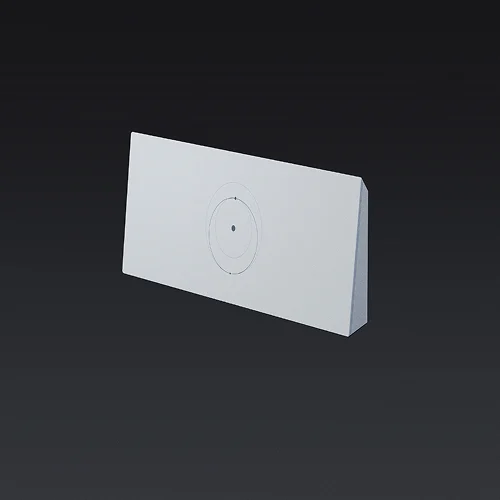
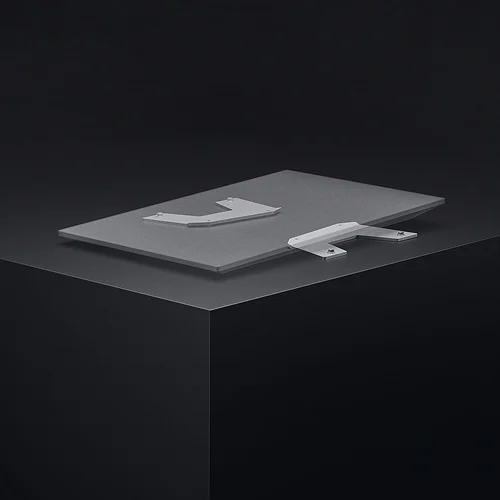
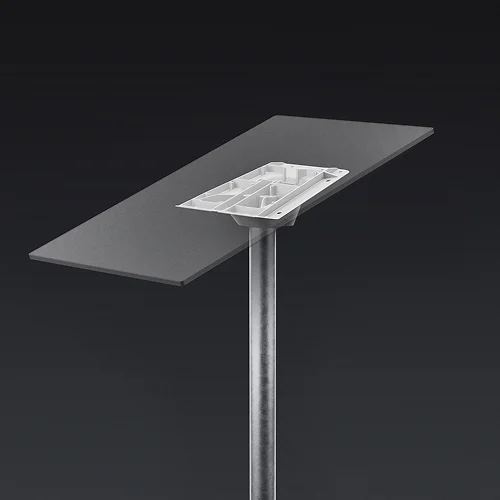
Starlink Wedge mount
Wedge mount
Tilts the dish on flat surfaces.
Starlink Wall mount
Wall mount
Exterior walls.
Starlink Flat mount
Flat mount
Low-profile flat roof install.
Starlink Pipe adapter
Pipe adapter
For an existing pole or mast.
Starlink Cable, 5 m
Cable, 5 m
Short run.
Starlink PoE cable, 25 m
PoE cable, 25 m
Power and data on one cable.
Starlink PoE cable, 50 m
PoE cable, 50 m
Longer PoE run.
Starlink Power supply
Power supply
Replacement Performance power supply.

Enterprise

Enterprise accessories are sold through business accounts. The main one is the cable that connects the high-performance power supply to your own network equipment over RJ45.
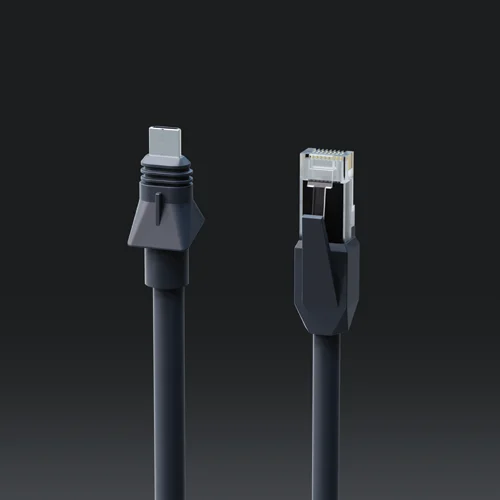
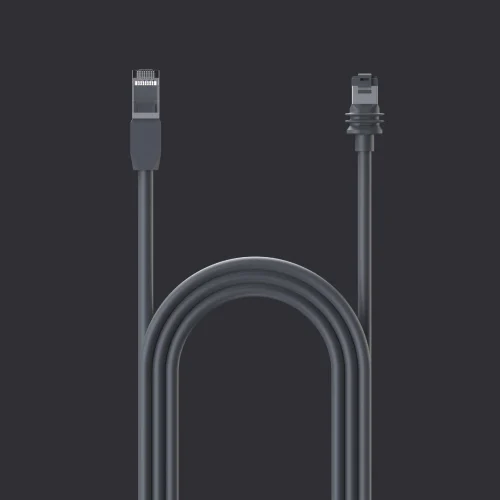
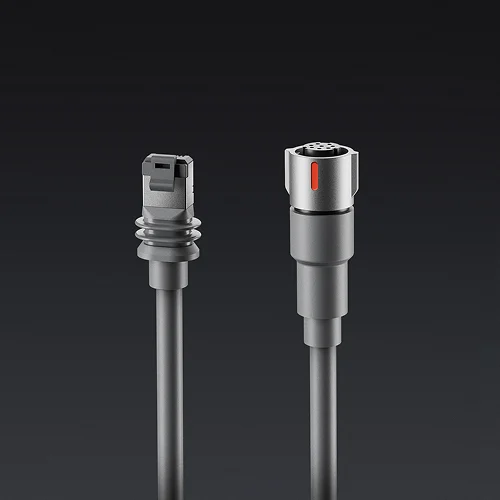
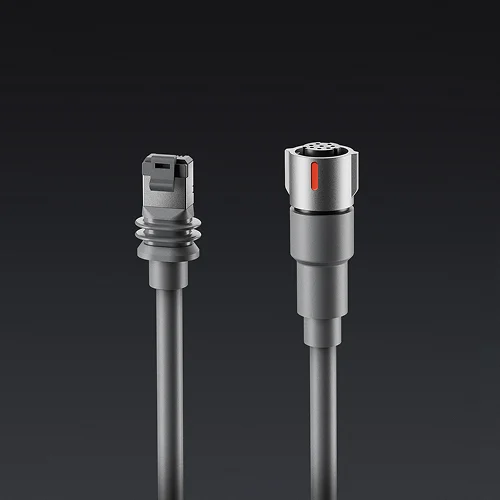
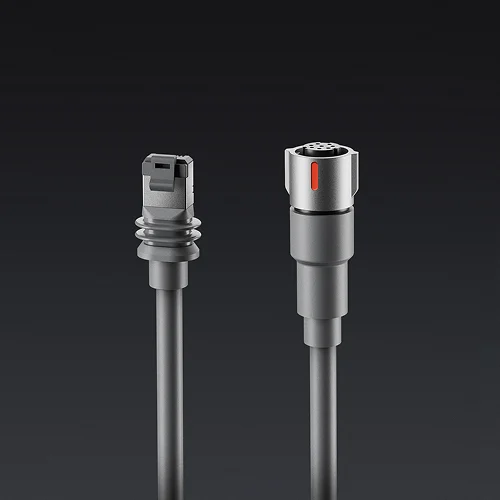
Starlink PSU to RJ45 cable
PSU to RJ45 cable
Connects the power supply to third-party routers.

Which one do you need?

If your situation is
Get
Clear sky from the yard
Nothing extra. Use the kickstand and included cable.
Trees block the view from the ground
A roof mount: pivot for shingles, ridgeline for no drilling.
You want it off the roof
A wall mount on the fascia or gable end.
You already have a pole or mast
A pipe adapter.
Router needs to be more than 15 m away
The 45 m cable, plus a routing kit to seal the entry.
Weak Wi-Fi in far rooms
A second Starlink router or a mesh system.
Mini in a car or RV
The car adapter or DC cable, and a mobility mount for use while driving. See the Mini guide.
Ready to order?
Accessories are sold in Starlink's shop and the Starlink app, filtered to the kit on your account. Not on Starlink yet? Read our Starlink review first.
Shop Starlink accessories →

What to buy first

Start with placement: a clear view of the sky matters more than any accessory. Our Starlink setup guide covers how to pick a spot. Then buy only what that spot needs, usually one mount and, if the run is long, one cable. To compare Starlink with other options at your address, see the best satellite internet.

Still deciding on Starlink itself? Our Starlink vs. cable comparison covers speed and three-year cost.

Read more
Starlink review Starlink Mini for RVs and cars Starlink vs. HughesNet vs. Viasat How to set up mesh Wi-Fi
See what's available at your address
Compare real providers and prices in your ZIP.
Check now →
Founder & editor

Jean founded ShopHighSpeed after trying to find one straight answer about business internet in his own town. He has been a Comcast and Verizon Fios customer, and builds the site’s rankings from the availability data providers file with the FCC rather than from provider marketing.

Haven't ordered yet? See where to buy Starlink and whether Starlink is worth it for your area.

Questions

Which Starlink mount is best for a roof?

For a pitched roof, the Pivot Mount or Ridgeline Mount; for a wall or chimney, the Wall Mount or a pipe adapter on your own pole. The dish needs a clear view of the sky, so check obstructions in the Starlink app first.

Can I get a longer Starlink cable?

Yes. Starlink sells a 45 m cable for the Standard kit in place of the 15 m one that comes in the box. Don’t splice or extend the cable yourself.

Does Starlink Mini need a mount?

No. The Mini has a built-in kickstand. Mounts help for a permanent spot on a wall, roof rack or vehicle.

Do I need the Ethernet adapter?

Only if you want to wire a device or your own mesh system to the Starlink router. The Gen 3 router has two Ethernet ports built in.

Keep reading

See providers at your address Check →