Mesh Wi-Fi vs. a router: which do you need?
A router is one box that makes your Wi-Fi. Mesh is several boxes that share one network. Here is how to tell which your home needs before you spend money.

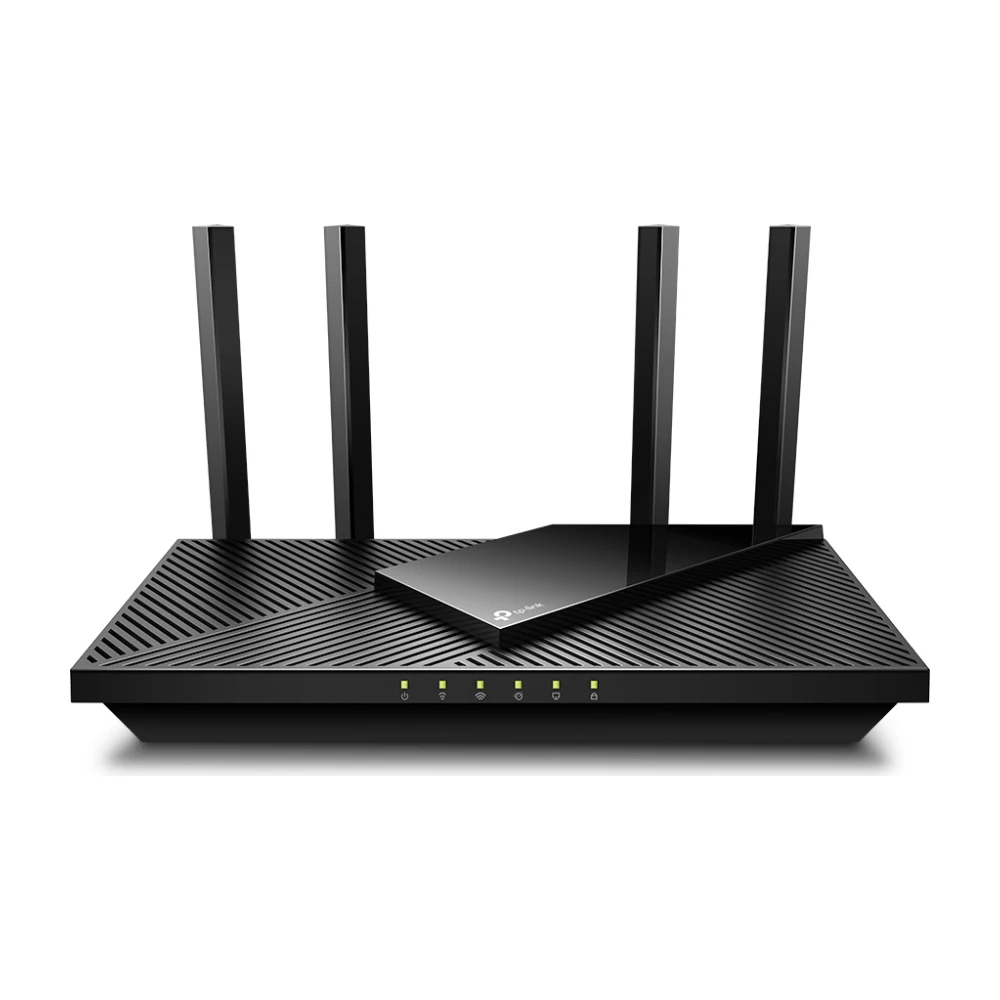
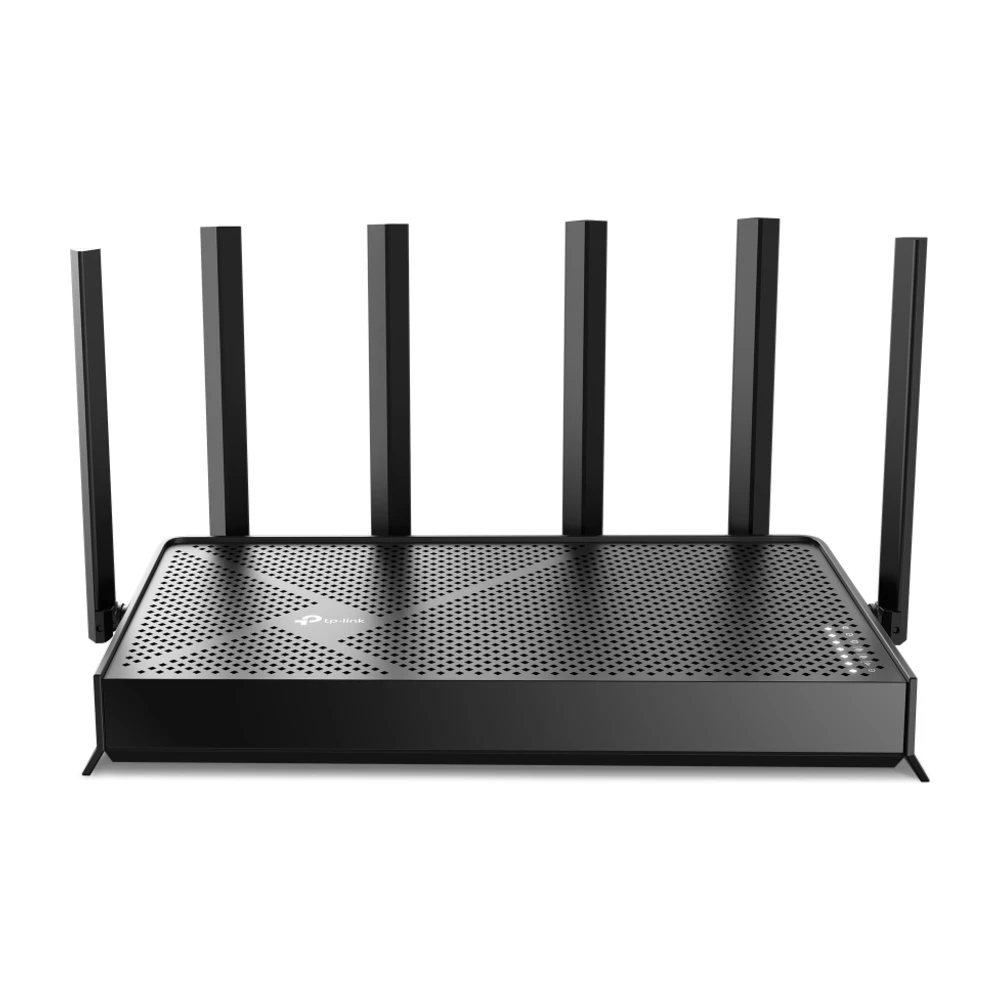
Get a single router if your home is under about 1,500–2,000 sq ft on one or two floors and the router can sit near the middle. Get mesh if you have dead zones, more than one floor, a long or L-shaped layout, brick or plaster walls, or more than about 2,500 sq ft. A good router is $60–$190; a good three-pack mesh system is $150–$210.
Mesh vs. router at a glance
What a router does
Your router takes the internet coming in from your modem or provider gateway and shares it with your devices over Wi-Fi and Ethernet. Many providers give you a gateway that is a modem and router in one. A single router works well when its signal can reach every room: in most apartments, condos and smaller single-floor homes it does.
Wi-Fi gets weaker with distance and with every wall and floor it passes through. Drywall costs a little, brick, plaster, concrete and tile cost a lot, and metal (mirrors, appliances, ductwork) blocks it. That is why a router that is fast in the living room can crawl in a back bedroom.
What mesh does
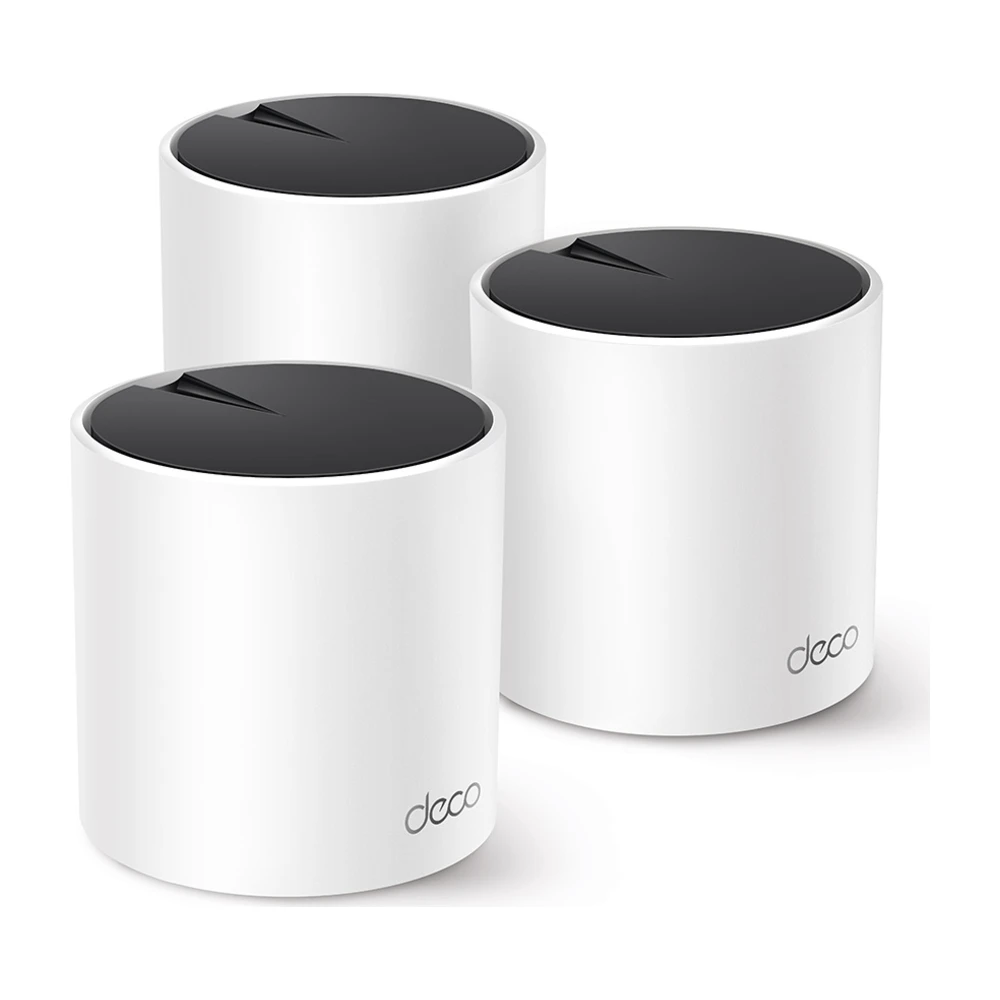
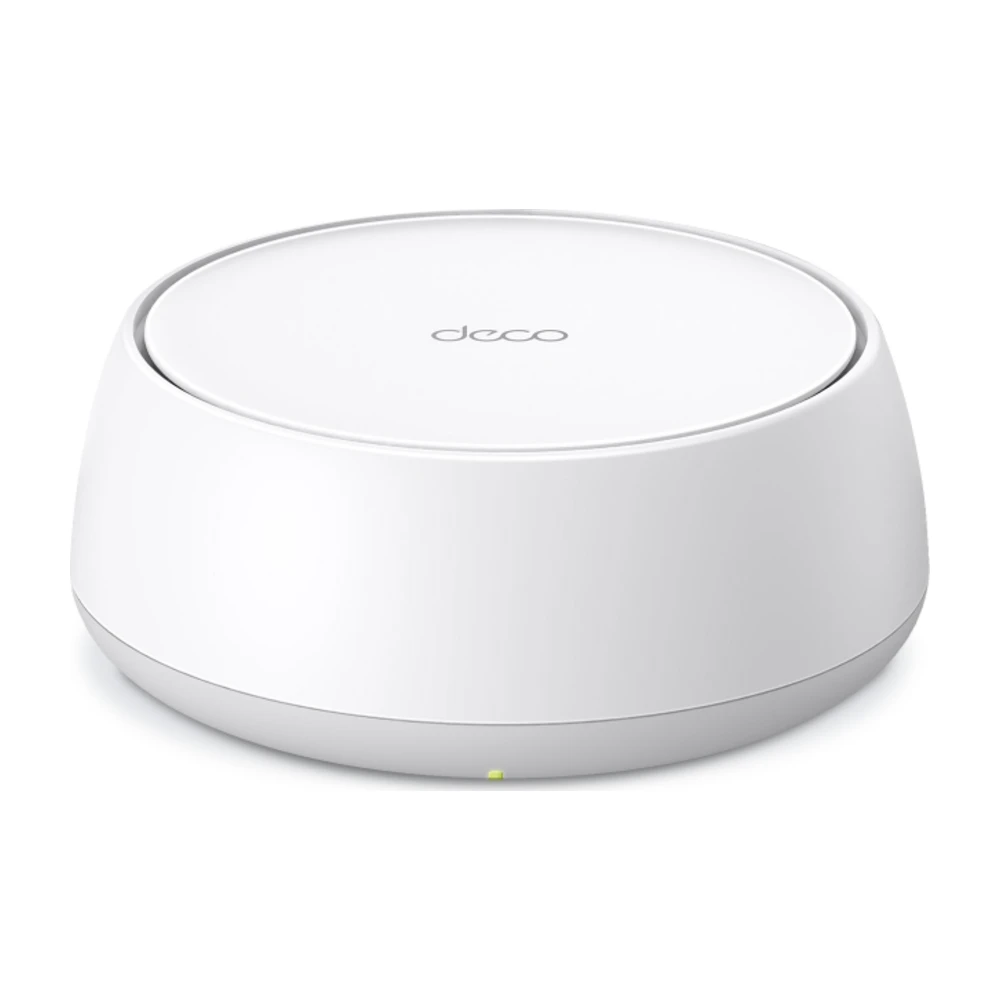
A mesh system puts two or three units around the home. One connects to your modem; the others act as satellites that pass traffic back to it, either wirelessly or over Ethernet. All of them share one Wi-Fi name, and your phone or laptop moves to the strongest unit as you walk around.
Mesh does not make your internet plan faster. It makes the Wi-Fi in far rooms closer to the speed you already pay for. If a wired speed test next to the modem is slow, the problem is your plan or your provider, not your Wi-Fi.
Do you need mesh? A quick test
- Run our speed test next to the router, then in the room where Wi-Fi is worst.
- If the far room gets less than half the speed you get next to the router, or calls drop there, Wi-Fi coverage is the problem.
- Try moving the router first: off the floor, out of cabinets, as close to the middle of the home as the cable allows.
- If the far room is still slow, a mesh system (or one satellite added to a mesh-capable router) is the fix.
Our room-by-room Wi-Fi test walks through this with a floor-plan checklist.
When a single router is enough
- Apartments and condos, including most New York and Boston apartments, as long as the router is not in a corner closet.
- One-floor homes under about 1,500–2,000 sq ft.
- Homes where the provider’s gateway already reaches every room at good speed.
- Plans under about 300 Mbps, where an affordable Wi-Fi 6 router is plenty.
When mesh is worth it
- Two or three floors, or a finished basement.
- Long, narrow or L-shaped layouts where the modem sits at one end.
- Brick, plaster-and-lath, concrete or stone walls.
- Homes over about 2,500 sq ft, or with a garage office, patio or detached room you want covered. See the best router for a large house.
- Gig plans where you want close to full speed in far rooms.
Apartments: mesh or router?
In a typical one- or two-bedroom apartment, a single good router is the better buy. Mesh units in a small space mostly add cost, and in dense buildings dozens of neighbors’ networks compete on the same channels. A router that supports the 5 GHz and 6 GHz bands (Wi-Fi 6E or Wi-Fi 7) helps more than extra boxes because those bands are less crowded. A two-unit mesh makes sense in a larger apartment or a railroad layout with the router at one end.
Which to buy
Mesh vs. extender vs. powerline
More detail in mesh vs. extender and best powerline adapters.
Setup tips that matter more than the box
- Put the main unit or router high and central, not on the floor or behind a TV.
- Place mesh satellites about halfway between the main unit and the weak area, not in the weak area itself.
- If you have Ethernet in the walls, wire the satellites (Ethernet backhaul) for the best speed.
- Turn off your provider gateway’s Wi-Fi, or put it in bridge mode, so two networks don’t fight.
- Restart and update firmware once after setup.
Step-by-step help: how to set up mesh Wi-Fi.
Questions
Is mesh better than a router?
Not always. In a small home or apartment a single good router is faster for the money. Mesh is better in larger, multi-floor homes or ones with thick walls, where one router can’t reach every room.
Does mesh Wi-Fi replace my router?
Yes. The main mesh unit acts as your router. If your provider gave you a gateway, you can turn off its Wi-Fi or put it in bridge mode and let the mesh handle Wi-Fi.
Will mesh make my internet faster?
It won’t make your plan faster. It makes Wi-Fi in far rooms closer to the speed you get next to the router.
How big a house needs mesh?
As a rule of thumb, homes over about 2,500 sq ft, or any home with more than one floor and dead zones. Wall materials matter as much as size.
Is mesh good for an apartment?
Usually not needed. A single Wi-Fi 6E or Wi-Fi 7 router placed centrally covers most apartments. A two-unit mesh can help in a large or long apartment.
Can I add mesh to my existing router?
Some routers support adding mesh satellites from the same brand (for example TP-Link OneMesh or ASUS AiMesh). Otherwise, a full mesh system is simpler.
Sources (3)
- Manufacturer specs for TP-Link Archer AX21, Archer BE9700, Deco X55 and Deco BE25
- Recent sale prices from our Black Friday router price guide, checked Oct 24, 2026
- Our mesh, router and Wi-Fi testing guides
Prices and offers change often; confirm at your address before you order. How we research
Jean founded ShopHighSpeed after trying to find one straight answer about business internet in his own town. He has been a Comcast and Verizon Fios customer, and ranks providers on what they actually deliver, not on what they advertise.