Best router for a large house
One router rarely covers a big house well. These are the systems we’d buy for 3,000 sq ft and up, matched to your plan speed and how your home is built.

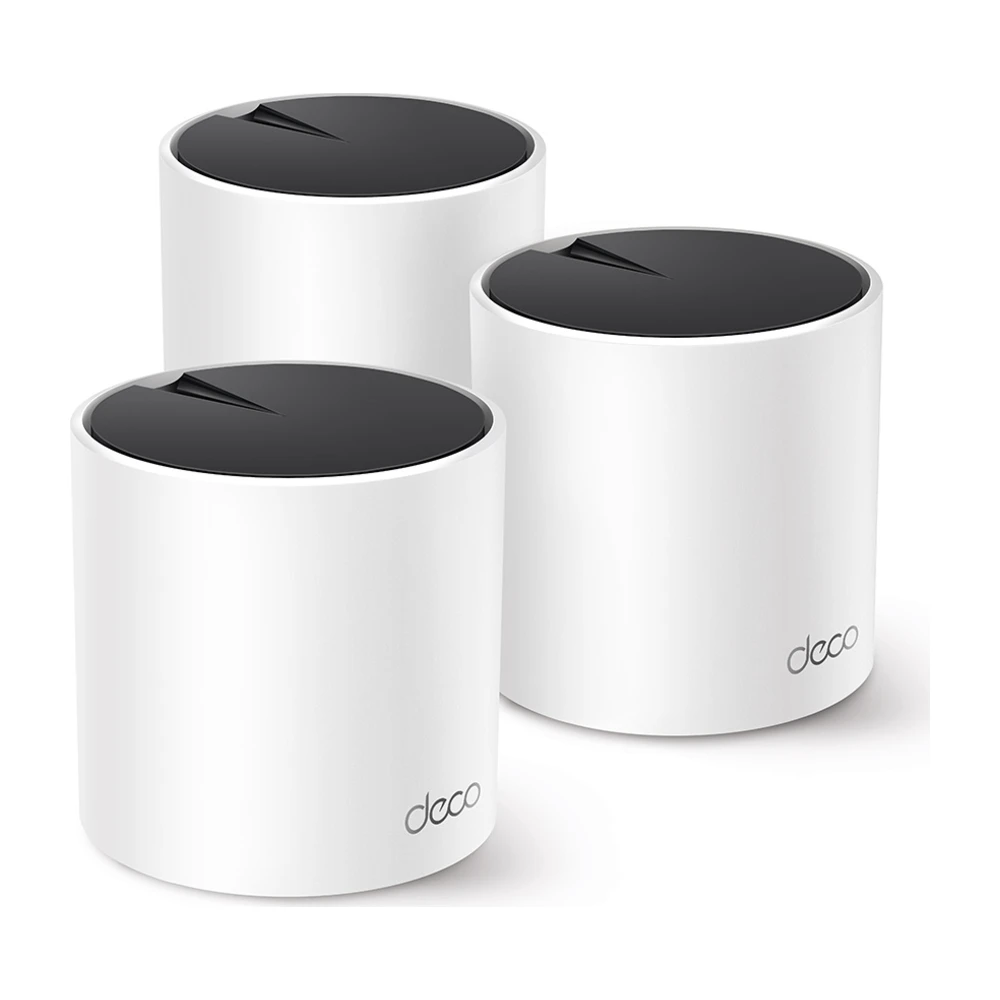
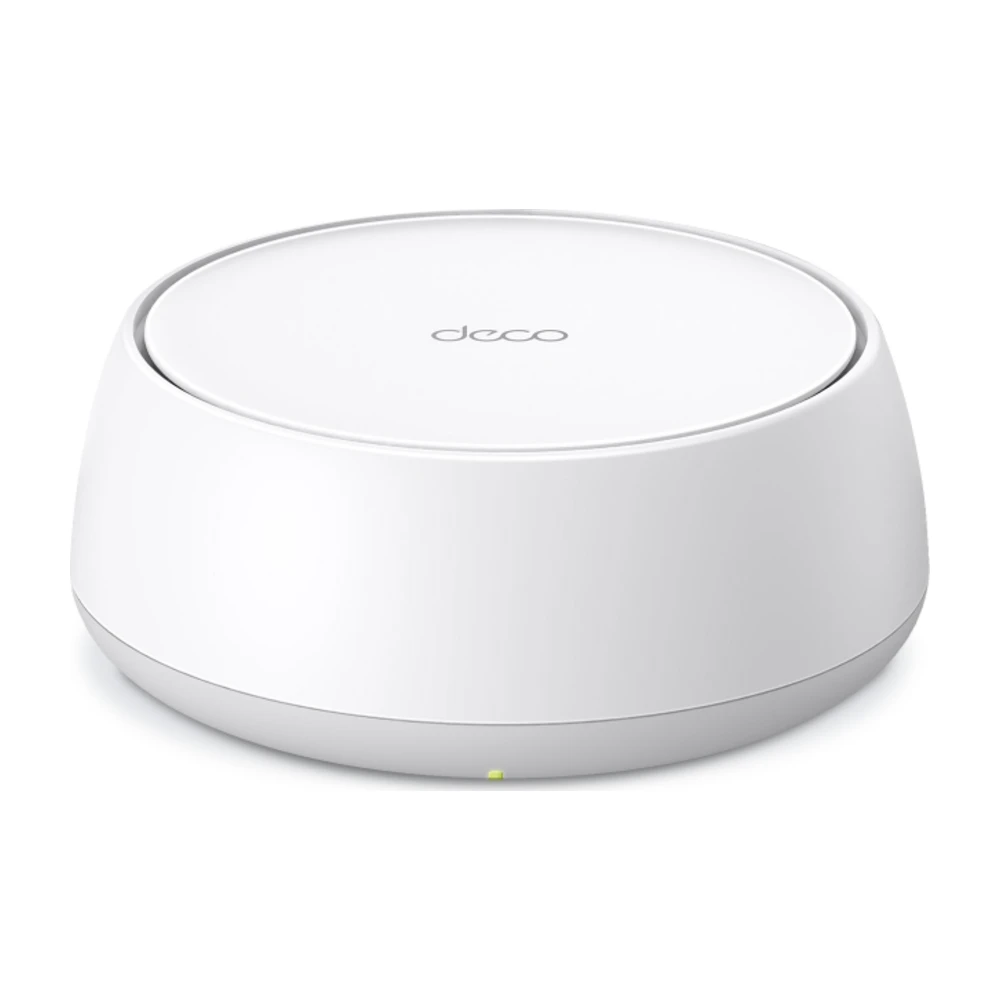
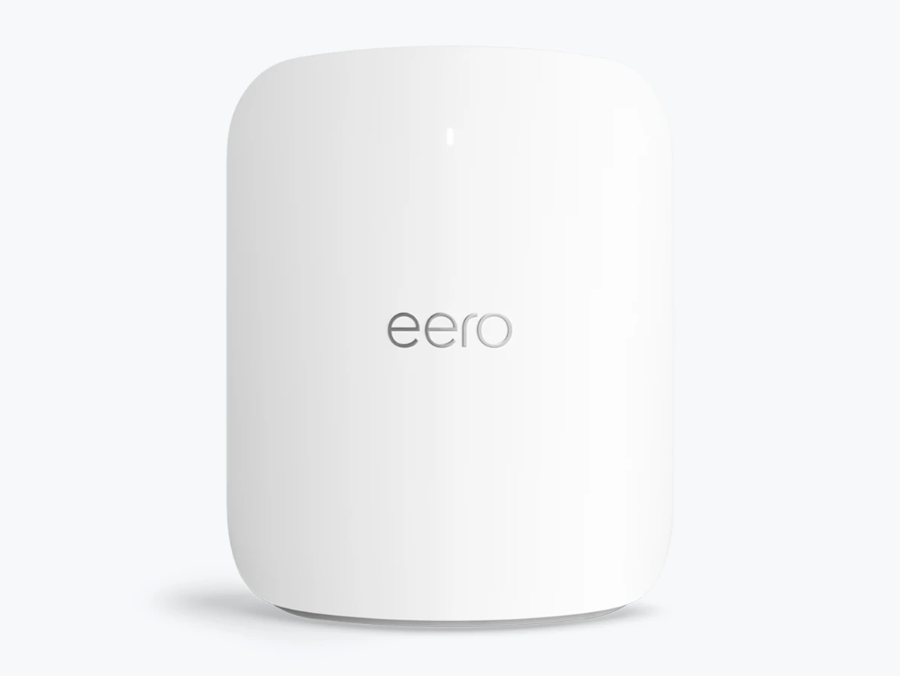
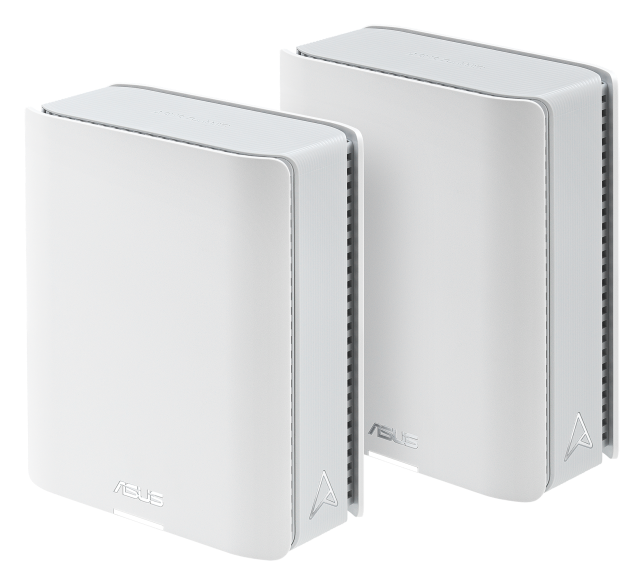
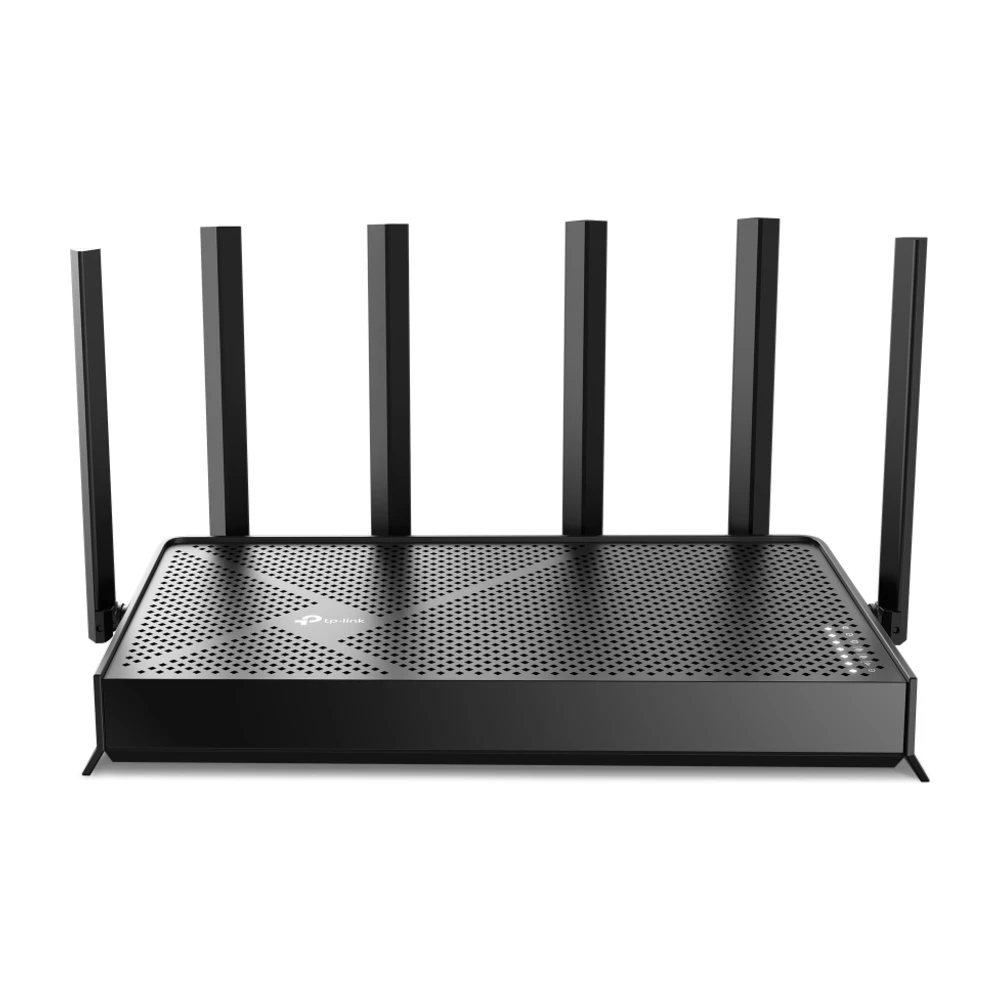
For most large houses, the TP-Link Deco X55 three-pack (about $150 on sale) covers up to about 6,500 sq ft and handles plans up to 1 Gig. On faster plans, the Deco BE25 adds Wi-Fi 7 and 2.5 Gbps ports for about $210. For multi-gig plans and the biggest homes, the eero Max 7 or ASUS ZenWiFi BT8 are the top picks. If you want a single box, the Archer BE9700 is the strongest under $190, but only if you can place it centrally.
Black Friday 2026: Amazon, Best Buy and Walmart hadn't announced their Black Friday sale dates as of Oct 29. Black Friday is Nov 27, and Amazon's sale opened Nov 20 last year. Until sale prices go live, see our router and mesh deals page.
Some links on this page are affiliate links: We may earn a commission if you sign up or buy, at no cost to you. It never affects our rankings. For more information, see our Advertiser disclosure.
Quick picks by home size and plan
Why a single router struggles in a big house
Wi-Fi weakens with distance and with every wall and floor in its path. A router in a front-hall closet may be 60 feet and two floors from the back bedroom. Even a powerful Wi-Fi 7 router can’t push a strong 5 GHz signal that far through drywall, brick and floors, and phones and laptops have weak antennas for the return trip. Mesh solves this by putting a unit near each area, all on one network.
A single router can still work in a large one-floor ranch if it sits in the middle and the walls are drywall. If you want to test before buying, see mesh vs. router for a five-minute check.
The picks
What matters in a large-house router
- Number of units: start with one per floor, plus one for any far wing, garage office or basement.
- Backhaul: tri-band systems keep a separate radio for unit-to-unit traffic, so speed holds up far from the main unit. If your house has Ethernet in the walls, wired backhaul beats any wireless option.
- Ports: 2.5 Gbps or faster ports matter only if your plan is over 1 Gig or you move big files at home.
- Wi-Fi 6 vs. 7: Wi-Fi 6 is plenty for plans up to 1 Gig. Wi-Fi 7 helps on multi-gig plans and with newer phones and laptops.
- Outdoor coverage: for a patio, pool or detached garage, place a unit by a window facing it, or add an outdoor-rated unit.
Where to place mesh units
- Put the main unit where your internet comes in, as high and open as possible.
- Place the next unit about halfway to the farthest area, with no more than one or two walls between them.
- On multi-story homes, stack units roughly above each other, one per floor, rather than at opposite corners.
- Use the app’s placement check after setup; move any unit it marks as weak a few feet closer.
- Turn off Wi-Fi on your provider’s gateway, or use bridge mode, so it doesn’t interfere.
Then test room by room with our speed test to confirm.
Wiring a large house
If any rooms already have Ethernet jacks, use them. Wired backhaul to the satellites gives the most consistent speed. Where there is no Ethernet, powerline adapters or MoCA adapters over coax can carry backhaul to a far unit. Many large homes have coax in most rooms from old cable TV wiring.
Is your provider’s gateway enough?
Some providers rent or include mesh extenders: Xfinity offers xFi Pods, Spectrum and AT&T offer Wi-Fi extenders on some plans, and T-Mobile All-In includes a mesh extender on request. These are worth trying first if they are free. A system you buy usually gives better coverage and controls, and you keep it if you switch providers.
On Verizon Fios? Fios extenders and routers explains which Verizon gear works with mesh.
Questions
What is the best router for a large house?
For most large homes, a mesh system beats a single router. The TP-Link Deco X55 three-pack is the best value for plans up to 1 Gig, the Deco BE25 for faster plans, and the eero Max 7 or ASUS ZenWiFi BT8 for multi-gig plans and the biggest homes.
How many mesh units do I need?
Start with one per floor, plus one for any far wing, basement or detached room. Most 3,000–4,500 sq ft homes do well with three units.
Can one router cover a 3,000 sq ft house?
Sometimes, in a one-floor home with drywall walls and the router in the middle. In multi-story homes or with brick and plaster walls, mesh covers more evenly.
Do I need Wi-Fi 7 for a large house?
No. Wi-Fi 6 mesh is enough for plans up to 1 Gig. Wi-Fi 7 helps on multi-gig plans and with newer devices.
Is wired backhaul worth it?
Yes, if you have Ethernet or coax in the walls. It gives satellites their full speed and frees up Wi-Fi for your devices.
Sources (3)
- Manufacturer specs for TP-Link Deco X55, Deco BE25, Archer BE9700, eero Max 7 and ASUS ZenWiFi BT8
- Recent sale prices from our Black Friday router price guide, checked Oct 24, 2026
- Provider pages for gateway extenders (Xfinity, Spectrum, AT&T, T-Mobile)
Prices and offers change often; confirm at your address before you order. How we research
Jean founded ShopHighSpeed after trying to find one straight answer about business internet in his own town. He has been a Comcast and Verizon Fios customer, and ranks providers on what they actually deliver, not on what they advertise.