The best routers for T-Mobile Home Internet
Your own router can fix T-Mobile's Wi-Fi range, but the gateway stays in charge. Here's what to buy and what to expect.

T-Mobile's gateway can't be replaced or put in bridge mode, but you can plug your own router or mesh system into its Ethernet port and turn off the gateway's Wi-Fi in the T-Life app. You don't need multi-gig: 5G home speeds sit well under 1 Gbps. The TP-Link Deco X55 is the best value; the GL.iNet Flint 2 suits anyone who wants a VPN or advanced settings.
Some links on this page are affiliate links: We may earn a commission if you sign up or buy, at no cost to you. It never affects our rankings. For more information, see our Advertiser disclosure.
Black Friday 2026: Amazon, Best Buy and Walmart hadn't announced their Black Friday sale dates as of Oct 29. Black Friday is Nov 27, and Amazon's sale opened Nov 20 last year. Until sale prices go live, see our Black Friday deals hub.
The picks
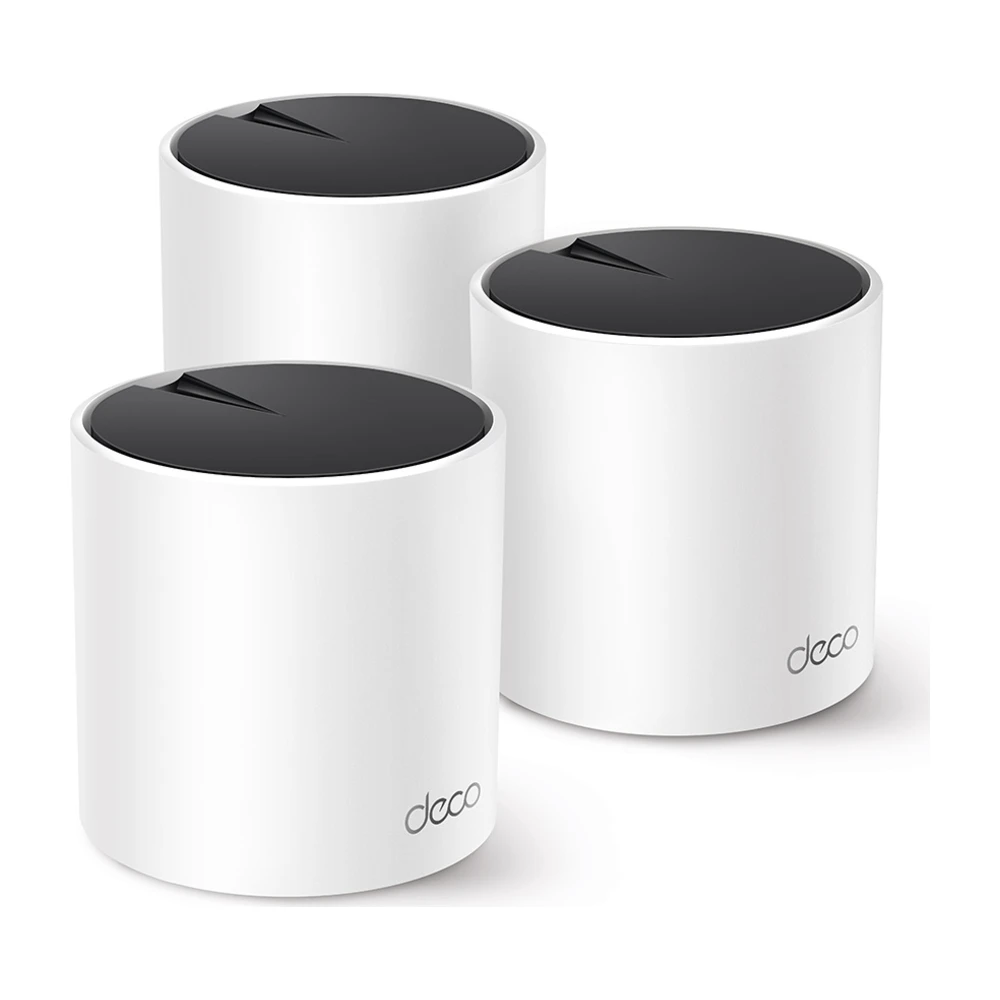
TP-Link Deco X55
Cheap, reliable mesh that easily handles T-Mobile's speeds. Put the gateway where the 5G signal is strongest, then spread Deco units where you actually use Wi-Fi. See our Deco X55 review.
Worth knowing: Wi-Fi 6, not 7. That doesn't matter at 5G home speeds.
Check price →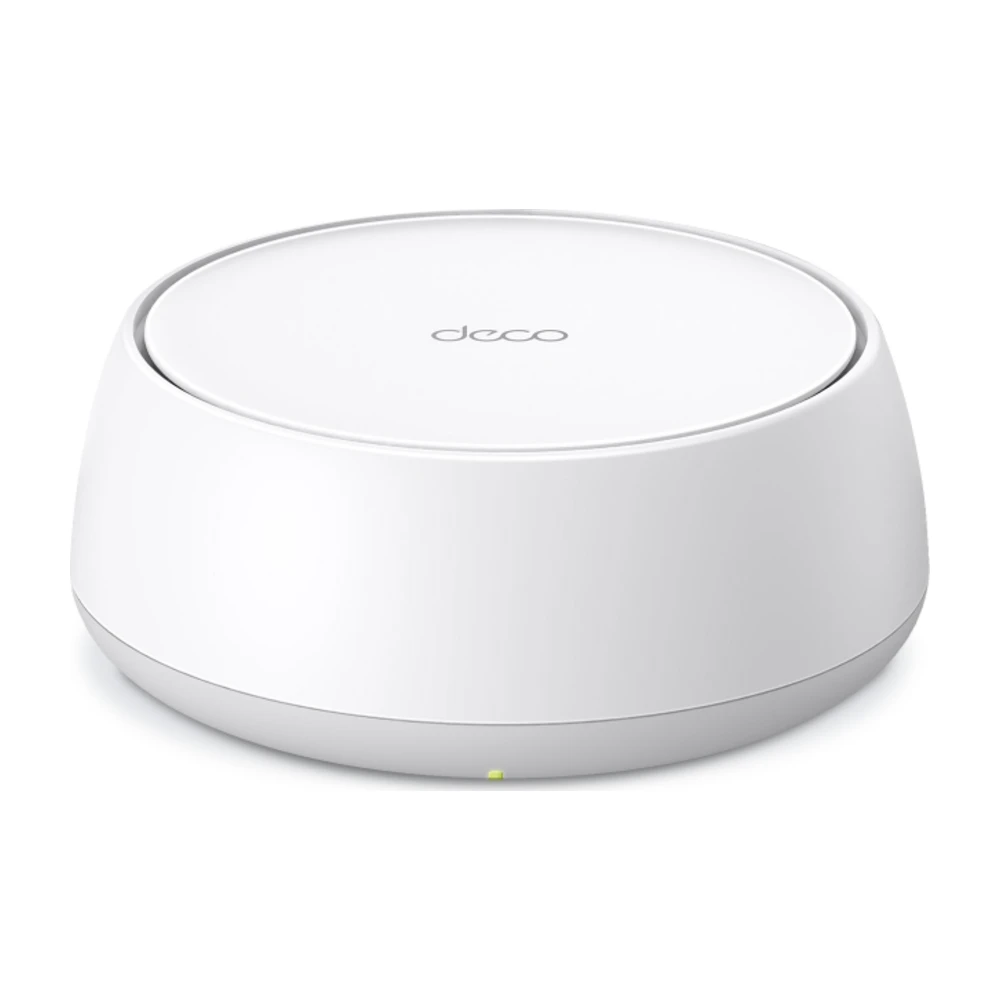
TP-Link Deco BE25
If you might move to fiber later, this kit will keep up. On T-Mobile it gives you newer Wi-Fi and more wired ports at each unit.
Worth knowing: Costs more than the X55 for no speed gain on 5G home internet.
Check price →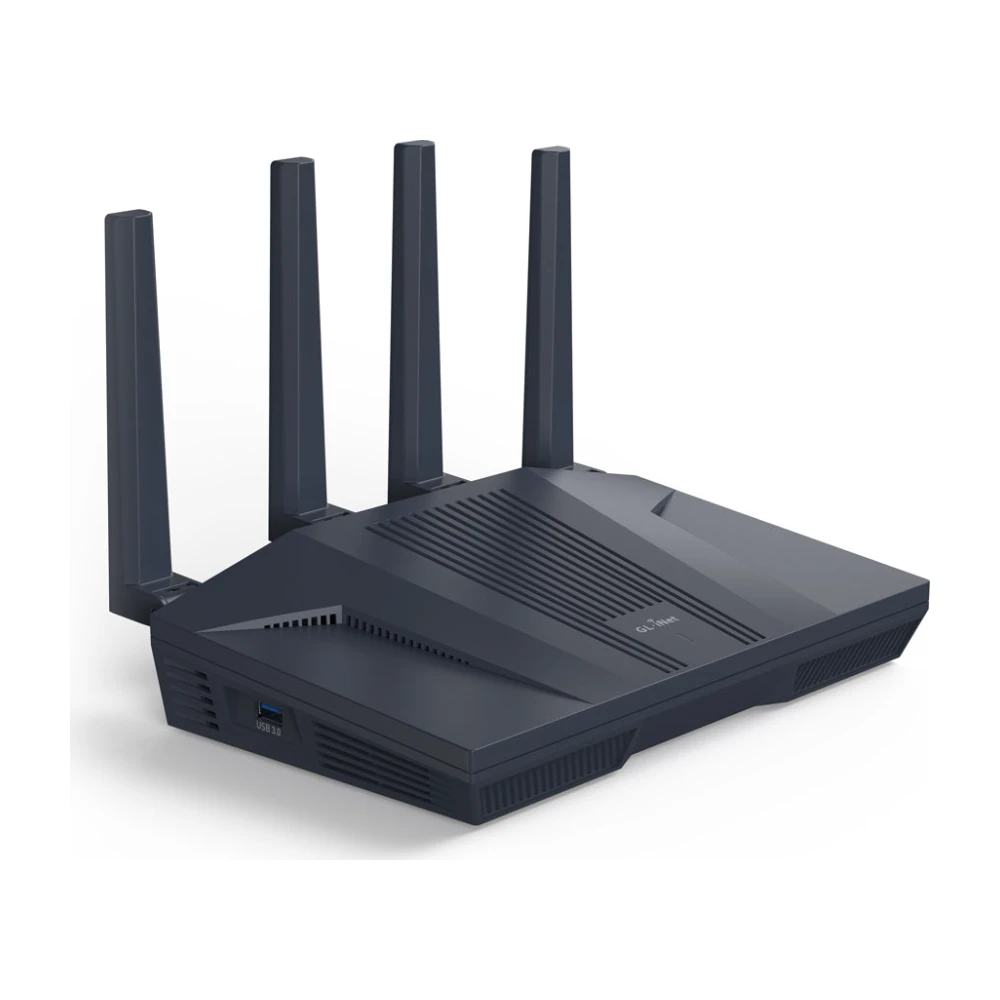
GL.iNet Flint 2
Runs a VPN client for the whole house, plus detailed QoS and custom DNS. Useful because T-Mobile's gateway offers almost no settings of its own.
Worth knowing: The interface assumes some networking knowledge.
Check price →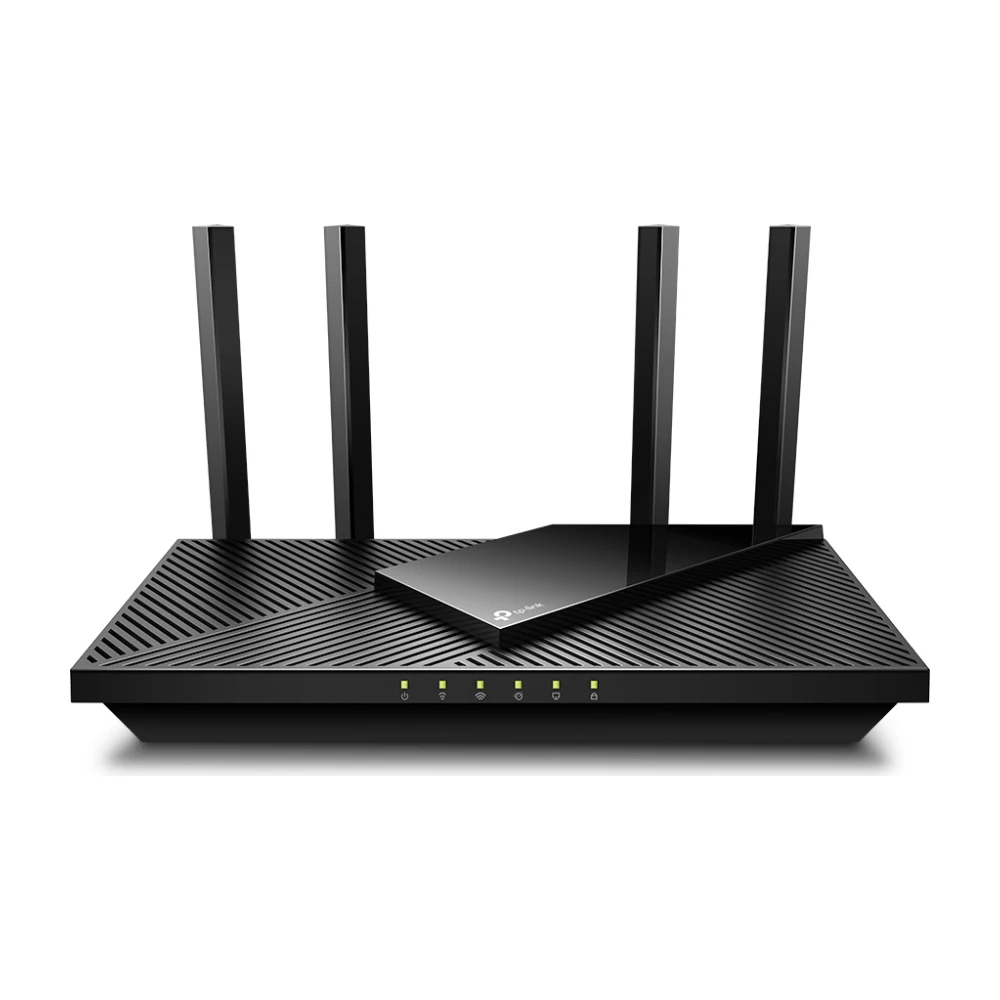
TP-Link Archer AX21
A cheap way to move Wi-Fi away from a gateway that has to sit by a window. Fine for apartments and small homes.
Worth knowing: One router, so range is limited.
Check price →How to connect a router to the T-Mobile gateway
If the best signal spot is far from where you use the internet, a long Cat 6 cable between the gateway and the router solves both problems.
- Place the gateway where the T-Life app shows the strongest 5G signal, usually an upstairs window.
- Run an Ethernet cable from a LAN port on the gateway to the WAN or internet port on your router.
- Set up your router's Wi-Fi with its own app.
- Turn off the gateway's Wi-Fi in the T-Life app so you have one network, not two.
- Restart your devices so they join the new network.
What a router can't fix on T-Mobile
T-Mobile says its gateways can't use bridge mode, change NAT type or forward ports, and a router behind the gateway can't remove those limits. If a game console shows a strict NAT, see how to fix NAT type. If your speeds are low, the problem is usually the 5G signal, not Wi-Fi: our T-Mobile Home Internet slow guide covers placement and checks.
Do you need multi-gig?
No. T-Mobile's plans typically deliver a few hundred Mbps. Gigabit ports are plenty, so spend your budget on coverage instead. If you're weighing T-Mobile against fiber, see T-Mobile Rely vs. Amplified vs. All-In and fiber vs. 5G.
Where to put the gateway, and where to put the router
On cable or fiber, the router goes wherever the line enters the house. On T-Mobile, the gateway has to go where the 5G signal is strongest, which is often an upstairs window on the side facing the tower. That spot is rarely where you want your Wi-Fi.
The fix is to separate the two jobs. Leave the gateway in the signal spot, run Ethernet from it to your router or main mesh unit near the middle of the home, and let the router handle Wi-Fi. The T-Life app shows signal strength as you move the gateway, so try two or three windows before settling.
- Upstairs usually beats downstairs.
- Avoid metal window film, appliances and thick exterior walls between the gateway and the outside.
- A flat Cat 6 cable can slide under doors and carpet edges if you can't drill.
Double NAT: does it matter?
With your own router behind T-Mobile's gateway, your network goes through two layers of address translation (double NAT). For streaming, browsing, video calls and most games, you won't notice. It can matter for hosting game lobbies, some VPN setups and remote access to cameras or a home NAS.
Because T-Mobile doesn't offer bridge mode or port forwarding, a router can't fully fix this. If you rely on hosting or remote access, consider a service with a public IP, or see backup internet options and fiber vs. 5G.
Which T-Mobile setups benefit most
Gaming on T-Mobile? Steady signal matters more than the router. Read is 5G home internet good for gaming.
| Home | Gateway alone | Add a router or mesh |
|---|---|---|
| Apartment, gateway near the middle | Usually fine | Not needed |
| Two floors, gateway by a window | Weak far rooms | Mesh kit |
| Many smart devices | Gateway Wi-Fi can struggle | Router with more device capacity |
| Want a VPN or parental controls | Not supported | Router such as Flint 2 |
T-Mobile's gateways
T-Mobile has shipped several gateway models over the years, made by Arcadyan, Sagemcom and Nokia, and newer ones such as the G5AR. They differ in Wi-Fi strength and port count, but all of them work with your own router the same way: Ethernet out of the gateway, into the router's internet port. Most have one or two Ethernet ports. If yours has two, use either.
If your gateway is several years old and the 5G signal is weak, ask T-Mobile about a replacement before buying a router. A newer gateway can pick up 5G bands older ones can't, which helps speed more than any router can. Our T-Mobile speed test guide explains what speeds to expect.
Mesh setups that work well on T-Mobile
The most reliable layout is: gateway in the window, main mesh unit wired to it, satellites spread through the home. If you can't run a cable from the gateway, put the main mesh unit right next to the gateway with a short cable and let the satellites cover the rest. That still beats the gateway's own Wi-Fi in most two-story homes.
Avoid putting a Wi-Fi extender between the gateway and your router. Extenders cut speed in half on each hop, and 5G home internet already varies through the day. See mesh vs. extender.
Parental controls and security
T-Mobile's gateway has very few settings, so a router of your own is the easiest way to add parental controls, content filtering and a guest network. TP-Link Deco includes HomeShield basics free; GL.iNet routers support custom DNS filtering. See routers with parental controls.
How we picked
We chose routers and mesh kits with strong published test results that work as a router behind another router, offer the features T-Mobile's gateway lacks (VPN, QoS, parental controls), and fit the speeds 5G home internet actually delivers. More in how we research.
Questions
Can I use my own router with T-Mobile Home Internet?
Yes, behind the gateway. Connect it to the gateway's Ethernet port and turn off the gateway's Wi-Fi in the T-Life app. You can't remove the gateway, because it holds the 5G modem.
Does T-Mobile Home Internet have bridge mode?
No. T-Mobile's gateways don't offer bridge mode, NAT changes or port forwarding.
Will a better router make T-Mobile faster?
Only if Wi-Fi was the bottleneck. If a speed test next to the gateway is slow too, the 5G signal is the limit.
What's the best mesh for T-Mobile Home Internet?
The TP-Link Deco X55 for most homes. It covers a large house and easily keeps up with 5G home speeds.
Does using my own router void T-Mobile's service?
No. T-Mobile says third-party routers can connect to the gateway's Ethernet port.
Do I need to keep the gateway's Wi-Fi on?
No. Turn it off in the T-Life app once your own router is set up, so devices don't jump between two networks.
How many Ethernet ports does the T-Mobile gateway have?
Most T-Mobile gateways have one or two. Use one for your router, then add a switch to the router if you need more wired ports.
Can I put the T-Mobile gateway outside?
No, T-Mobile's standard gateways are made for indoor use. If signal is weak indoors, try an upper-floor window first, then contact T-Mobile about other equipment options at your address.
- T-Mobile support: third-party equipment with Home Internet, and T-Life app gateway settings, checked Oct 29, 2026
- Maker product pages for TP-Link and GL.iNet, checked Oct 29, 2026
- Published router and mesh testing from independent reviewers, noted where used
Our picks are based on specs, maker documentation and published lab tests, noted where used.
Prices and offers change often; confirm at your address before you order. How we research
Jean founded ShopHighSpeed after trying to find one straight answer about business internet in his own town. He has been a Comcast and Verizon Fios customer, and ranks providers on what they actually deliver, not on what they advertise.