The best router for streaming in 2026
Most streaming buffering is a Wi-Fi problem, not a speed problem. These routers and mesh systems get a strong signal to every TV, from a small apartment to a large home on multi-gig fiber.

The TP-Link Archer BE9700 is the best router for streaming in most homes. If a TV is far from the router or on another floor, get mesh: the Deco BE25 for Wi-Fi 7 or the Deco X55 on a budget. For an apartment, the Archer AX21 is enough. A 4K stream needs only about 25 Mbps, so buy for coverage, not top speed.
Our picks
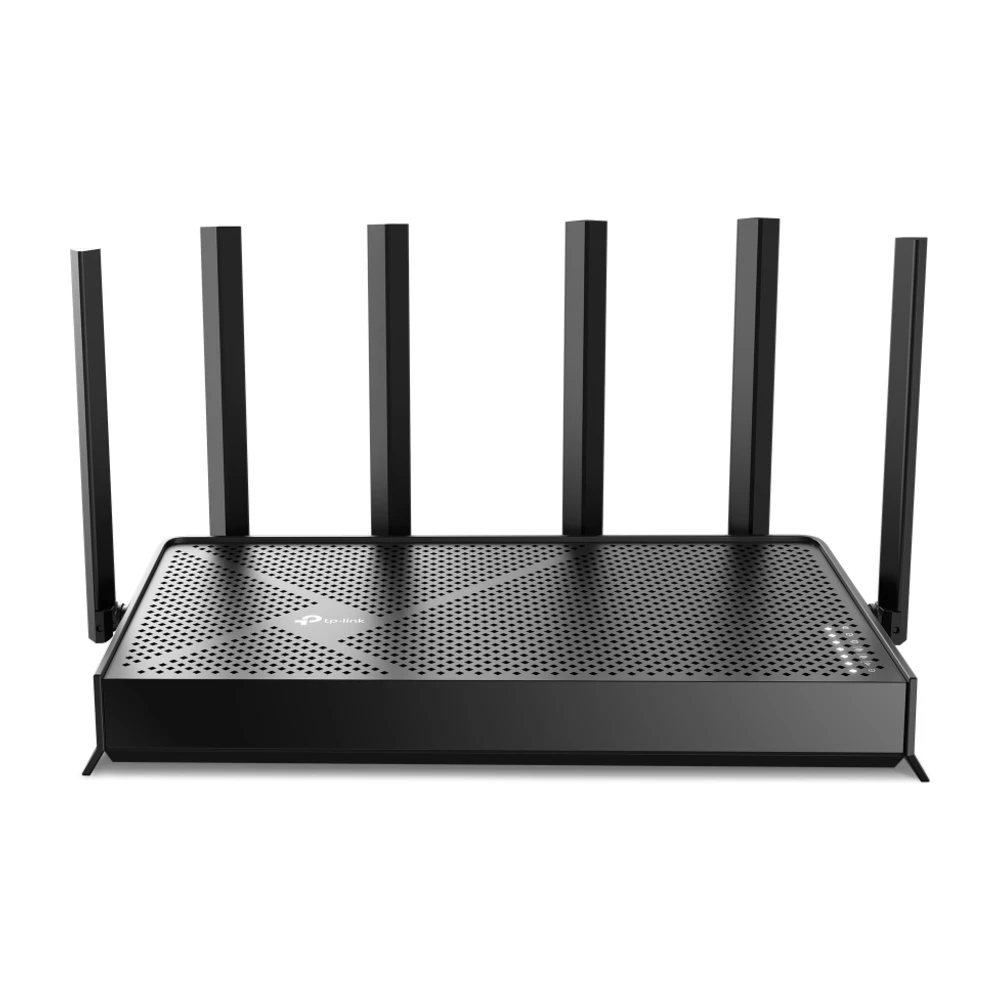
A Wi-Fi 7 router with strong range for most homes up to about 2,500 sq ft, plenty of capacity for several 4K TVs, and multi-gig ports for faster plans.
Skip it if: Your TV is more than two walls from the router; pick mesh instead.

Three units spread a strong signal to TVs in far rooms, which is what fixes most streaming buffering in larger homes.
Skip it if: You live in an apartment; a single router is enough.

Wi-Fi 6 is plenty for 4K streaming, and this kit covers a large home for the price of one premium router.
Skip it if: You have a multi-gig plan and want to use all of it.
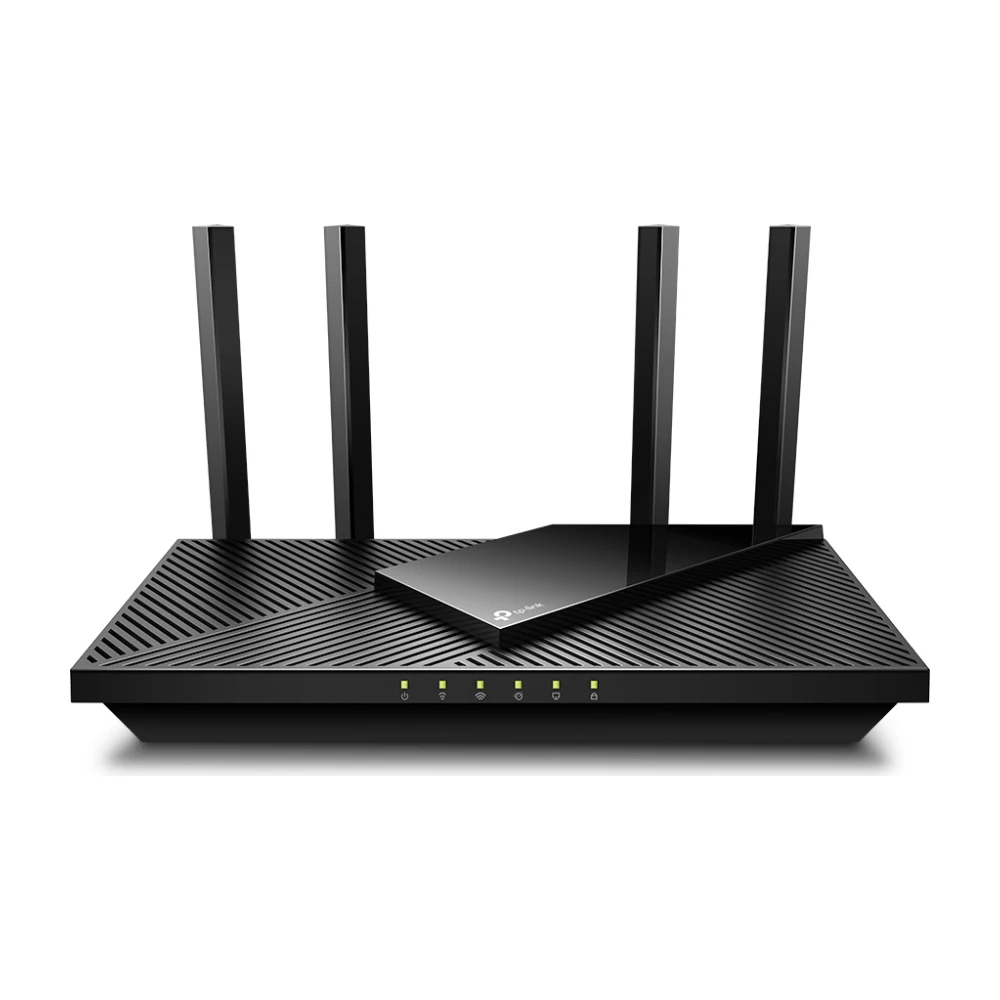
For an apartment or small home with one or two TVs, this covers 4K streaming without paying for features you won't use.
Skip it if: You have more than about 25 connected devices.
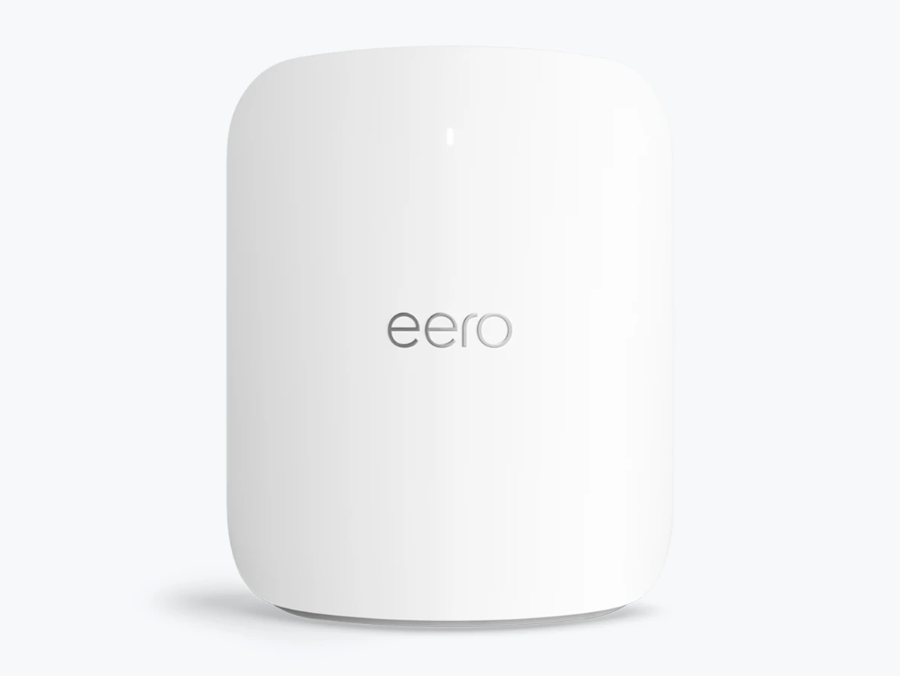
Simple app, very fast, and you can add more units later. Worth it for large homes with multi-gig fiber and many 4K screens.
Skip it if: You're on a plan under 1 Gig; you won't feel the difference.
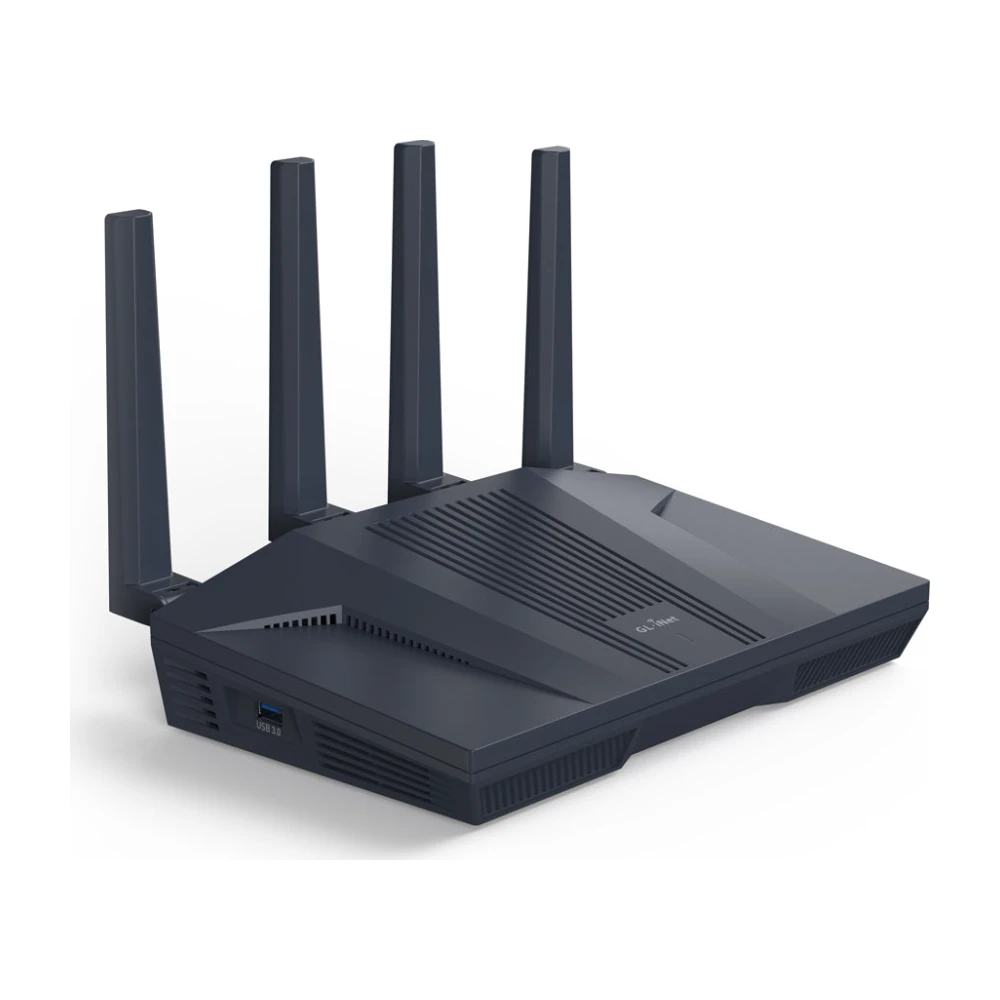
Runs a VPN at full speed on the router itself, so every TV and streaming stick uses it without separate apps.
Skip it if: You don't use a VPN; the Archer is simpler.
A step up from the Deco BE25: a third band carries traffic between units, so far rooms keep more speed. A strong choice for large homes with many 4K TVs, and a common top pick in lab tests for streaming.
Skip it if: your home is under about 2,500 sq ft; the BE25 covers it for less.
Prices are typical October 2026 prices and change often. ShopHighSpeed may earn a commission from Amazon links at no cost to you.
Specs compared
Which router for your home
Wi-Fi 6 vs. 6E vs. 7 for streaming
Most TVs and streaming sticks use Wi-Fi 5 or Wi-Fi 6, so a Wi-Fi 7 router helps them mostly through better range and less congestion, not higher speed.
What makes a router good for streaming
- Signal strength at the TV. A 4K stream needs about 25 Mbps. Most buffering comes from a weak signal in the room, not a slow router.
- Wi-Fi 6 or newer. It handles many devices at once much better than Wi-Fi 5, which matters when phones, TVs and consoles are all busy.
- Enough capacity for everything at once. Tri-band and Wi-Fi 7 routers keep streams smooth while others game or download.
- Ethernet ports. Wire the main TV or streaming box when you can.
- QoS settings. Let you put TVs ahead of downloads when the connection is busy.
- Match the router to your plan. See what router speed you need.
Fix streaming buffering before you buy
- Test at the TV and at the router. If only the TV is slow, it's Wi-Fi. If both are slow, check your plan. Use our speed test.
- Move the router out of cabinets and closets, to a central, raised spot.
- Restart your modem and router; see how to restart your modem and router.
- Use the 5 GHz band for TVs close to the router.
- Check your plan size. See the best internet for streaming for how much speed streaming needs.
How we picked
We started with routers we've reviewed hands-on, including the Deco BE25, Deco X55 and eero Max 7, and added widely tested models for the other price points. We weighted coverage at the far end of a home over peak speed, since a 4K stream needs only about 25 Mbps; how well each handles many devices at once; Ethernet ports for TVs; and price. See our methodology.
Router, mesh or extender?
Extenders are the cheapest fix for one dead room but usually halve speed. Mesh is better for whole-home streaming. See mesh vs. a router and mesh, extender or a new router. If you rent a gateway from your provider, you can usually add your own router; see modem vs. router.
Shopping during Black Friday? See Black Friday router and mesh deals for prices to beat.
Related guides
- Manufacturer specifications for TP-Link, eero and GL.iNet, checked Oct 2026
- Streaming service speed recommendations, 2026
- ShopHighSpeed reviews of the Deco BE25, Deco X55 and eero Max 7
Prices change daily; check the retailer before you buy. How we research
Questions
What is the best router for streaming 4K?
For most homes, a Wi-Fi 6 or Wi-Fi 7 router such as the TP-Link Archer BE9700. A 4K stream needs only about 25 Mbps, so what matters is a strong signal at the TV, not top speed.
Is mesh or a single router better for streaming?
A single router is enough for apartments and small homes. If any TV is two or more walls away, or on another floor, mesh gives steadier streaming.
Do I need Wi-Fi 7 for streaming?
No. Wi-Fi 6 handles several 4K streams easily. Wi-Fi 7 helps homes with multi-gig plans or many devices, and costs more.
Will a new router stop buffering?
If the buffering comes from weak Wi-Fi at the TV, yes. Test first: run a speed test at the TV, then next to the router. If both are slow, the problem is your plan or provider.
Should I connect my TV with Ethernet?
Yes, if you can. A wired TV gets the full speed of your plan and frees Wi-Fi for everything else. Mesh units often have Ethernet ports you can use near the TV.
What router settings help streaming?
Put the TV on the 5 GHz or 6 GHz band, turn on QoS if your router has it, and keep the firmware updated. Placement matters most: central, high and out of cabinets.
Jean founded ShopHighSpeed after trying to find one straight answer about business internet in his own town. He has been a Comcast and Verizon Fios customer, and ranks providers on what they actually deliver, not on what they advertise.