Starlink problems: the most common complaints and how to fix them
What Starlink owners complain about most, from obstructions and rain to evening slowdowns, support, and price increases, and the fixes that work.
Some links on this page are affiliate links. We may earn a commission at no cost to you. Learn more
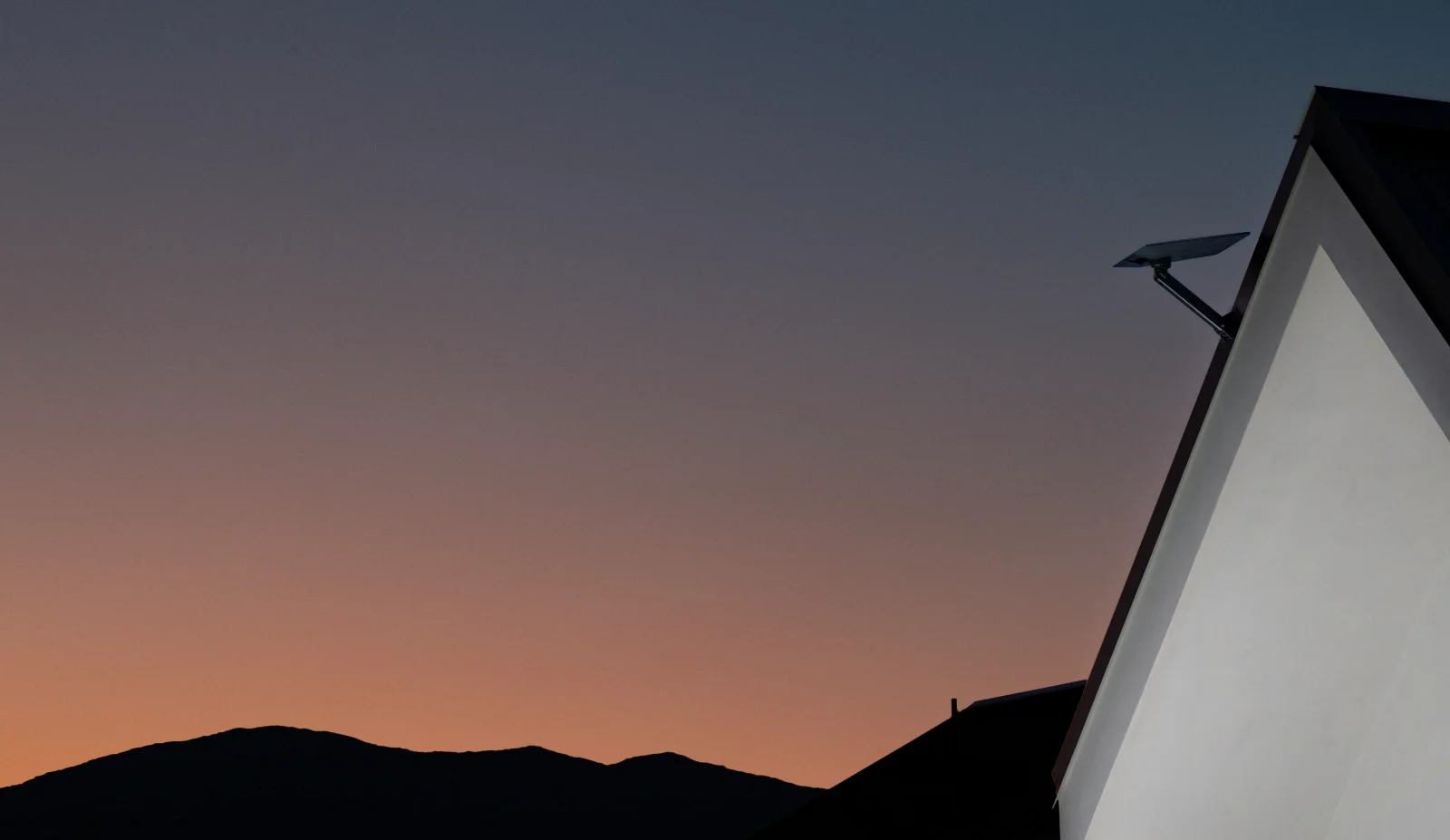
Owners report five main problems: obstructions from trees or roofs, drops in heavy rain, slower speeds in the evening, support that starts with an AI chatbot, and prices that have gone up several times. Most connection problems come from dish placement, so start with the obstruction check in the Starlink app. If you have fiber, cable, or 5G home internet at your address, compare prices before you commit.
Starlink has made fast internet possible in places where the only other choices were DSL or older satellite service. It isn't trouble-free. This guide is based on Starlink's support documentation, BGR's Nov. 1, 2026 roundup of owner complaints, and what owners report in the r/Starlink community, which has about 183,000 weekly visitors.
Problems at a glance
1. Obstructions and dish placement
Starlink needs a clear view of a wide patch of sky. A tree branch, chimney, pole, or roof edge in that path causes brief drops that are easy to blame on the service. Starlink's installation guide says a permanent mount in a high spot, such as a roof, pole, or wall, works best for most homes.
- Run the obstruction check. In the Starlink app, tap Check for Obstructions and scan the sky from where you plan to mount the dish. Red areas on the map are blocked.
- Move it higher. A few feet of height often clears a fence line or low branches. Starlink sells pipe, wall, and pivot mounts; our guide to Starlink accessories covers which mount fits which roof.
- Watch the cable. The standard kit includes a 49.2-foot cable. If you need more reach, use Starlink's longer cable rather than a coupler or third-party cable, which owners often link to drops.
- Recheck after storms or growth. Trees leaf out in spring, so a spot that was clear in winter can be blocked by summer.
Our Starlink setup guide walks through mounting step by step.
2. Rain, snow, and wind
Heavy rain weakens the satellite signal, a problem known as rain fade that affects every satellite service, including DirecTV. Owners in r/Starlink mostly describe it as choppy video calls during downpours rather than long outages, and one owner on the Texas Gulf Coast said heavy rain was their only real complaint after three and a half years.
- Leave snow melt on. Starlink dishes heat themselves to clear snow. The setting is in the app under Settings, and it uses more power when it runs.
- Mount it securely. A dish that rocks in the wind loses its aim. Use a permanent mount if you get strong storms.
- Protect against lightning. Starlink recommends a grounding or surge protection kit in lightning-prone areas.
- Check the cable after a power outage. Several owners report the router showing a red light and "modem cannot reach dish" after outages. Unplug both ends, check for damage, and try a different cable if you have one. Not sure what a light or app message means? See Starlink lights and app messages explained.
3. Slow speeds in the evening
Like cable internet, Starlink slows down when many people in the same area are online at once. BGR cites reports that 6 to 11 p.m. is the busiest window. Starlink's own support pages say congestion can lower speeds and that it manages traffic across customers.
- Check your plan priority. Residential plans get priority over Roam plans in the same area, so Roam users see the biggest evening slowdowns.
- Test at different times. Run a speed test in the morning and again at 8 p.m. Our speed test works on any device.
- Upgrade your Wi-Fi first. If speeds are low in some rooms at all hours, the problem is often Wi-Fi, not Starlink. You can turn on bypass mode and use your own router; see our guide to mesh Wi-Fi systems. How to set up bypass mode and port forwarding is in Starlink bypass mode and your own router.
- Check upload speeds if you stream or game. Owners who livestream report unstable upload speeds and packet loss even when downloads are fine. If you livestream often, test before you rely on it.
4. Getting help from support
Starlink support starts in the app, and owners say the first response now usually comes from Grok, xAI's chatbot. Reviews on Trustpilot and posts in r/Starlink include complaints about being unable to reach a person and waiting days for ticket replies. Other owners report the chatbot quickly shipping a free replacement dish or router after a hardware failure.
- Use the app. In the Starlink app or at starlink.com/support, open a ticket under your account so it's tied to your hardware.
- Give details up front. Say what you've tried, when the problem started, and whether you see an error. The app's statistics page shows outages and obstruction history you can screenshot.
- Ask for a ticket number. Owners say chats sometimes end without a ticket being created. Make sure one is open before you leave the chat.
- Check for an outage first. If neighbors or friends lose service too, it may be a wider problem. Our guide to checking if Starlink is down lists where to look.
5. Price increases and surcharges
Starlink has raised prices several times. In June 2026, Residential 100 Mbps went from $50 to $55 a month, Residential 200 Mbps from $80 to $85, and Residential Max from $120 to $130. Our Starlink price increase guide has the full list.
- Dynamic pricing. From bills on or after Nov 30, 2026, Starlink sets Residential prices by area, up to about 20% higher or lower, according to PCMag. One owner reported a Residential 100 Mbps bill rising to $60.50, with a notice that prices are reviewed roughly every quarter.
- Area surcharges. In areas where the network is full, Starlink can charge a one-time fee to join. An owner in rural Alaska reported a $1,500 charge when reactivating after standby mode. Starlink has since cut it from $1,500 to $500 in at least a dozen Alaska towns, PCMag and Mobile Internet Resource Center reported in late October 2026.
- Standby mode. Pausing now means Standby Mode, which replaced free pauses in August 2025. It launched at $5 a month in the US and doubled to $10 with the June 18, 2026 price increase, and since March 2026 it no longer works while moving. Starlink says it includes unlimited data at up to 500 Kbps for messages and calls, doesn't hold your spot on a Residential plan, may trigger a demand surcharge when you resume, and isn't available for V5 hardware.
Before you pause service at a seasonal home in a busy area, check the app for any fee to resume. If you're moving, update the service address in the app before the move and check whether the new address has a surcharge.
Other problems owners report
- Shipping delays. Some owners waited six weeks or more for a V5 dish. A Starlink Mini on a Roam plan is a stopgap some use while they wait; see our Starlink Mini guide.
- Older hardware. Starlink no longer sells some cables for the Gen 2 dish, and owners with failed Gen 2 kits report being offered refurbished Gen 4 replacements.
- Drops around 3 a.m. That's usually a software update. Starlink releases updates about every two weeks and, by default, reboots to install them at 3:00 a.m. local time (give or take 30 minutes), based on where the dish is. You can move the window to overnight, morning, afternoon or evening in the app under Settings > Starlink > Software Updates.
- Wi-Fi name and password gone after a power outage. Starlink says its router factory-resets after six power cycles in a row, which a flickering outage can trigger. Set the network up again in the app. Starlink suggests a surge protector, and a battery backup (UPS) keeps it online through short outages.
- Gaming. Starlink latency is usually low enough for casual gaming, but owners say it can vary more than cable or fiber for competitive shooters.
When to look at something else
Starlink is often the best choice in rural areas, but it's rarely the cheapest where wired service exists. One owner in r/Starlink planned to switch a lake house to T-Mobile 5G Home Internet after it upgraded locally, saving about half the monthly cost. Compare your options in our guides to Starlink vs. cable, Starlink vs. T-Mobile Home Internet, and the best rural internet, or check providers at your address.
Related guides
Questions
Why does my Starlink keep dropping?
The most common cause is an obstruction: a tree, roof edge, or pole blocking part of the dish's view. Run Check for Obstructions in the Starlink app and move the dish higher or to a clearer spot. Damaged cables and heavy rain are the next most common causes.
Why does Starlink go offline in the middle of the night?
Usually for a software update. Starlink reboots to install updates at about 3:00 a.m. local time by default, roughly every two weeks. You can pick a different update window in the app under Settings > Starlink > Software Updates.
Does rain affect Starlink?
Yes. Heavy rain can weaken the signal and cause choppy video or short drops. Owners report most problems only in very heavy downpours. Snow is handled by the dish's built-in snow melt.
Why is Starlink slow at night?
More people use the network in the evening, so speeds can drop during busy hours, roughly 6 to 11 p.m. Residential plans get priority over Roam plans. Slow Wi-Fi inside the house can also look like a Starlink problem.
How do I contact Starlink support?
Open a support ticket in the Starlink app or at starlink.com/support while signed in. The first reply usually comes from an AI assistant; ask for a ticket to be created if you need a person.
Is Starlink worth it with these problems?
In rural areas without fiber or cable, usually yes. Where wired internet or 5G home internet is available, compare prices first, since Starlink plans now run $44 to $156 a month, depending on plan and area.
Sources (8)
- Starlink Support: installation guide, obstructions, network congestion, snow melt settings, and "How does pausing service work?" (Standby Mode)
- SlashGear, "How Does Starlink's Standby Mode Work?" (Sept. 2025); The Verge and The Next Web on the May 2026 price increase ($5 to $10); PCMag on the in-motion block (March 2026) and V5 restriction (Aug. 2026)
- BGR, "Owners Say These Are The 5 Biggest Problems With Starlink," Nov. 1, 2026
- PCMag, Starlink dynamic pricing test (Oct. 2026)
- Owner reports in the r/Starlink community (Oct. and Nov. 2026); Trustpilot customer reviews
- Image: Starlink
- PCMag, "Starlink Reduces Hefty $1500 Demand Surcharge in Alaska" (Oct. 2026); Mobile Internet Resource Center, Oct. 30, 2026
- Starlink Support: software update reboots (3:00 a.m. default, update windows) and router reset after six power cycles, checked Nov. 15, 2026; DISHYtech on using a UPS with Starlink
Prices and offers change often; confirm before you order. How we research
Jean founded ShopHighSpeed after trying to find one straight answer about business internet in his own town. He has been a Comcast and Verizon Fios customer, and ranks providers on what they actually deliver, not on what they advertise.