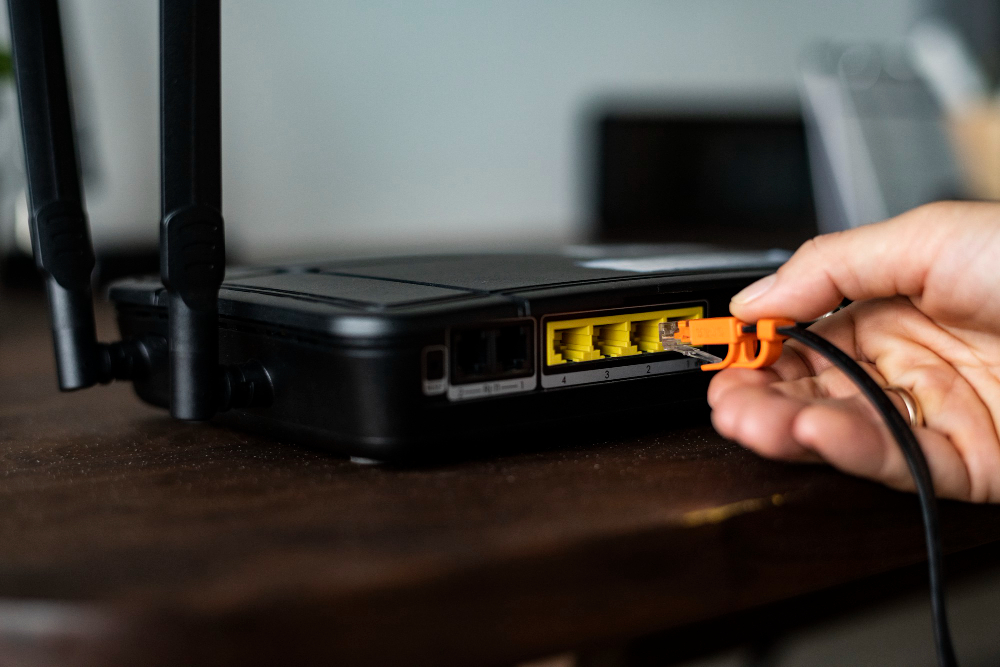
Verizon Fios Wi-Fi extenders and routers: what to buy
Weak Wi-Fi in some rooms is the most common Fios complaint, and the fix may already be included in your plan. Here's which Verizon extender works with your router, how to set it up, and when your own mesh is the better buy.
If you're on Fios 1 Gig or faster, ask Verizon for the Whole-Home Wi-Fi extender; it's included. Otherwise, the Verizon Wi-Fi Extender (CE1000A, $249.99) works with the current Verizon Router and the older Fios Router. For less money and more coverage, a mesh kit like the TP-Link Deco XE75 (about $169) works with Fios internet; with Fios TV, keep Verizon's router and run the mesh in access point mode.
Black Friday 2026: Amazon, Best Buy and Walmart hadn't announced their Black Friday sale dates as of Oct 29. Black Friday is Nov 27, and Amazon's sale opened Nov 20 last year. Until sale prices go live, see our router and mesh deals page.
Which Verizon router do you have?
The model number is on the label on the back or bottom of the router. It decides which extenders work with it.
| Router | Model | Wi-Fi | Notes |
|---|---|---|---|
| Verizon Router | CR1000A / CR1000B | Wi-Fi 6E | Current router on every Fios plan. Sold separately for $399.99. |
| Fios Router | G3100 | Wi-Fi 6 | Previous model; still common. |
| Older Fios routers | G1100 and earlier | Wi-Fi 5 | Ask Verizon about an upgrade before buying an extender. |
Verizon's own extenders
| Extender | Price | Works with | Connection |
|---|---|---|---|
| Verizon Wi-Fi Extender (CE1000A) | $249.99 | CR1000A/B and G3100 | Wi-Fi 6E, wireless or wired (2.5G Ethernet, coax/MoCA 2.5) |
| Fios Extender (E3200) | $199.99 | G3100; CR1000A/B wired only | Wi-Fi 6; also works with Fios TV One boxes |
Check your plan before you buy one. Fios 1 Gig and faster include a Whole-Home Wi-Fi extender at no extra charge. On 300 and 500 Mbps plans you pay for it. If you're on a slower plan and need better coverage, compare the price of an extender with the cost of moving up a tier in our Verizon Fios review.
Not on Fios yet? Check Fios plans at your address; some plans include Whole-Home Wi-Fi.
Try these first (free)
- Move the router. Put it in the middle of the home and off the floor, not in a closet or basement corner.
- Check which device is slow. Run our speed test next to the router, then in the slow room. If it's fast near the router, it's a coverage problem, and an extender or mesh will help.
- Use the coax you already have. Many Fios homes have coax in several rooms. Both Verizon extenders can connect over coax (MoCA), which is close to a wired connection.
- Ask Verizon about your router. If you still have a G1100 or older, Verizon may swap it for a current model.
Option 2: your own mesh system
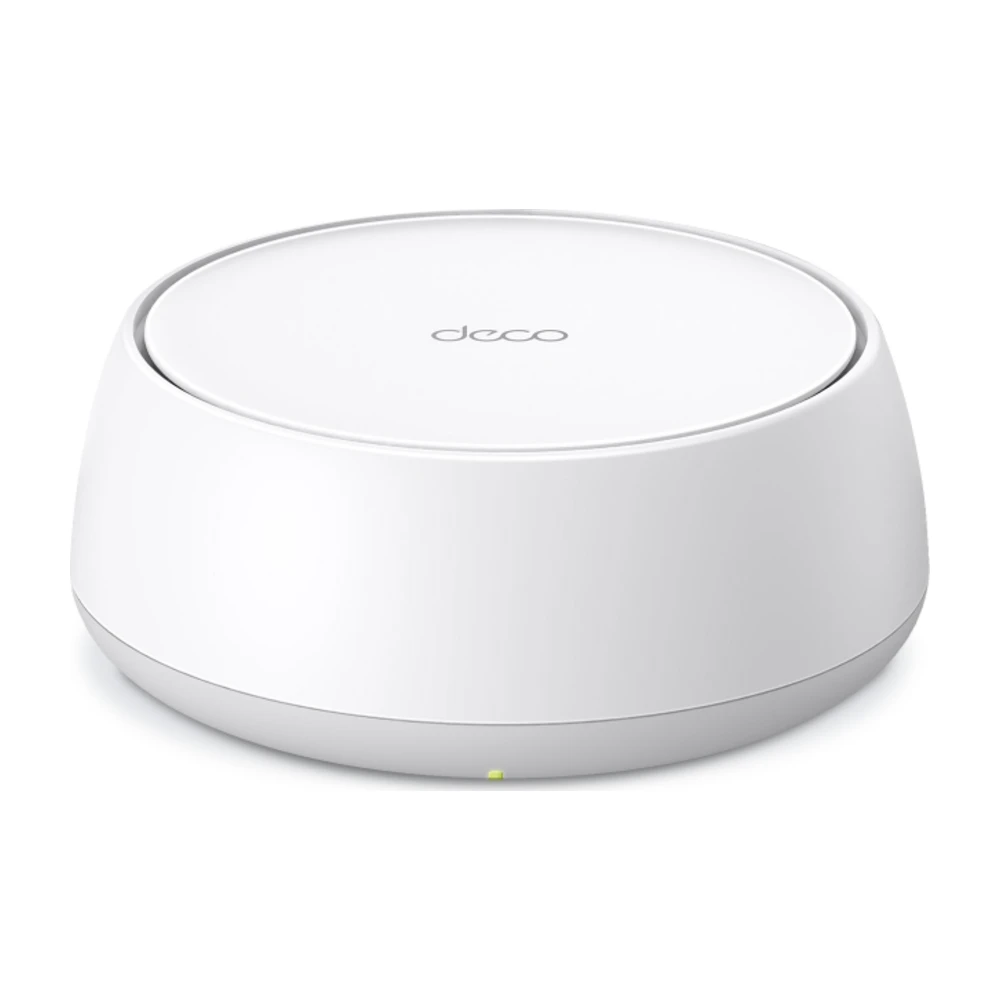
A mesh kit replaces the extender approach with two or three matching units that act as one network. If you're paying for an extender anyway, a kit often covers more space for less, and you own it.
Some links on this page are affiliate links: We may earn a commission if you sign up or buy, at no cost to you. It never affects our rankings. For more information, see our Advertiser disclosure.
Amazon prices checked Oct 15, 2026. For more picks, see the best Wi-Fi routers and the best routers under $50.
How to connect your own mesh to Fios
- Fios internet only: unplug the Verizon router from the Ethernet port on the fiber box (ONT) and plug in the main mesh unit instead. Restart both. Return the Verizon router only if it's leased; on current plans it's included.
- Fios internet and TV: keep the Verizon router, because Fios TV boxes use it for the guide and on-demand. Plug the mesh into a router LAN port and set the mesh to access point (bridge) mode, then turn off the Verizon router's Wi-Fi or give it a different name.
- Check your speed next to the main unit and in the old dead zone.
More options in the best mesh Wi-Fi systems, or read our Deco BE25 review.
Option 3: a budget extender from Amazon
If one room needs help and you don't want to spend $200 or more, a third-party extender works with any Verizon router, Fios or 5G Home. The trade-offs: it usually creates a second network name (or you have to give it the same name yourself), devices don't always switch over cleanly, and wireless extenders roughly halve the speed they pass along. Features like TP-Link OneMesh and EasyMesh only work with routers that support them, which Verizon's don't.
Amazon prices checked Oct 15, 2026. More picks in the best Wi-Fi extenders. Skip the no-name "15,000 sq ft" boosters; those coverage claims aren't realistic. If the extender has an Ethernet port and there's a jack near the weak room, wire it to the router and set it to access point mode for full speed.
How to set up a Verizon extender
- Place it halfway between the router and the weak room, where you still get decent Wi-Fi. For a wired setup, use any room with a coax or Ethernet jack.
- Plug it in and wait for the light to show it's ready.
- Pair it with the router using the quick start guide in the box or the My Fios app. A wired connection pairs automatically on most setups.
- Test the weak room. If it's still slow, move the extender one room closer to the router.
The extender uses the same Wi-Fi name and password as your router, so devices move between them on their own.
Extender or mesh?
An extender is one add-on unit; mesh is a matched set. In a home up to about 2,000 sq ft, one Verizon extender, especially a free one on a 1 Gig plan, is usually enough. In a larger or three-story home, or one with thick walls, a mesh kit with two or three units covers it better. Our guide to mesh vs. an extender goes through the trade-offs.
For homes over 3,000 sq ft, see our picks for large homes.
Verizon 5G Home
Verizon 5G Home uses a gateway with Wi-Fi built in instead of a separate router. Verizon's Fios extenders are not listed as compatible with it. To extend coverage, plug a mesh system into the gateway's Ethernet port and set it to access point mode. Keep the gateway near a window where it gets the best 5G signal, and let the mesh carry Wi-Fi to the rest of the home.
Questions
Will any Wi-Fi extender work with Verizon Fios?
Yes. Any standard extender, such as the TP-Link RE315 or RE550, works with Fios and Verizon 5G Home routers. Mesh features like OneMesh and EasyMesh won't work, so the extender may show as a separate network. Verizon's own extenders give one seamless network.
Does Verizon Fios come with a Wi-Fi extender?
On 1 Gig and faster plans, yes: Verizon includes a Whole-Home Wi-Fi extender. On 300 and 500 Mbps plans you buy one ($199.99–$249.99) or use your own mesh.
Which Verizon extender works with my router?
The Verizon Wi-Fi Extender (CE1000A, Wi-Fi 6E) pairs wirelessly with the Verizon Router (CR1000A/B) and the Fios Router (G3100). The older Fios Extender (E3200) pairs wirelessly only with the G3100; with a CR1000A/B it needs an Ethernet or coax connection.
Can I use my own router or mesh with Fios?
Yes. Fios internet works with any router plugged into the Ethernet port on the fiber box. If you have Fios TV, keep the Verizon router for the TV boxes and run your mesh in access point mode.
Is a Verizon extender better than mesh?
Inside Verizon's system it is simpler: one network, managed by Verizon, and free on 1 Gig and up. If you pay for it, a third-party mesh kit usually covers more space for less money.
How do I set up a Verizon Wi-Fi extender?
Plug it in about halfway between the router and the weak area, then pair it with the router using the steps in the box or the My Fios app. A wired connection (Ethernet or coax) gives the most speed.
Does Verizon 5G Home work with mesh?
Yes. Plug a mesh system into the 5G Home gateway's Ethernet port and set the mesh to access point (bridge) mode.
- Verizon accessories pages: Verizon Wi-Fi Extender, Fios Extender, Verizon Router, checked Oct 15, 2026
- Verizon Fios plan pages (included equipment by tier), checked Oct 2026
- Amazon listings and prices, checked Oct 15, 2026
Prices and equipment change; confirm with Verizon before you buy. How we research
Jean founded ShopHighSpeed after trying to find one straight answer about business internet in his own town. He has been a Comcast and Verizon Fios customer, and ranks providers on what they actually deliver, not on what they advertise.