The best routers for Xfinity
Any router works with Xfinity. The right one depends on your plan speed, your home's size, and whether you keep Xfinity's gateway.

For most Xfinity homes on 1 Gig or less, the TP-Link Deco BE25 mesh kit is the best value. On a 2 Gig plan, pick a router with a 2.5 Gbps or faster internet port, like the TP-Link Archer BE9700. Put your Xfinity gateway in bridge mode, or buy your own modem and stop paying the rental fee.
Some links on this page are affiliate links: We may earn a commission if you sign up or buy, at no cost to you. It never affects our rankings. For more information, see our Advertiser disclosure.
Black Friday 2026: Amazon, Best Buy and Walmart hadn't announced their Black Friday sale dates as of Oct 29. Black Friday is Nov 27, and Amazon's sale opened Nov 20 last year. Until sale prices go live, see our Black Friday deals hub.
The picks
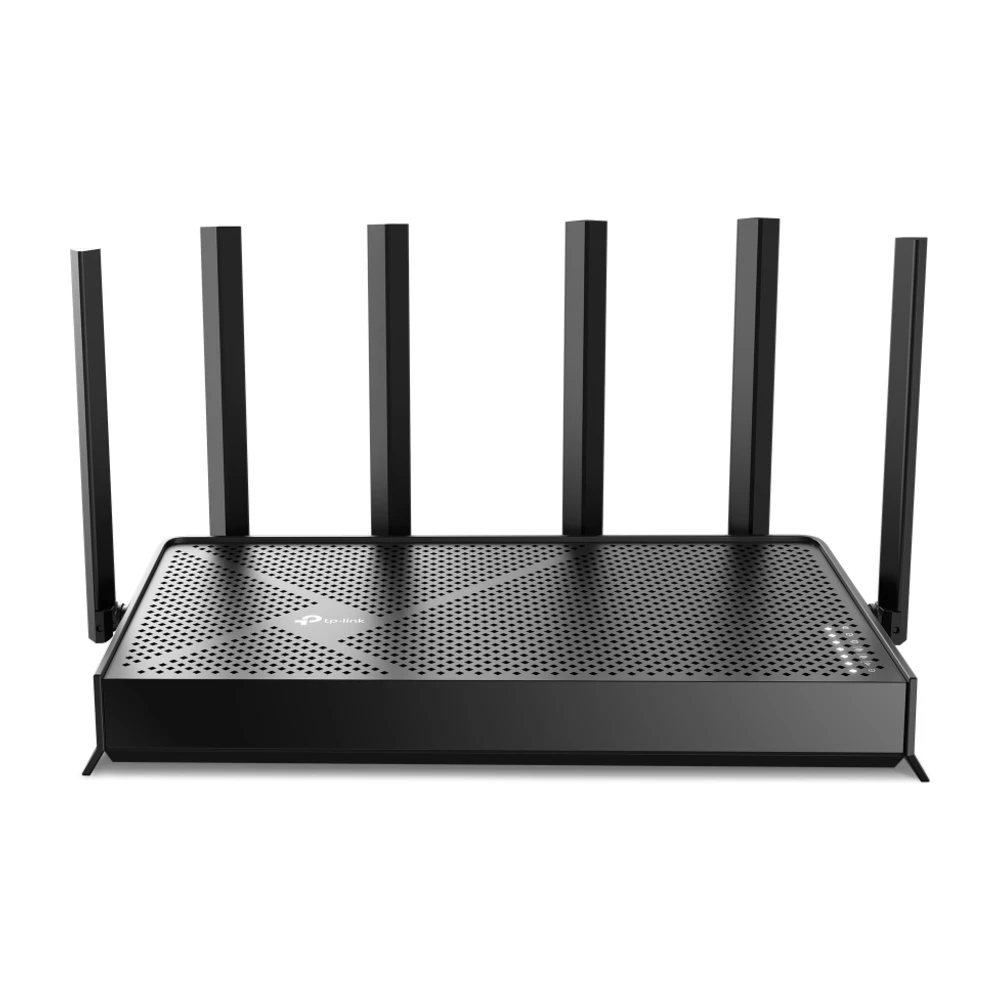
TP-Link Archer BE9700
Full Wi-Fi 7 for much less than the flagships, with enough multi-gig ports for a 2 Gig Xfinity plan. Strong range for a single router in a home up to about 2,500 sq ft.
Worth knowing: A single router. In a big or multi-story home, a mesh kit covers more.
Check price →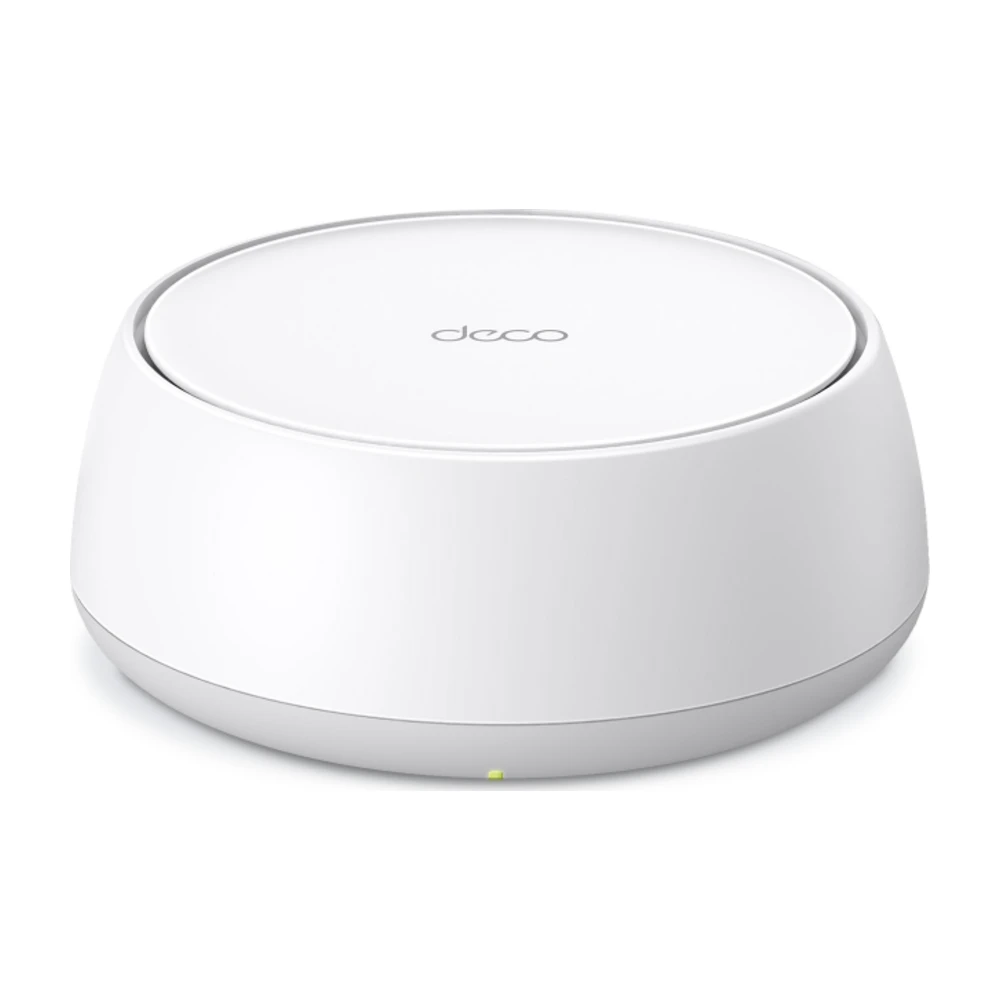
TP-Link Deco BE25
The cheapest way to get Wi-Fi 7 mesh, and every unit has two 2.5 Gbps ports, so it can use a 2 Gig plan over a wired backhaul. A 3-pack covers most homes. Read our Deco BE25 review.
Worth knowing: Dual-band only, so wireless backhaul shares bandwidth with your devices.
Check price →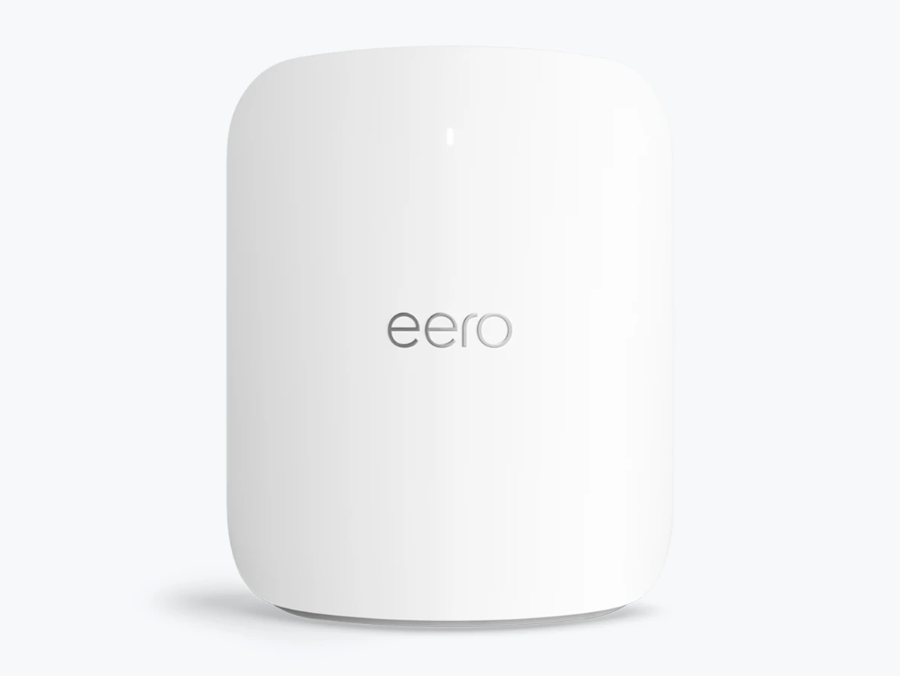
eero Max 7
For Xfinity's fastest plans and homes wired with Ethernet. The 10 Gbps ports leave headroom if Xfinity raises speeds again. See our eero Max 7 review.
Worth knowing: Expensive, and more than a 1 Gig plan needs.
Check price →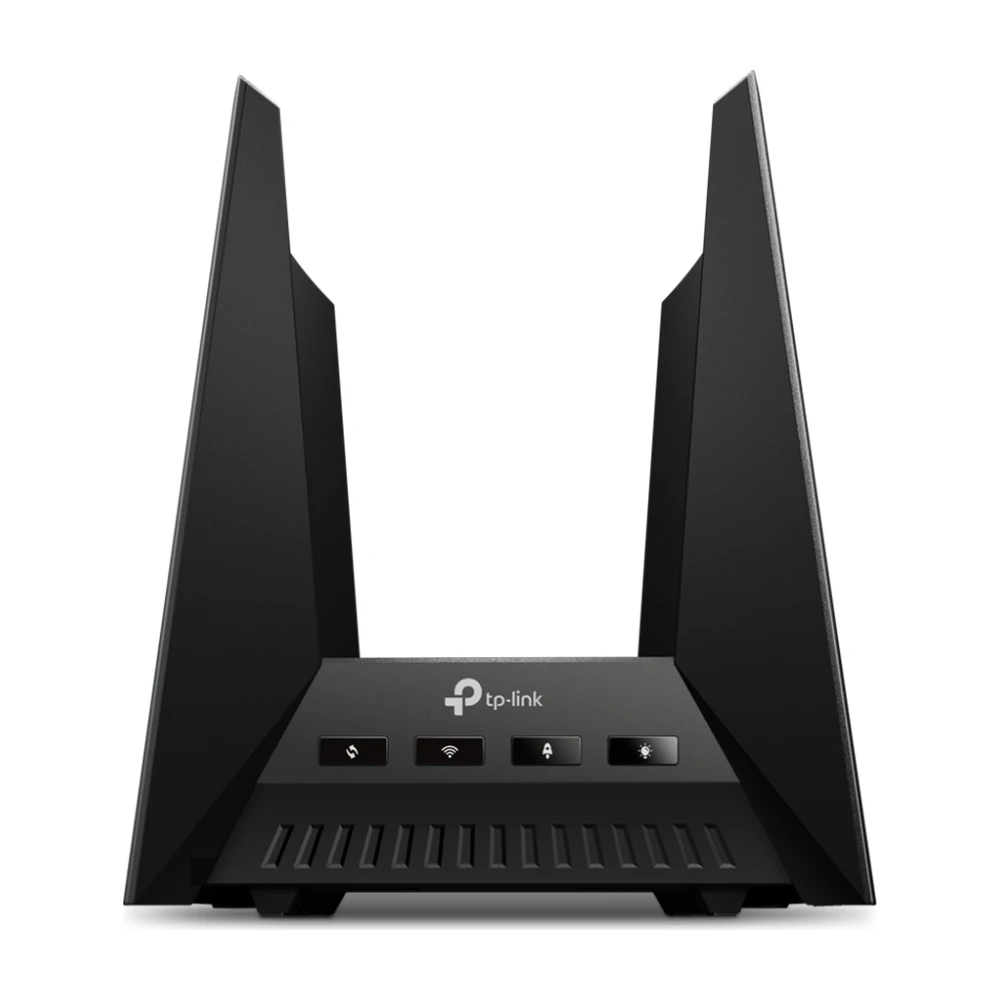
TP-Link Archer GE800
A dedicated gaming port and game-traffic prioritization help when the rest of the house streams while you play. More in the best gaming routers.
Worth knowing: Big, and only pays off on fast plans or in busy homes.
Check price →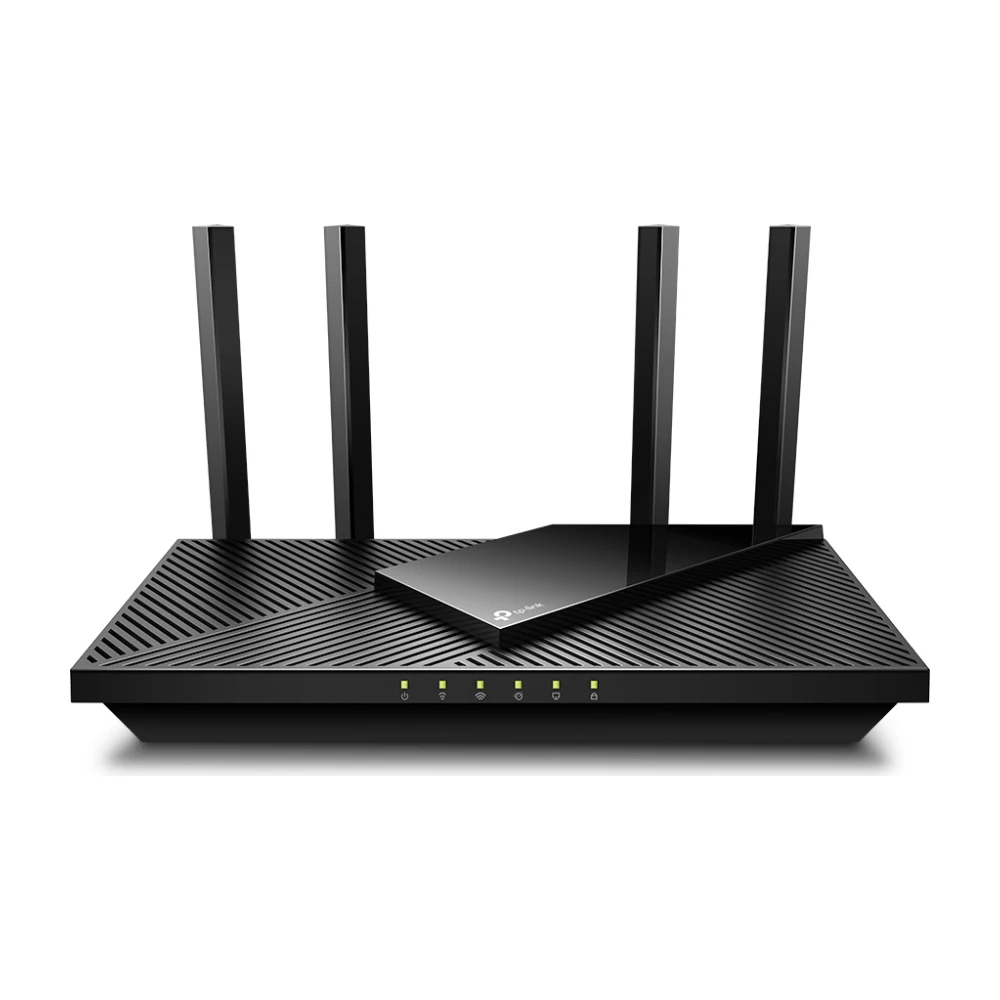
TP-Link Archer AX21
Fine for Xfinity plans up to about 500 Mbps in an apartment or small home, for the price of a few months of gateway rental. More picks in the best routers under $50.
Worth knowing: Gigabit ports and modest range. Not for 1 Gig plans or big homes.
Check price →Match the router to your Xfinity plan
A router's internet (WAN) port caps your speed. A gigabit port tops out around 940 Mbps in practice, so a 2 Gig plan needs a 2.5 Gbps or faster port on both the modem and the router. Not sure what you pay for? Our router speed guide explains how to check.
| Xfinity plan | Router port you need | Our pick |
|---|---|---|
| Up to 500 Mbps | Gigabit | Archer AX21 or Deco BE25 |
| 1 Gig | Gigabit (2.5 Gbps for headroom) | Deco BE25 or Archer BE9700 |
| 2 Gig | 2.5 Gbps or faster internet port | Archer BE9700, Deco BE25 wired, eero Max 7 |
| Faster than 2 Gig | 10 Gbps internet port | eero Max 7 |
Two ways to set it up
Keep the Xfinity gateway. Turn on bridge mode in the Xfinity app so the gateway only acts as a modem, then plug your router into it. You keep paying the gateway rental, and you lose Xfinity's xFi features such as Advanced Security and Xfinity Pods. Our Xfinity bridge mode guide walks through it.
Use your own modem. Buy a modem from Xfinity's approved list, activate it in the Xfinity app, and connect your router. This removes the monthly equipment fee, which usually pays back the modem in about a year. Xfinity Voice customers need a voice modem.
Do you need a new router at all?
If your current Xfinity gateway covers the whole home and your speed tests on Wi-Fi come close to your plan, keep it. A new router helps when you have dead zones, many devices, or a plan faster than the gateway's Wi-Fi can deliver. For one weak room, an extender for Xfinity may be enough.
Xfinity gateway vs. your own router
Some Xfinity plans now include the gateway at no extra charge, which changes the math. If yours does, keep the gateway in bridge mode and add your own router only for better coverage. If you pay a monthly equipment fee, owning both a modem and a router usually costs less within a year or two. Our modem rental guide shows the break-even point.
| Xfinity gateway (rented) | Your own modem + router | |
|---|---|---|
| Monthly cost | Equipment fee, unless included in your plan | None after purchase |
| Wi-Fi | xFi app, Xfinity Pods for mesh | Any router or mesh system |
| Setup help | Xfinity support covers it | Router maker supports the router |
| Xfinity Voice | Built in | Needs a voice modem |
| Advanced Security | Included with xFi | Use the router's own security tools |
Mesh or a single router for Xfinity?
A single router works well in an apartment or a one-story home up to about 2,500 sq ft, as long as it sits near the middle of the home. In larger homes, homes with several floors, or homes with brick and plaster walls, a mesh kit spreads the signal so speed doesn't drop off in far rooms.
If you can run Ethernet between rooms, wire the mesh units together. On a 2 Gig plan, wired backhaul is what lets a satellite deliver more than a few hundred Mbps. Xfinity homes often have coax in every room; MoCA adapters can use it as a wired backhaul. See mesh vs. router for more.
Setting it up step by step
Speed lower than expected? Our Xfinity speed test guide covers what's normal and what to check.
- Decide: bridge mode on the Xfinity gateway, or your own modem from the approved list.
- If using bridge mode, turn it on in the Xfinity app (Network → Advanced settings). The gateway's Wi-Fi turns off.
- Connect an Ethernet cable from the gateway or modem to your router's internet (WAN) port. On a 2 Gig plan, use the 2.5 Gbps port on both ends and a Cat 6 cable.
- Set up the router or mesh with its app. Give it the same Wi-Fi name and password as before to avoid reconnecting every device.
- Restart your devices, then run a wired speed test to confirm you're getting your plan speed.
Xfinity's plans and what they need
Xfinity's speed tiers change by area, but most homes choose between a few hundred Mbps, 1 Gig and 2 Gig. Upload speeds on cable are much lower than downloads, except in areas Xfinity has upgraded. A router can't change your upload speed, but it can keep uploads from slowing everything else down: look for QoS or a gaming mode if you work from home or stream on Twitch.
If you're on a plan above 1 Gig, the modem matters as much as the router. A DOCSIS 3.1 modem with a 2.5 Gbps port is the minimum; see the best modems for Xfinity. For plans in areas with Xfinity's newest network upgrades, check Xfinity's approved list for DOCSIS 4.0 modems before you buy.
Common problems after switching
- No internet after bridge mode: restart the gateway, then the router, in that order. Wait two minutes between them.
- Slow speeds on 2 Gig: check that the cable from the modem goes into the router's 2.5 Gbps or faster port, not a gigabit one.
- Xfinity app shows no devices: that's normal in bridge mode. Manage devices in your router's app instead.
- Xfinity Flex or Stream box won't connect: connect it to your router's Wi-Fi like any other device.
How we picked
We started with routers and mesh kits that test well in independent lab reviews, then filtered for the port speeds Xfinity's plans need, setup that works with bridge mode, and price. We favored models available at major retailers with recent firmware updates. More in how we research.
Questions
Can I use my own router with Xfinity?
Yes. Any router works with Xfinity. Either put the Xfinity gateway in bridge mode, or connect your router to your own approved modem.
What router do I need for Xfinity 2 Gig?
One with a 2.5 Gbps or faster internet port, and a modem with a matching port. The Archer BE9700, Deco BE25 and eero Max 7 all qualify.
Will I lose anything by using my own router?
In bridge mode you lose Xfinity's xFi Wi-Fi features, Advanced Security and Xfinity Pods. Internet, TV and Voice keep working.
Is a mesh system better than a router for Xfinity?
In homes over about 2,500 sq ft or with several floors, yes. In an apartment, one good router is enough and costs less.
Do I have to rent the Xfinity gateway?
No. You can buy your own modem from Xfinity's approved list and use any router. Check whether your plan already includes the gateway first.
What's the best mesh system for Xfinity?
The TP-Link Deco BE25 for most homes. For multi-gig plans in wired homes, the eero Max 7.
Does Xfinity's Advanced Security work with my own router?
No. Advanced Security runs on the Xfinity gateway. Use your router's security features, such as eero Plus, TP-Link HomeShield or Asus AiProtection, instead.
Does my own router work with Xfinity Voice?
Xfinity Voice runs through the gateway or a voice modem, not the router. If you keep the gateway in bridge mode, your phone line keeps working while your own router handles Wi-Fi.
- Xfinity support: using your own router and bridge mode; Xfinity approved device list, checked Oct 29, 2026
- Maker product pages for TP-Link, eero and Asus, checked Oct 29, 2026
- Published router and mesh testing from independent reviewers, noted where used
Our picks are based on specs, maker documentation and published lab tests, noted where used.
Prices and offers change often; confirm at your address before you order. How we research
Jean founded ShopHighSpeed after trying to find one straight answer about business internet in his own town. He has been a Comcast and Verizon Fios customer, and ranks providers on what they actually deliver, not on what they advertise.